menu
MobalyticsUse your favourite features in-game with our Desktop App
Gamebase Guide

Aniimo Beginner Guide - Tips and Tricks for Getting Started

Guides
Aniimo
By Oli
Updated on Sep 17, 2026
Sep 17, 2026

Overview

Aniimo gives you plenty to explore in its opening hours, and it’s easy to get distracted by a new creature or a quest on the other side of the map. With so many rewards, upgrades and activities opening up, deciding what deserves your attention first can take a little time.

This Aniimo beginner guide covers the tips and tricks that make those first few hours easier, from building up your collection to spending resources and preparing for tougher fights.

A huge thank you to Verlisify for sharing these beginner tips. Make sure to check out his channel for more Aniimo guides!

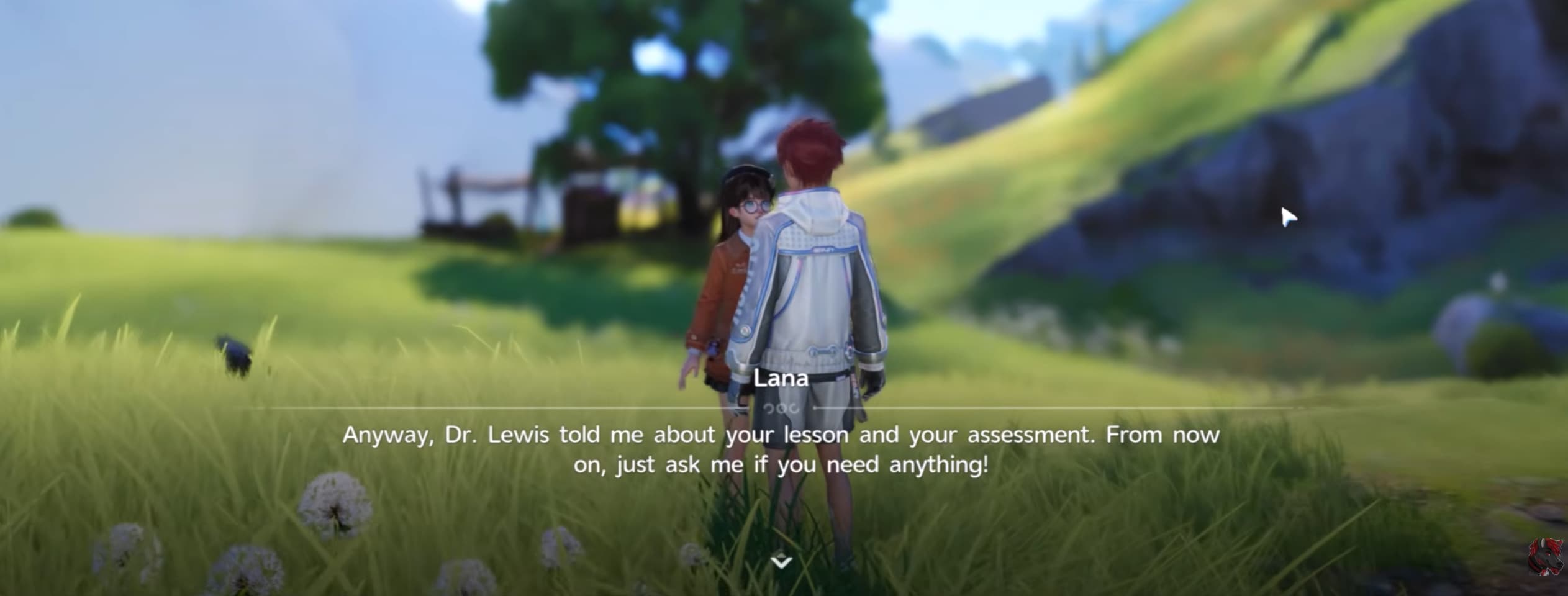
Follow the Main Story and Quest Log

Follow the main story and introductory quests while you learn the game. They introduce important systems and provide experience and resources that help you build up your team.

Check your Quest Log whenever you are unsure what to do next. Read the requirements for your next objective or Title Promotion, then work towards those while completing nearby activities.

Take time to learn the tutorials as new features unlock. Understanding how a system works early on makes it easier to use its rewards and plan your next steps.

If you need more experience for your next promotion, our Aniimo leveling guide explains which activities and rewards to prioritise.

Catch New Species and Claim Your Rewards

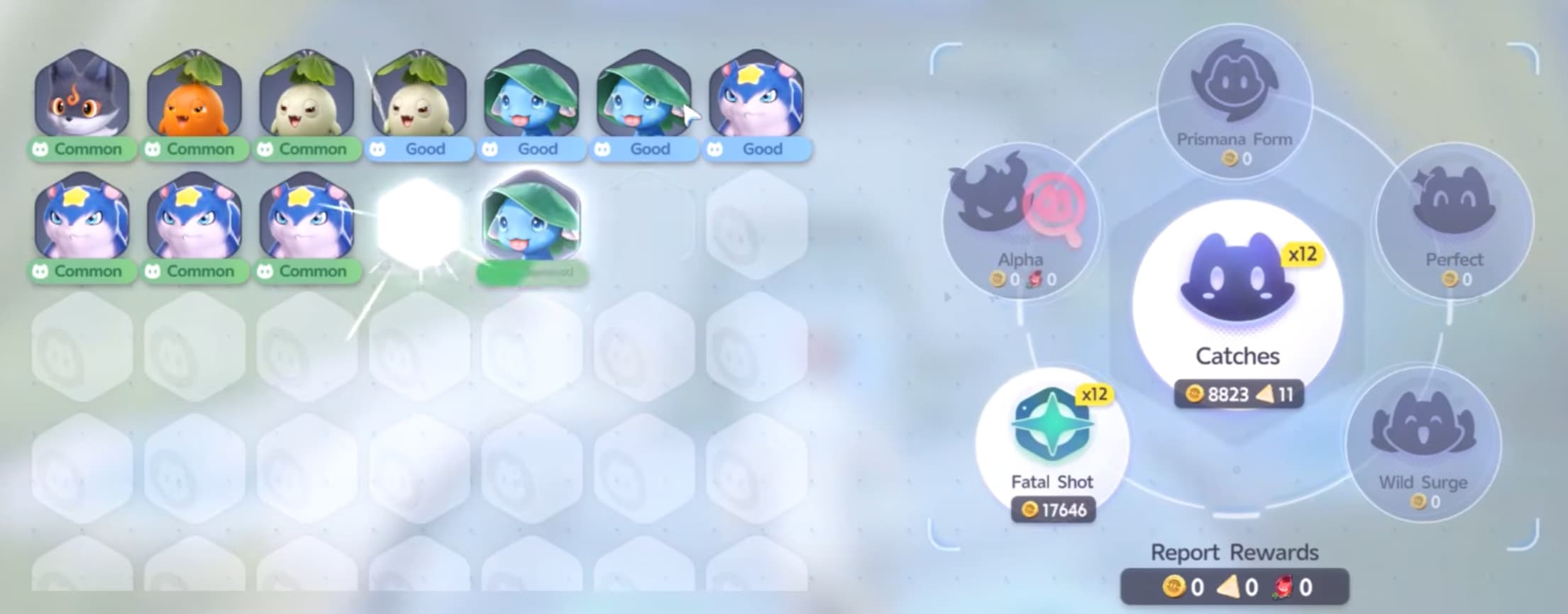
Catch each new species you encounter as you move through an area. New catches provide experience and help fill out the Aniilog, while regional collection progress helps you meet requirements for features such as ecosystem nurturing.

Duplicates are useful too. You can find better Potential or more suitable traits, and additional catches can count towards species tasks and reporting rewards. The starting area is a convenient place to build up your collection with easy catches, including opportunities to find Elite and Perfect specimens.

Get into the habit of checking your reward menus after a trip. Look for completed:

  • Aniilog collection milestones and individual species tasks.
  • Character level rewards.
  • Quest and event objectives.
  • Regional Branch milestones.

Some rewards need to be claimed manually, so check your progress before heading out again.

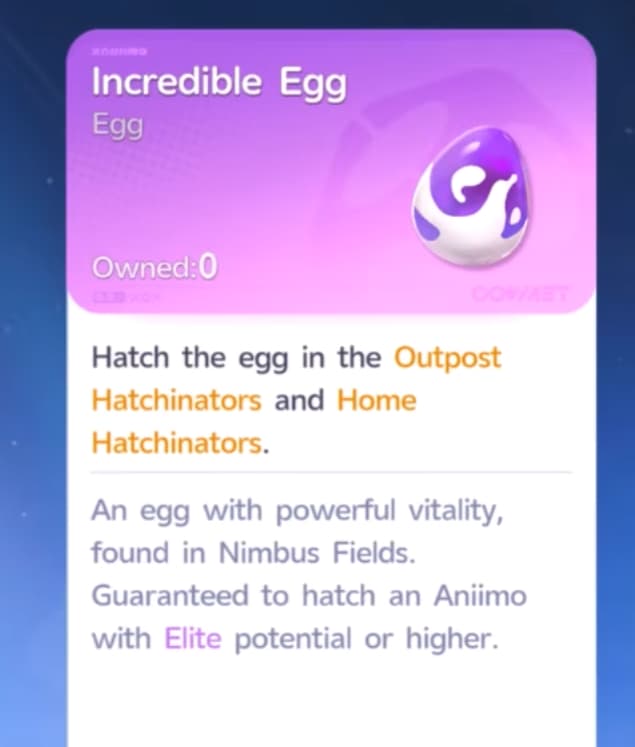
Pick Up the Incredible Egg Near the Skippy

Look for an Incredible Egg near the Skippy in the tutorial area. Collect it and start incubating it when you have access to egg hatching. Its incubation takes two hours and 30 minutes, so you can continue exploring while you wait.

Unlock Fast Travel Points as You Explore

Activate fast travel points whenever you pass them. Opening up your travel options early saves time when later quests, encounters or collection tasks send you back through the same areas.

If you need a break from the story or have another requirement to meet before continuing, use that time to explore accessible regions. Pick up nearby rewards and unlock travel points along the way so your next visit is easier.

Collect Lumin Amber and Upgrade Your Branch

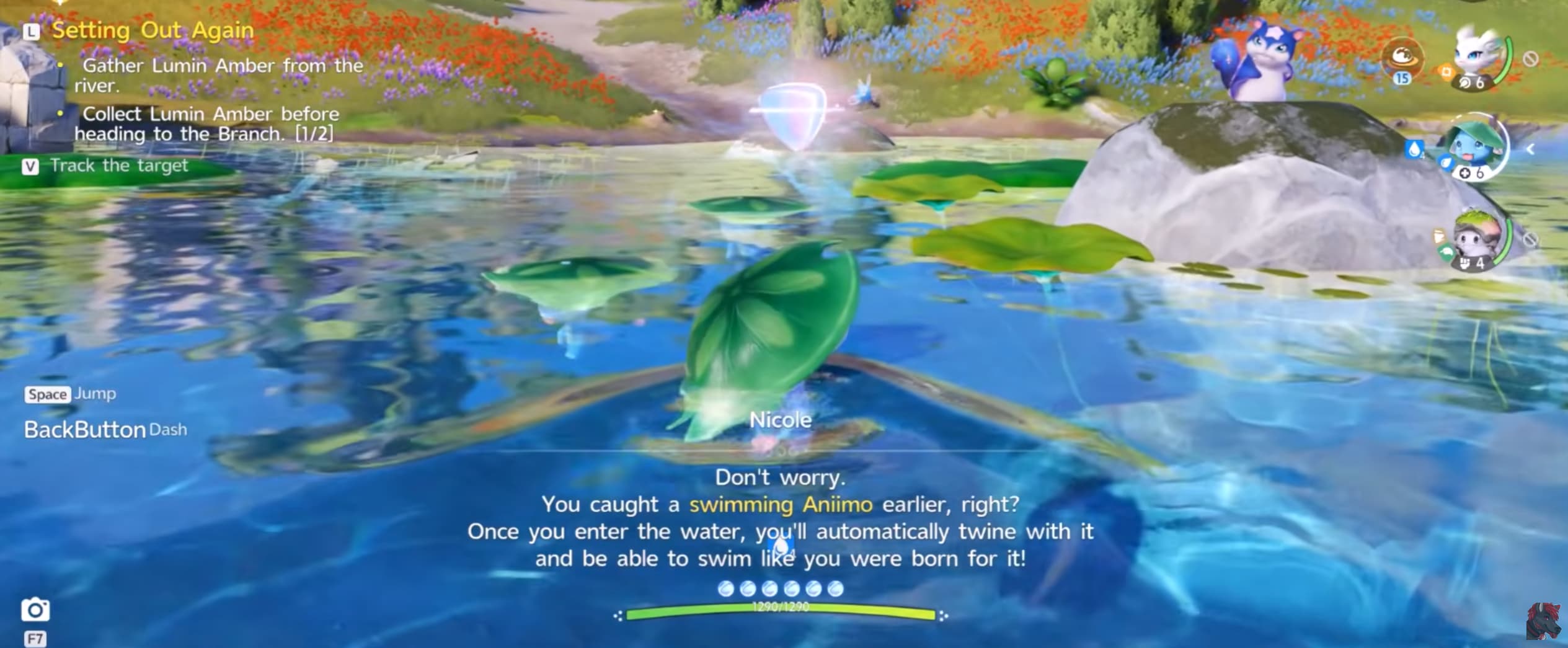
Collect nearby Lumin Amber and use it to progress the regional Branch. Watch for the notification that appears when Amber is close and investigate before moving on.

Branch progression provides useful benefits, including increased stamina and improved catching chances. It also helps unlock regional features such as ecosystem nurturing and weather control as you meet their requirements.

Catching different species and collecting Amber both support regional progression, so work on them together. Return to the Branch regularly to check your next unlock and claim available rewards.

Check the Weather for Special Aniimo Forms

Check an area’s weather forecast when you are looking for missing Aniimo or special forms. Some encounters depend on particular conditions, and a greyed-out collection entry can indicate the weather you need.

When the right conditions arrive, return to that area and look for the Aniimo you are missing. These appearances can be time-sensitive, so having nearby fast travel points unlocked makes it easier to reach them.

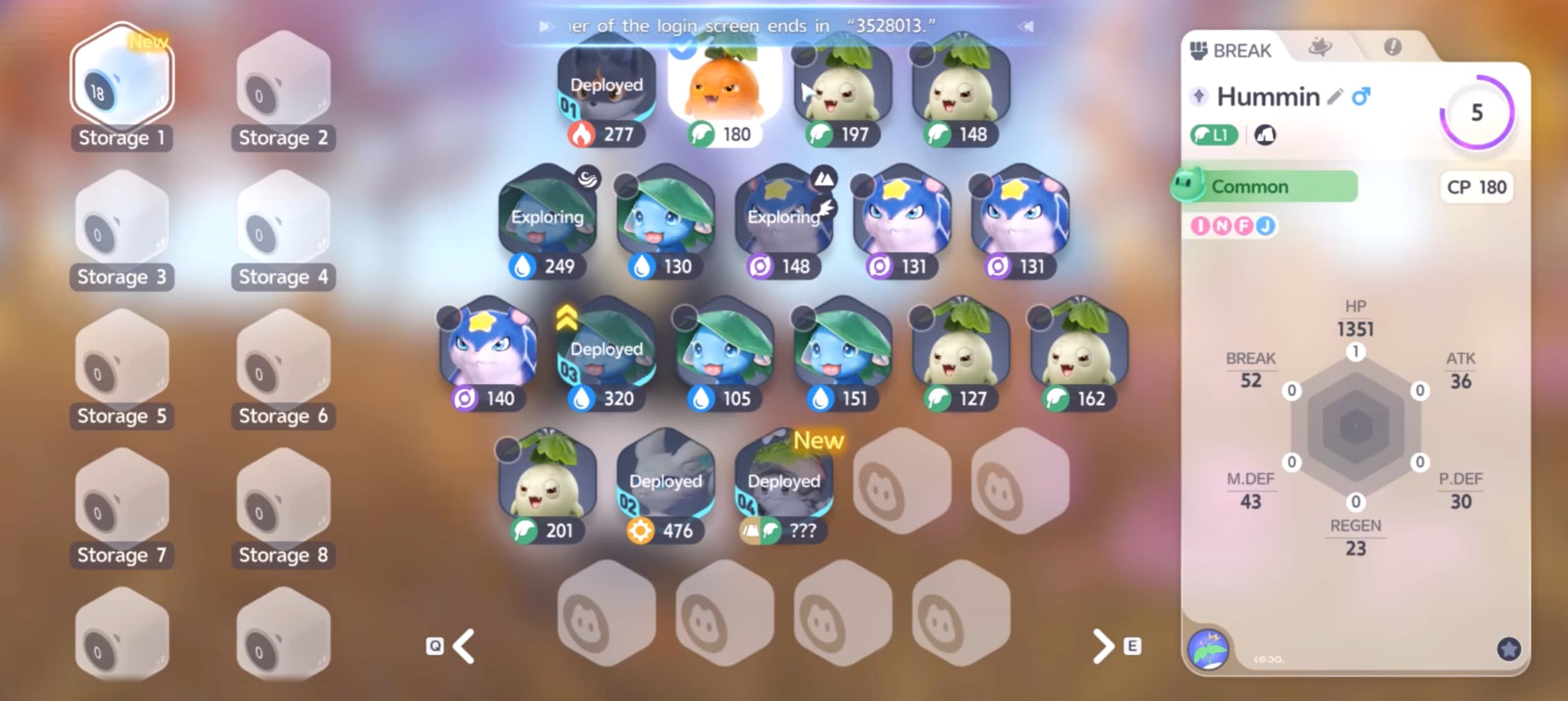
Favourite Useful Aniimo and Keep Storage Organised

Favourite Aniimo you want to keep before sorting through unwanted catches. It is much easier to protect a promising find straight away than to identify it later among dozens of duplicates.

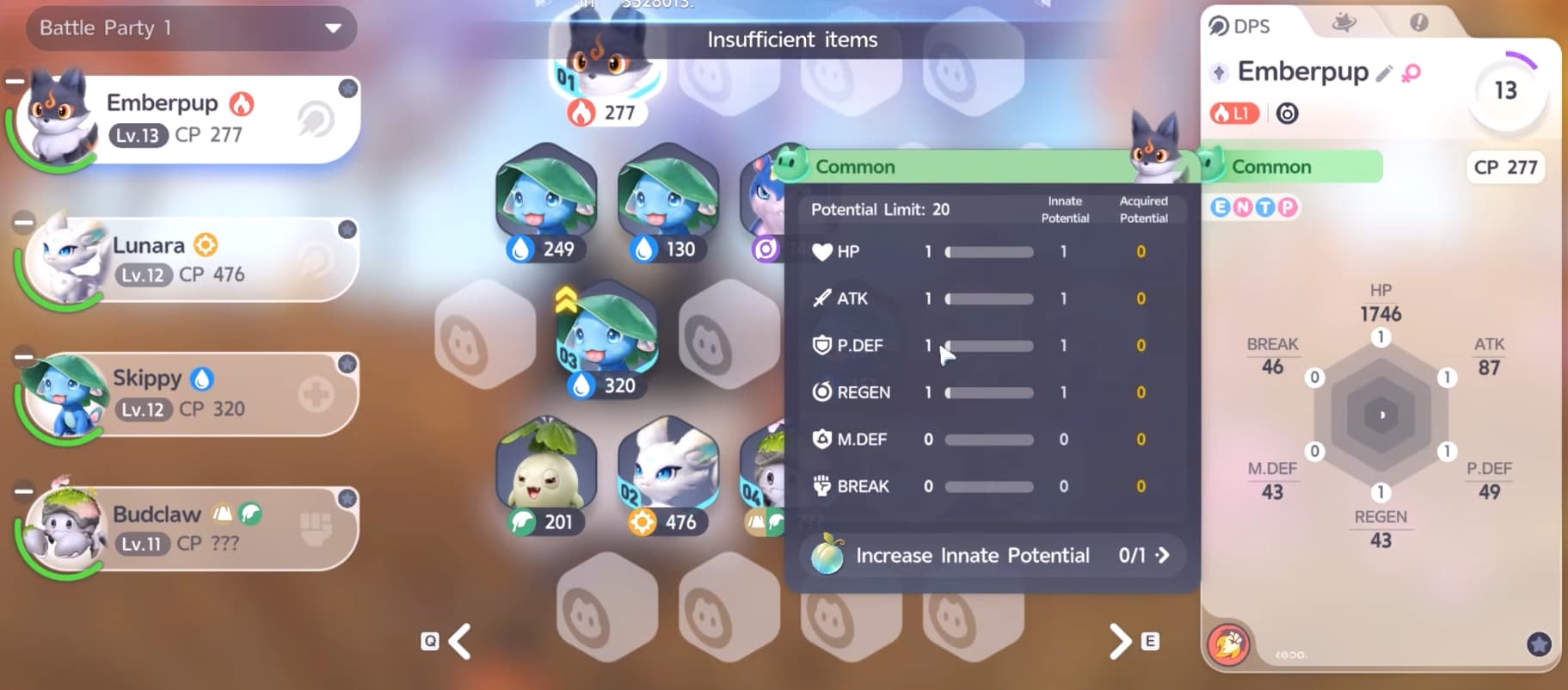
Check more than combat stats when deciding what to keep. Look at:

  • Potential: A stronger starting point for the stats you want.
  • Personality: Bonuses that suit the Aniimo’s role.
  • Homeland traits and abilities: Useful qualities for work at your base.

An Aniimo that does not fit your combat team may still be valuable in your Homeland. Compare your catches, protect the useful ones and clear unwanted duplicates regularly instead of letting storage become difficult to manage.

Upgrade Your Current Team

Invest in the Aniimo helping you through the story instead of waiting for a perfect replacement. A stronger team makes quest battles and Alpha encounters easier, giving you access to more rewards.

For Aniimo below level 60, Capability Awakening can be reset and its training items returned. This gives you room to improve your current team while you decide which Aniimo you want to keep using.

This refund applies to Capability Awakening; do not assume every upgrade or consumable can be recovered. Check the relevant training screen before spending rare materials.

You can also choose a free Prismana companion through the Prismana Pact and claim it once you reach Junior Wayfarer. Our Aniimo Prismana Pact event guide explains how to choose yours and change your selection before claiming.

Use Type Matchups to Prepare for Bosses

Check the recommended elements before taking on an Alpha or boss. Bringing Aniimo with a favourable matchup can make a difficult fight much more manageable.

If your team lacks the right element, catch and train a suitable replacement before trying again. Prepare it properly rather than expecting an underleveled counter to carry the fight just because its element is favourable.

Use our Aniimo elemental type chart to check strengths and weaknesses before choosing your team.

Buy Useful Shop Items Before Stock Resets

Check shops regularly for limited-stock materials you need. Some stock refreshes weekly, so check the reset timer and buy useful supplies before the shop restocks.

Prioritise resources you use often and materials needed for your next upgrades. Quest and event rewards can help fund those purchases, especially when you are running low on Credits.

You do not need to empty every shop. Spend with your current goals in mind so you get value from limited stock without leaving yourself short for other upgrades.

The recurring Star-Crossed Tea Party event lets you earn Voxel Coins and Season Stamps while taking a break in Astra. These currencies can be spent on cosmetics and materials in their respective shops.

Set Up Your Homeland Early

Start the introductory Homeland quests when the feature becomes available and get basic resource production running. Once your Aniimo are working, you can return to exploring while production continues.

Check back to collect resources, complete tasks and improve your facilities. Homeland quests also provide rewards that support your wider adventure, so setting up a working base is useful even if decorating is not your priority.

Keep Aniimo with suitable work abilities and traits, then assign them where they can help. Getting production started early gives your base more time to supply resources while you progress through the story.

Video

Table of Contents

See More

Aniimo Leveling Guide - How to Level Up Fast
Updated on Sep 17, 2026
Aniimo Beginner Guide - Tips and Tricks for Getting Started
Updated on Sep 17, 2026
Aniimo Prismana Pact Event - How to Get a Free Prismana
Updated on Sep 17, 2026
Aniimo Sparkelf Event - Get a Free Perfect Prismana
Updated on Sep 17, 2026
Aniimo Star-Crossed Tea Party Event - Earn Free Rewards
Updated on Sep 17, 2026

Like our guides?

Add Mobalytics as a preferred source on Google!