menu
MobalyticsUse your favourite features in-game with our Desktop App
Gamebase Guide

Aion 2: Tips and Tricks

Guides
Aion 2
Updated on Oct 26, 2026
Oct 26, 2026

Overview

Small changes to your movement, gear choices and combat settings can make progression much smoother in Aion 2.

This guide covers practical tips for strengthening your character, navigating dungeons, recognising boss mechanics and making better use of your resources.

If you are still learning the core systems, our Aion 2 beginner guide covers useful early priorities.

A huge thank you to NoBS Game Guides for sharing these Aion 2 tips!

Aion 2 Builds

Browse builds for all the classes

Collect Abyss Feathers for Extra Item Level

Equipment upgrades are only one way to reach the item level required for your next dungeon.

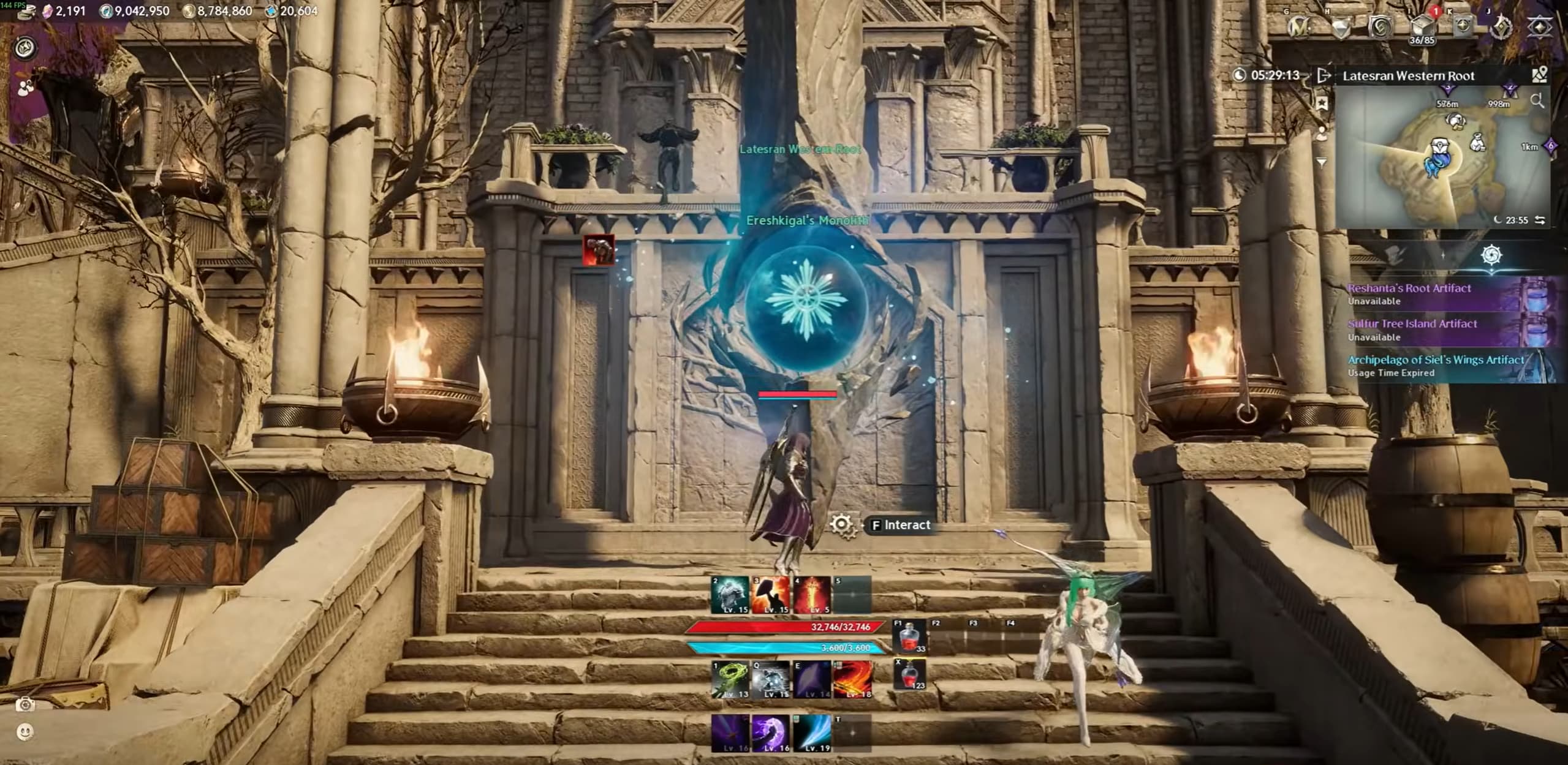
The Abyss has its own feathers and Monolith. Collect these feathers and turn them in to earn points for the Abyss Daevanion board. Although the board focuses on PvP bonuses, spending its points also increases your gear score.

If you are just short of a content requirement, check whether you have unclaimed Monolith rewards or unused board points before investing more materials into equipment.

These are separate from the regular exploration feathers used to earn Revelation Amulet upgrade rewards.

Use Flight Dashes and Glide Without Holding Forward

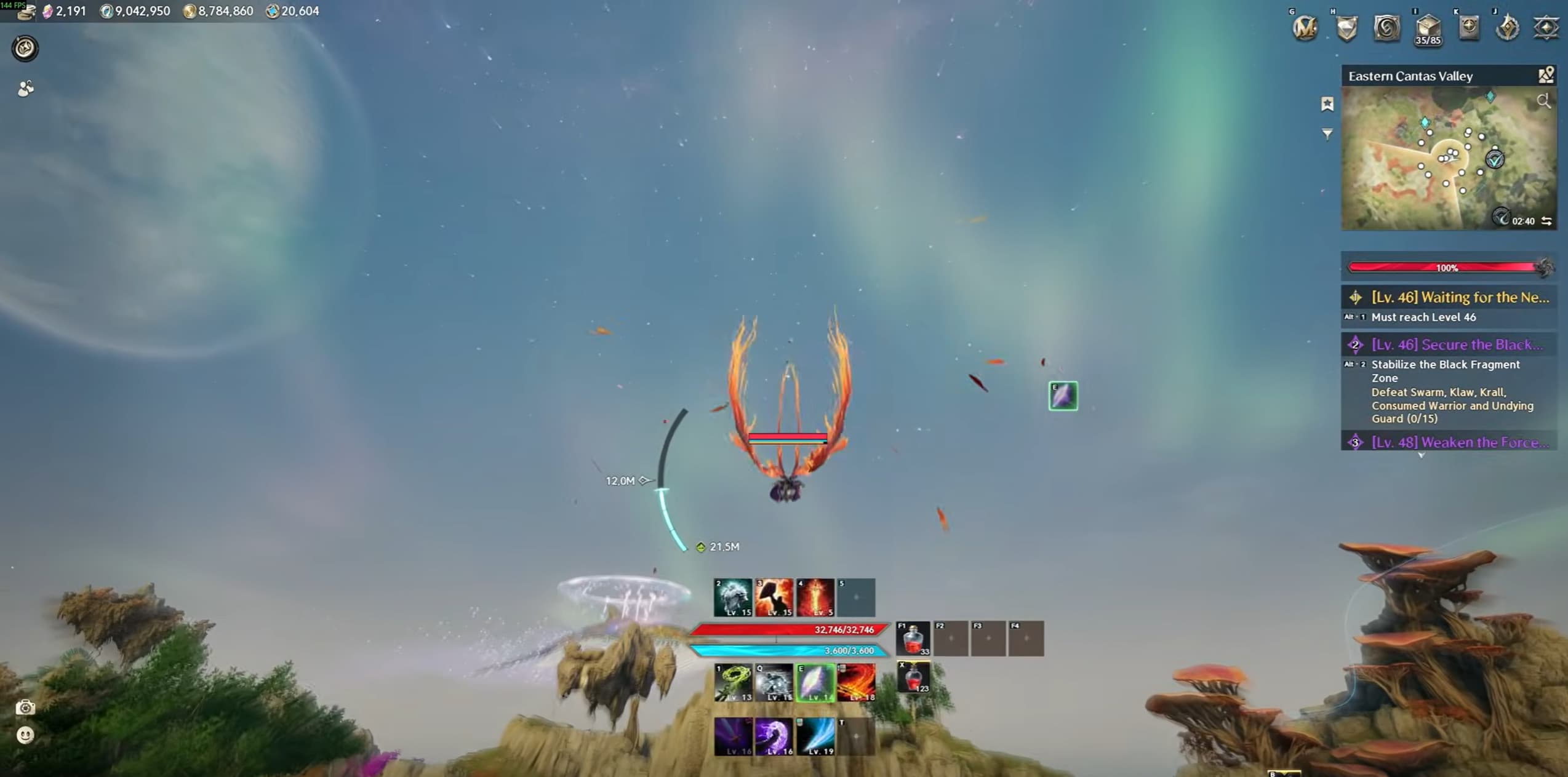
A flight dash can carry you further while reducing the time you spend using flight power.

To perform the technique:

  1. Open your wings and begin flying.
  2. Activate your flight dash.
  3. Fold your wings as soon as the dash animation begins.
  4. Let the momentum carry you, then reopen your wings when needed.

The timing matters. Folding your wings early in the dash lets you keep the burst of movement without remaining in normal flight for its full duration. Practise somewhere with a safe landing area before using it over a dangerous drop.

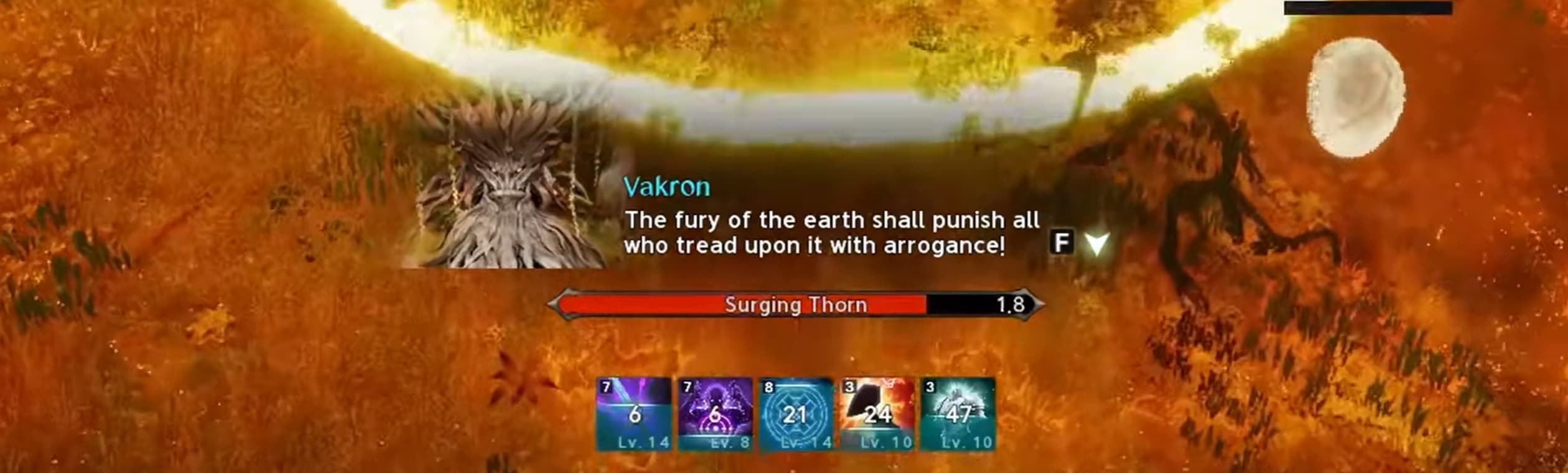
Gliding through dungeon gaps requires a different approach. During Vakron Sky Island’s wind-current crossings, let the current launch you, release your directional inputs and open your wings when available.

Holding forward during these crossings can push you downwards and make you miss the landing. Let the launch carry you across instead of trying to force extra speed.

Check Wing and Outfit Collection Bonuses

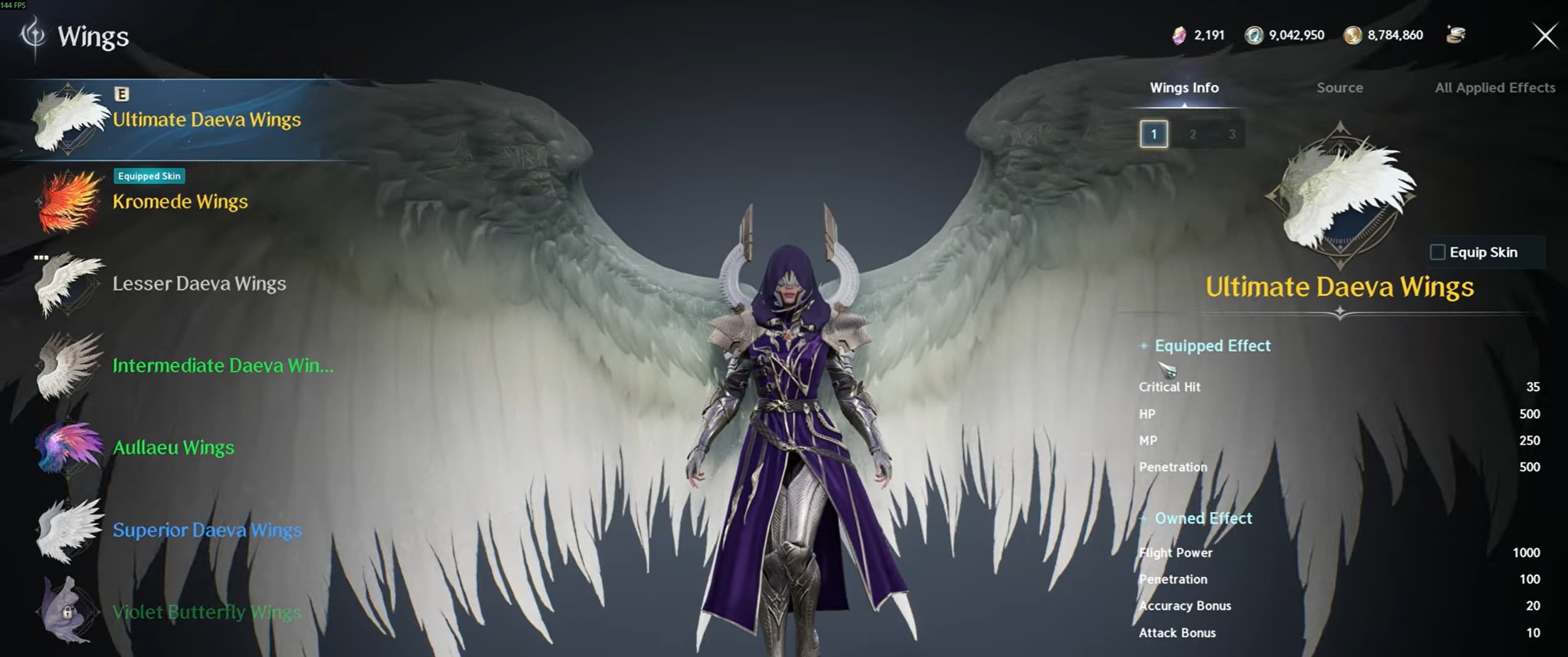
Wings can provide two different types of bonuses:

  • Equipped effects apply while you are wearing that pair of wings.
  • Owned effects apply from having the wings in your collection, even when another pair is equipped.

Check both parts of a wing’s description. A pair you do not plan to wear can still offer useful collection bonuses.

Your outfit collection also has stat milestones. Open the Closet and check the collection display to see how many skins you own and the bonuses available at different totals.

When choosing between collectible rewards, consider their permanent bonuses alongside their appearance.

Use Rings to Reach Important Skill Levels

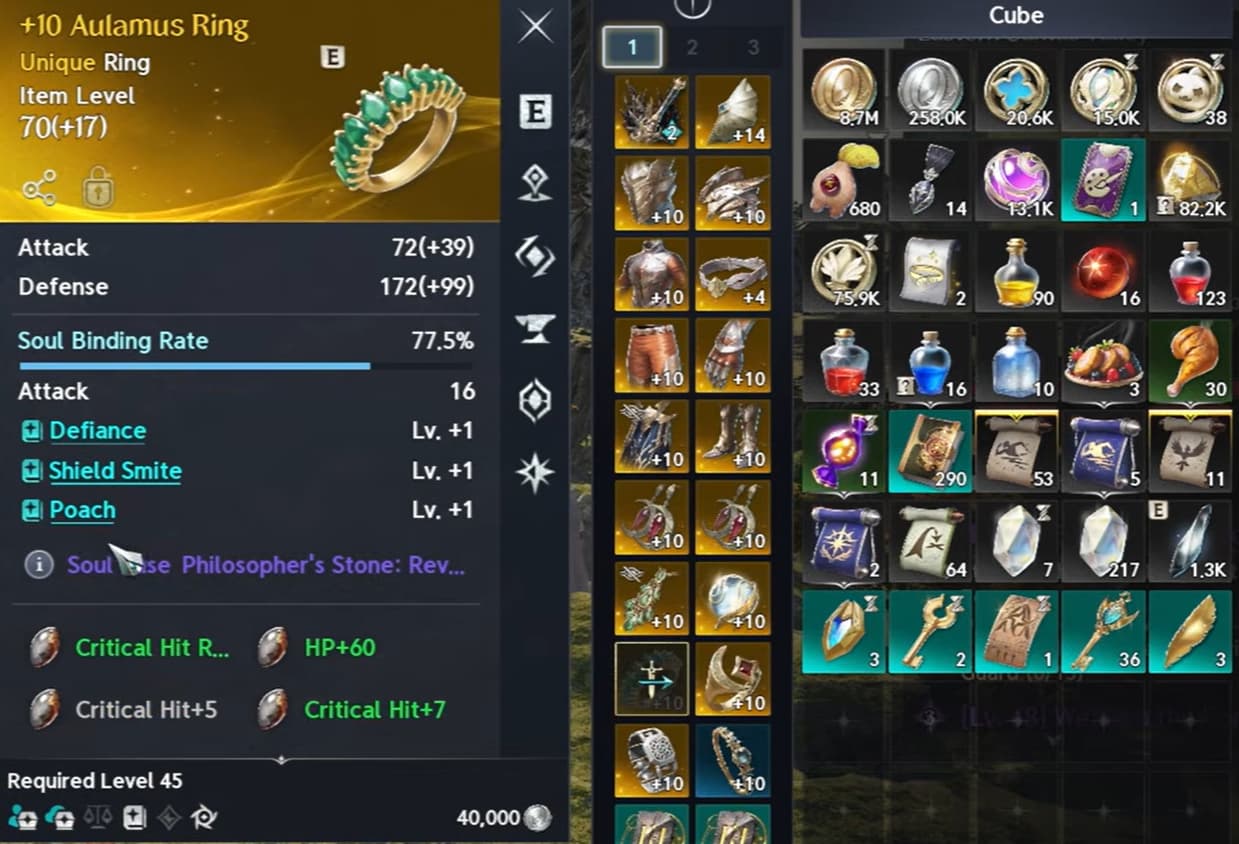
Extra skill levels can make a substantial difference to your build, particularly when you are working towards an important target such as level 16 on a core ability.

Active skill level bonuses can appear on rings, weapons and guards. However, weapons and guards also have valuable offensive rolls, including Weapon Damage and Combat Speed.

That makes rings a useful place to look for the skill levels your build needs while preserving strong offensive lines on your weapon and guard.

Prioritise bonuses for abilities you actually use. Before rerolling, check your combined skill levels and decide which upgrade would help your build most.

Learn Dungeon Jump Mechanics and Visual Cues

Some dungeon attacks can be avoided by jumping, giving you another option when space is limited.

In Shattered Arkanis, the first boss sends chakrams after two marked players. The marked players need to bring the blades together so they collide and disappear. You can jump over the other player’s chakram while arranging that collision.

The boss’s wider chakram patterns can also be jumped with the correct timing. Use clear gaps when available, and watch the blades’ paths so you do not land in another attack.

In Ferocious Horn Den, watch Nuakum’s claws when he leaves the arena and prepares to attack a marked player:

  • Red claws: Other players stay away from the marked target.
  • Blue claws: Stack with the marked target to share the hit.

Use the claw colour alongside the target’s circle indicator. Your party still needs to handle the wolf clone’s interception mechanic during this phase.

Our Ferocious Horn Den guide explains the full encounter, including who should intercept the clone.

Keep Boss Casts and Important Debuffs in View

A boss’s cast bar can give you a clearer warning than the effects filling the arena.

Open Edit HUD and move the boss cast bar somewhere you can follow without looking away from the fight. Keep it close to the center of your view while leaving the boss and ground markers visible.

Vakron Sky Island’s final boss is a useful example: the final hit of its dangerous arena attack lands when the cast finishes. Watching that cast helps you time the jump.

Move your debuff bar into a readable position too. In Vakron Sky Island, tracking the stacking root debuff lets you clear it at Fog Spiritstones before it immobilises you.

The aim is to see the mechanic, its timing and your character’s status together.

Adjust Combat Visibility and Farming Controls

A few settings can make encounters easier to read and routine farming less awkward.

  • Hide your own nameplate: Under Settings > Info Display > Common, disable your character’s nameplate if you want to keep the overhead health bar without your name.
  • Show boss direction: Under Info Display > Combat, set Display Boss Orientation to All. The indicator helps you identify the boss’s front and back.
  • Adjust the low-health warning: Under Notification > Game Alerts, turn HP Danger Alert off if its sound and screen effect distract you. Keep your health bar easy to see.
  • Enable automatic targeting for farming: Under Combat > Controls, enable Auto Target Upon Skill Use to help select another enemy as you continue using attacks.

Automatic targeting is especially useful when clearing groups of weak monsters with your in-game combat macro. You still control movement and skill use; the setting reduces the need to select each new target manually.

For more control and visibility adjustments, check our Aion 2 best settings guide.

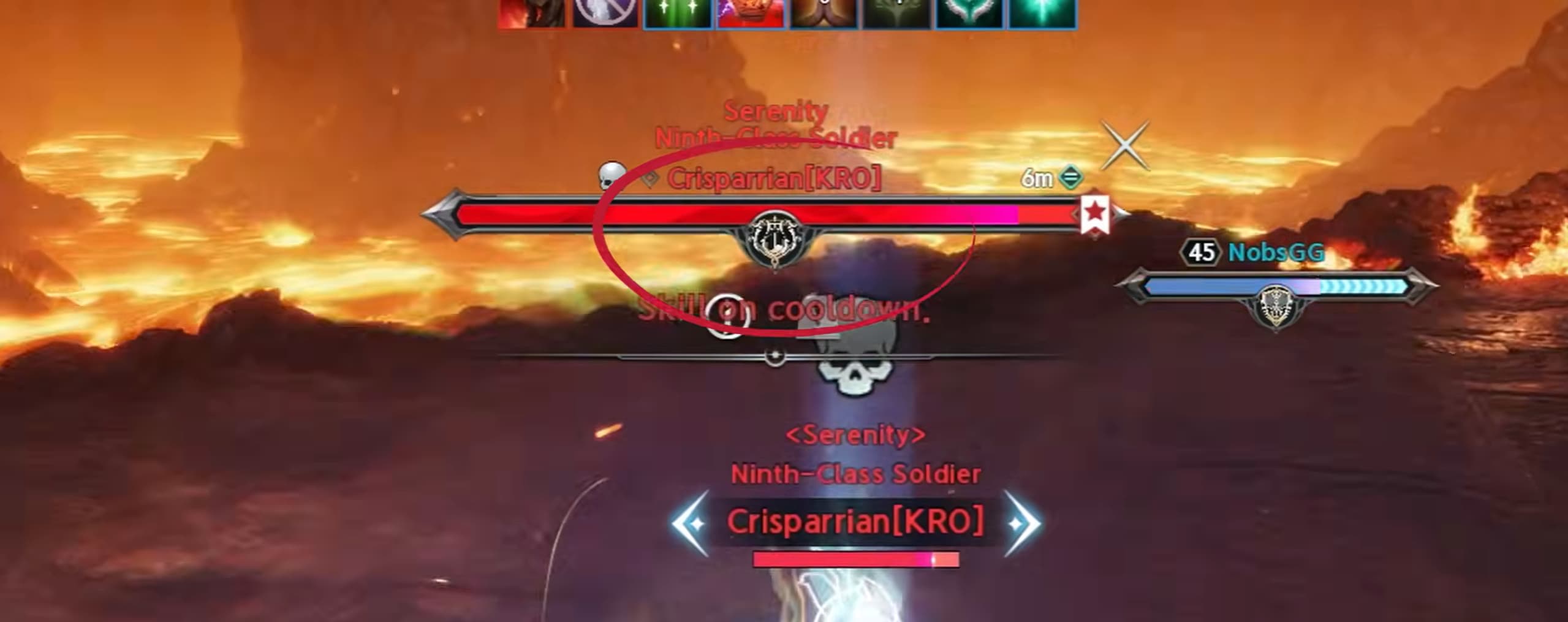
Mark Priority Targets in 5v5 Arena

Marking an enemy healer gives your team a clear target to focus during a fight.

First, position the target information panel where you can easily read the selected player’s class. Cycle through the enemy team, identify the healer or another priority target, then apply a marker.

Under Key Settings, assign a convenient hotkey to a target marker. Also find Target Hostile Players in the General keybind options and bind it somewhere accessible.

Using a player-specific targeting key helps you cycle through opponents without repeatedly selecting a Spiritmaster’s summon.

Agree on the meaning of your marker with your team so everyone knows which opponent you are calling.

Use Upscaling to Improve FPS

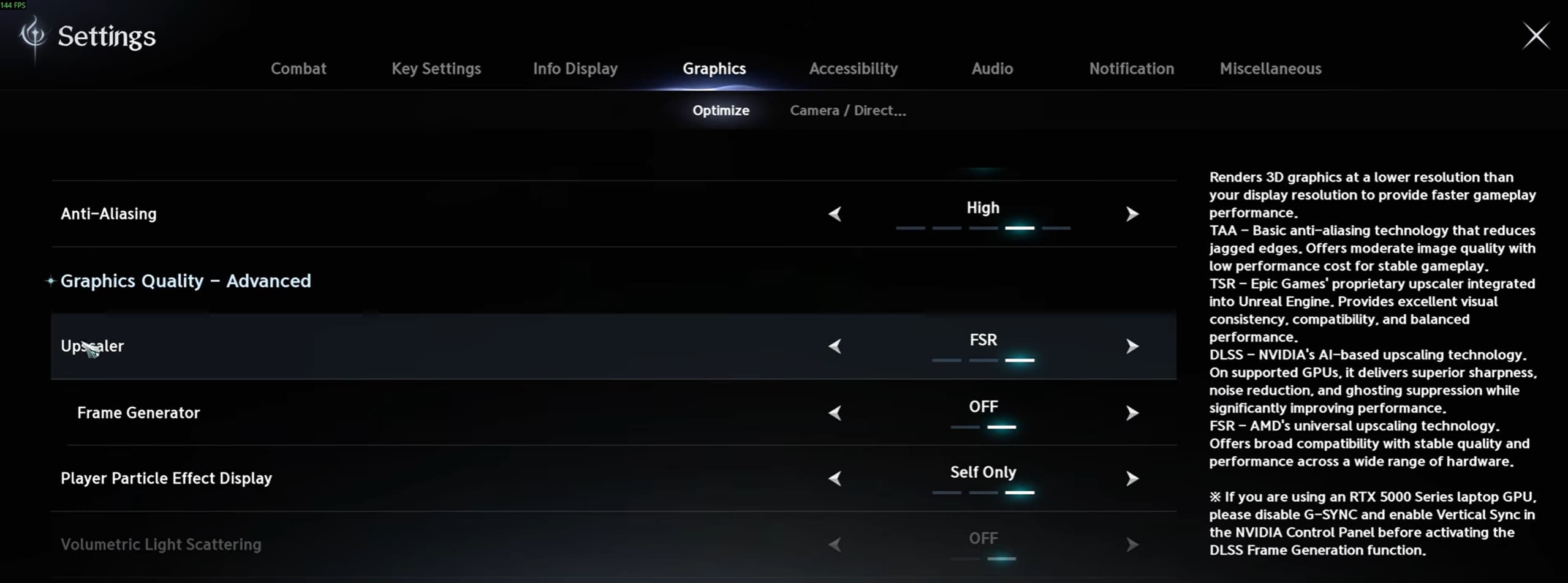
If your frame rate is struggling, check the upscaling options in the graphics settings.

Use DLSS on a compatible NVIDIA RTX graphics card, or FSR when supported by your setup. Choose an upscaling preset that balances image clarity with the performance you need.

Start with a quality-focused preset, then reduce the rendering quality if you need more FPS. Compare the result during combat, where effects and other characters can put more pressure on your PC.

A Native option prioritises rendering at your display’s resolution. Select a lower rendering scale when your goal is to gain performance through upscaling.

The improvement depends on your hardware and the scene, so check that the game remains clear enough to read enemy attacks.

Compare Battle Pass Rewards With Their Cost

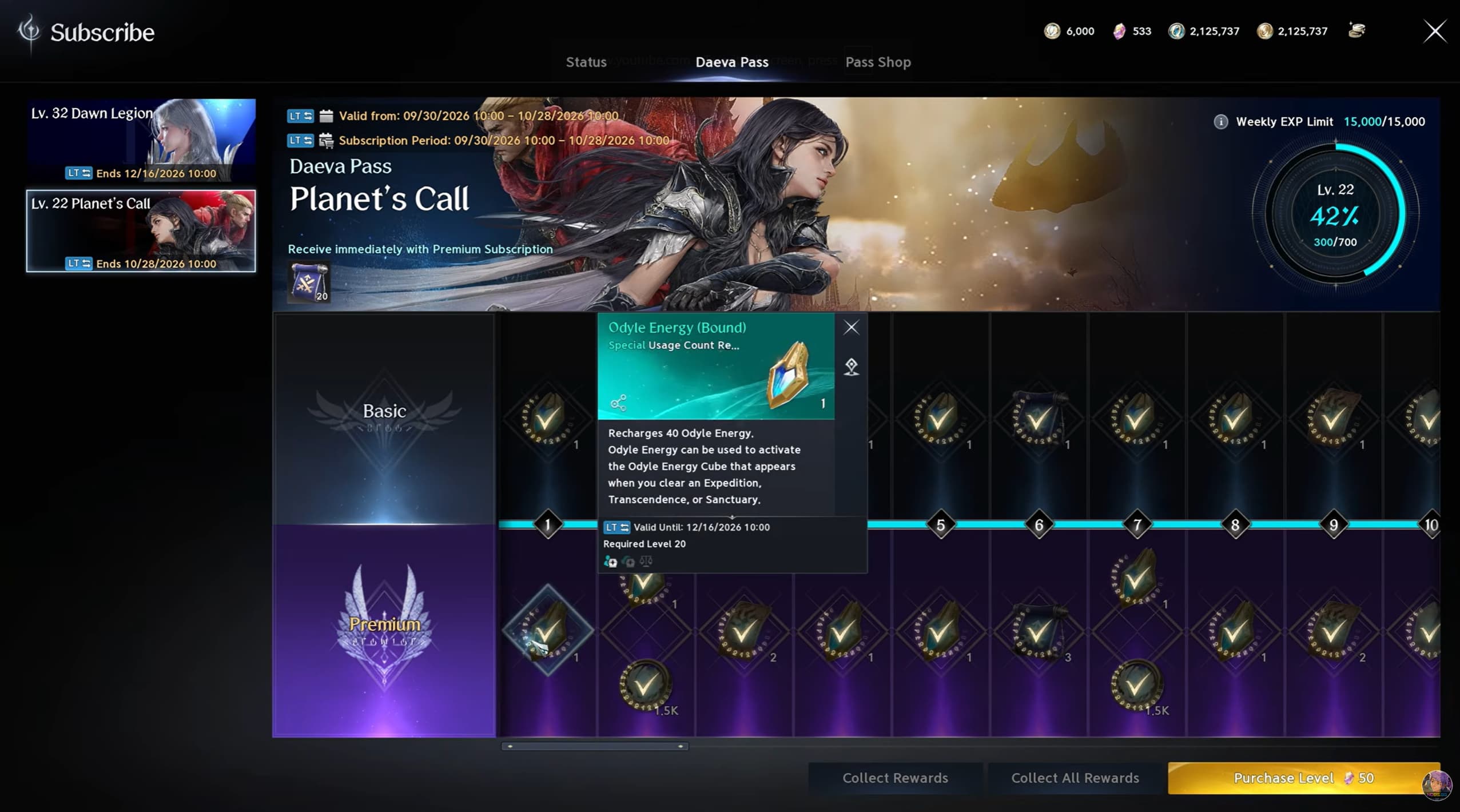
A paid battle pass can be another source of Odyle Energy, which gives you more opportunities to claim dungeon rewards.

If your active membership includes access to the Quna Exchange, you can exchange Kina for Quna and use that currency to purchase a paid pass.

Before buying, compare the Kina cost at the current exchange rate with the pass’s rewards. Consider how much Odyle Energy you can actually claim and which dungeons you will use it in.

Extra energy can help you earn more Kina and equipment, but a pass does not guarantee a profit. Its value depends on the exchange rate, the rewards you unlock and the content your character can clear.

Check the pass’s expiry date and character restrictions before committing your currency.

Use Alts to Support Your Main Character

Additional characters can provide more opportunities to use Odyle Energy and collect dungeon rewards.

Once an alt can clear suitable content reliably, spend its energy on rewards that support your progression. Regular Kina can be shared between your characters through storage, while Bound Kina stays with the character that earned it.

Check gold-quality drops before dismantling them. Eligible equipment can provide useful items or materials for improving your main character’s gear, but check each item’s storage and binding restrictions before planning a transfer.

Keep the cost of developing an alt in mind. An alt becomes more useful when its regular rewards justify the time and materials needed to prepare it.

For more on Arcana transfers, Duty reward chances and pet bonuses, explore these hidden features in Aion 2.

Comments

0

Video