menu
MobalyticsUse your favourite features in-game with our Desktop App
Gamebase Guide

STALKER 2: How to Start the Cost of Hope DLC (and Use Your Old Save)

Guides
Updated on Aug 23, 2026
Aug 23, 2026

Overview

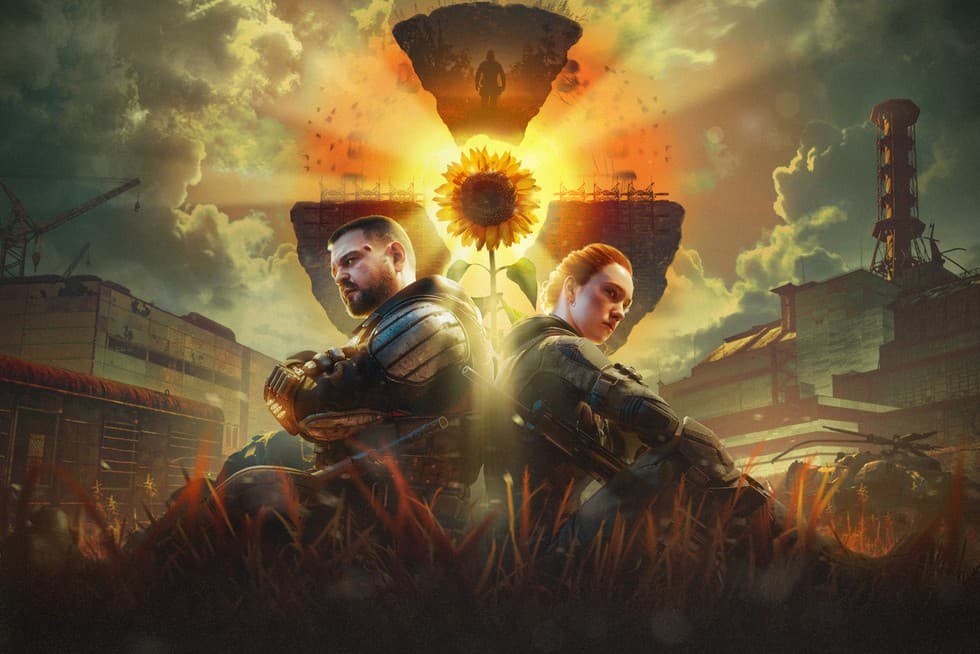
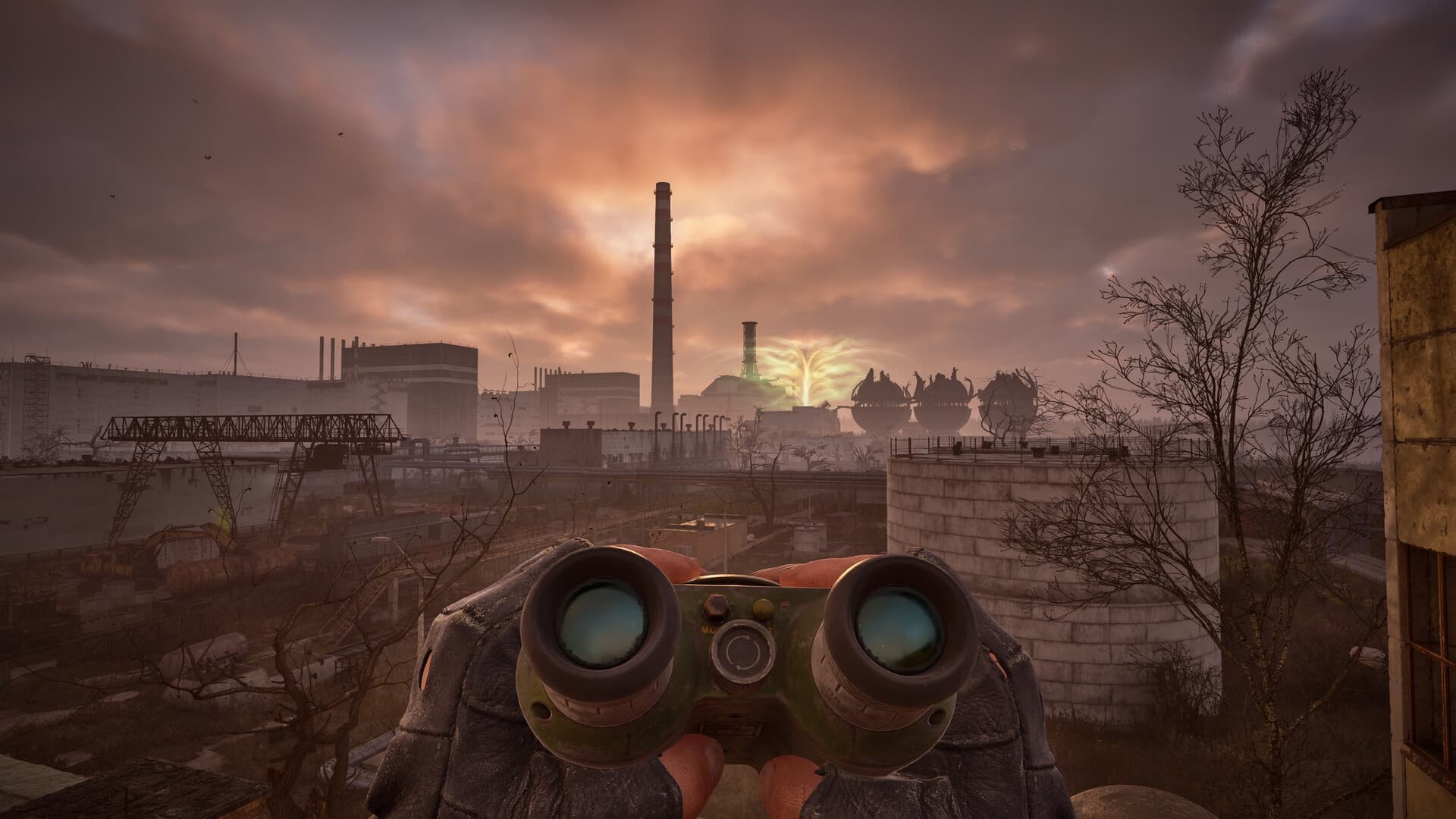
S.T.A.L.K.E.R. 2: Cost of Hope is the first major expansion for Heart of Chornobyl, and unlike a lot of DLC, it doesn't sit at the end of the game waiting for you. Its story runs in parallel with the main campaign, unlocking as you play. That flexibility is great, but it does make the "how do I actually start this?" question less obvious than it should be.

Here's exactly how to begin Cost of Hope, how to skip straight to it if you'd rather, and whether your existing save will work. (For everything in the free update that launched alongside it, see our Update 2.0 overview).
How the DLC Unlocks

First things first: you'll need the DLC installed. If you own the Ultimate Edition it's already included, so just install and launch. Standard Edition owners can buy Cost of Hope separately from their platform's store, or upgrade to the Ultimate Edition through the upgrade path.

Cost of Hope weaves into the base game in two parts, both triggered by progressing the main story as Skif:

  • The first part opens up shortly after you leave the Lesser Zone, near the start of the game.
  • The second part unlocks once you've completed the main-story mission A Minor Incident.

So if you're playing the campaign fresh with the DLC installed, there's nothing special to do; just keep pushing the story and the expansion content will open up as you go. The devs advise that playing through the main campaign with Cost of Hope installed is the most natural way to experience it.

How to Skip Straight to the DLC

If you'd rather dive into the expansion without replaying hours of campaign, you can get to it through the main menu. Head to New Game → DLC Content → Skip Ahead to The Cost of Hope, and you'll get a couple of options:

  • Early Start drops you at the point where the first part of the DLC becomes available.
  • Advanced Start jumps you further into the main story, to a stage where both parts of the DLC are open. This is the one GSC recommends if you're here mainly for the expansion.

Advanced Start also lands you at a point where some faction choices have already been made in the main story, so you'll pick between Advanced Start – Spark and Advanced Start – Ward. Don't overthink it: that choice only shapes the base game's storyline, not the DLC content itself. Whichever start you choose, all of the free Update 2.0 features are active, and the open world means you can wander off the DLC path to explore whenever you like.

Can You Use Your Existing Save?

In most cases you can continue from your existing save. The key thing to know is the point of no return:

  • Any save made before the point of no return can jump straight into Cost of Hope, with no new playthrough needed.
  • If your most recent save is past that point, the game will hand you a pre-point-of-no-return save so you can still experience the DLC.
  • Already finished the main story? Start a new campaign and load that provided pre-point-of-no-return save to access the expansion.

Installing the DLC won't touch or corrupt your existing saves. One thing to be aware of, though: once you've loaded a save with Cost of Hope installed, that save can no longer be loaded without the DLC, so there's no toggling it off later.

Leaving and Returning

You're not locked onto the DLC path once you start it. Cost of Hope lives in the open world, so you can leave its areas and come back whenever you fancy. The only exception is if you're mid-quest inside an underground location, in which case it's best to finish that off before wandering away.

A Couple of Things Worth Knowing

Cost of Hope tells its own story alongside the main game, and it won't change the base game's endings. It does, however, have two distinct branches built around the Duty and Freedom factions, and you can't see everything in a single run, so if you want the full picture, plan for more than one playthrough. It's a hefty expansion too, with dozens of hours of content, four new weapons, and its own set of achievements (including some hidden ones). And if the base game's difficulty worries you, remember Update 2.0's custom difficulty options let you tune the challenge to taste.

If the DLC Isn't Showing Up

If Cost of Hope doesn't appear in-game, run through the basics first: check it's actually installed and enabled through your platform's store or DLC settings. If it's there but still not showing, verifying your game files or reinstalling the DLC usually sorts it.

That's everything you need to jump into the Zone's biggest expansion yet. Get it installed, pick your start, and see how far the cost of hope really stretches. For the free changes that landed alongside it, our Update 2.0 overview [link] has the full rundown.

Table of Contents

See More Content

STALKER 2: How to Start the Cost of Hope DLC (and Use Your Old Save)
Updated on Aug 23, 2026
Elden Ring Dexterity Build - Stats, Weapons, Skills & More
Updated on Aug 22, 2026
Elden Ring Strength Build - Stats, Weapons, Skills & More
Updated on Aug 22, 2026
Elden Ring - Best Weapons for Each Stat
Updated on Aug 22, 2026
Elden Ring Bleed Build - Stats, Weapons, Skills & More
Updated on Aug 22, 2026