menu
MobalyticsUse your favourite features in-game with our Desktop App
Gamebase Guide

How to Force Spawn Monsters in Fire Emblem: Fortune's Weave

Updated on Oct 7, 2026
Oct 7, 2026

Overview

Finding certain monsters in Fire Emblem Fortune’s Weave can be difficult if you don't know where to look. In early runs, it’s easy to waste a lot of time looking for monsters like Giants to get specific rewards, and they’re important for recruiting characters like Goliath, but there are ways to avoid it. 

In this guide, with the help of Mattjestic, we'll cover the best methods to force-spawn any monster in Fire Emblem Fortune’s Weave. Check out the video guide for a more comprehensive breakdown.

Please note: In this guide, we will be discussing Giants. The methods are the same for other monsters, but the location may differ. These methods work for Act 1.
Best Characters Tier List

View out best characters Tier List

Save and Load Method

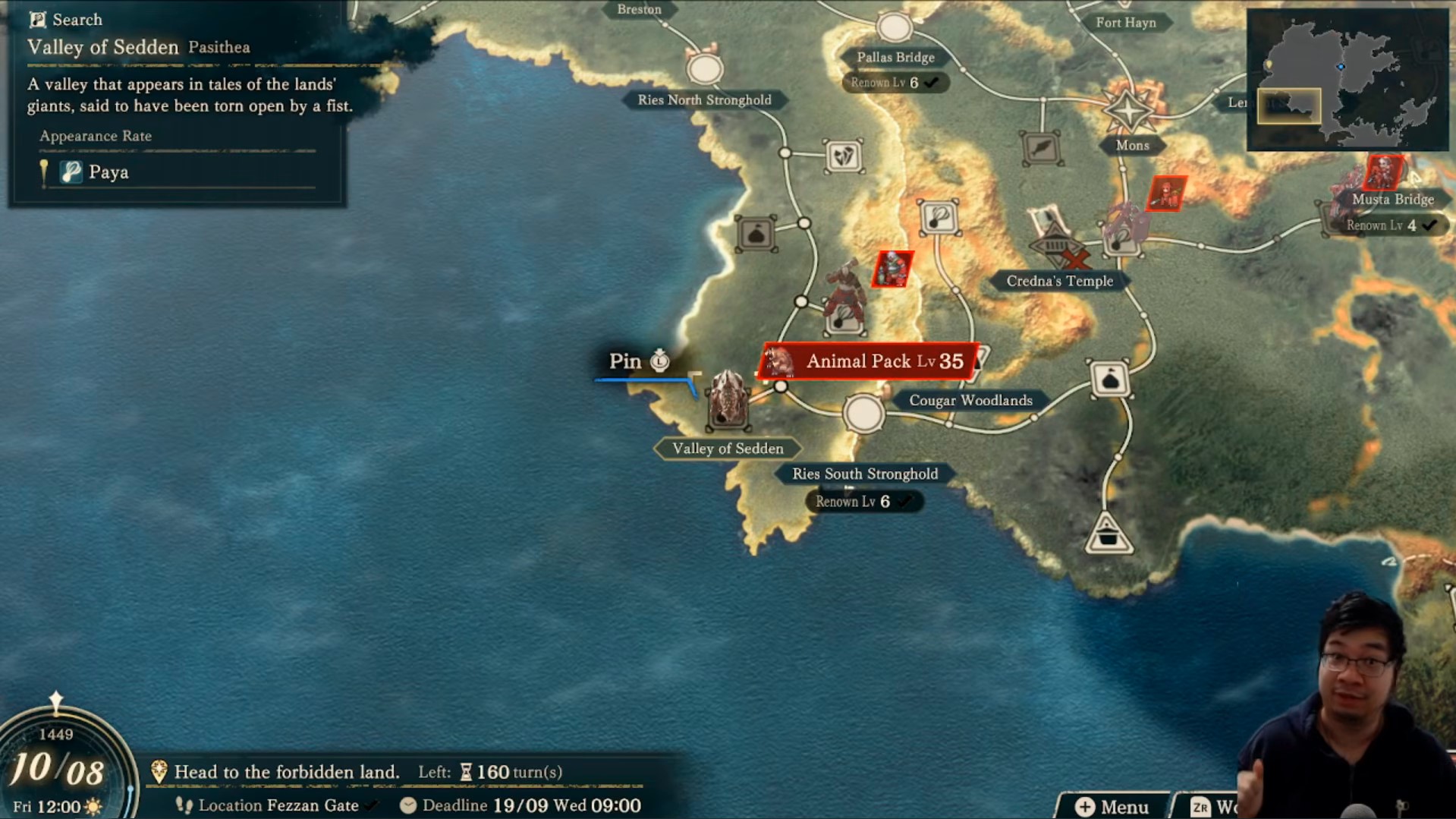
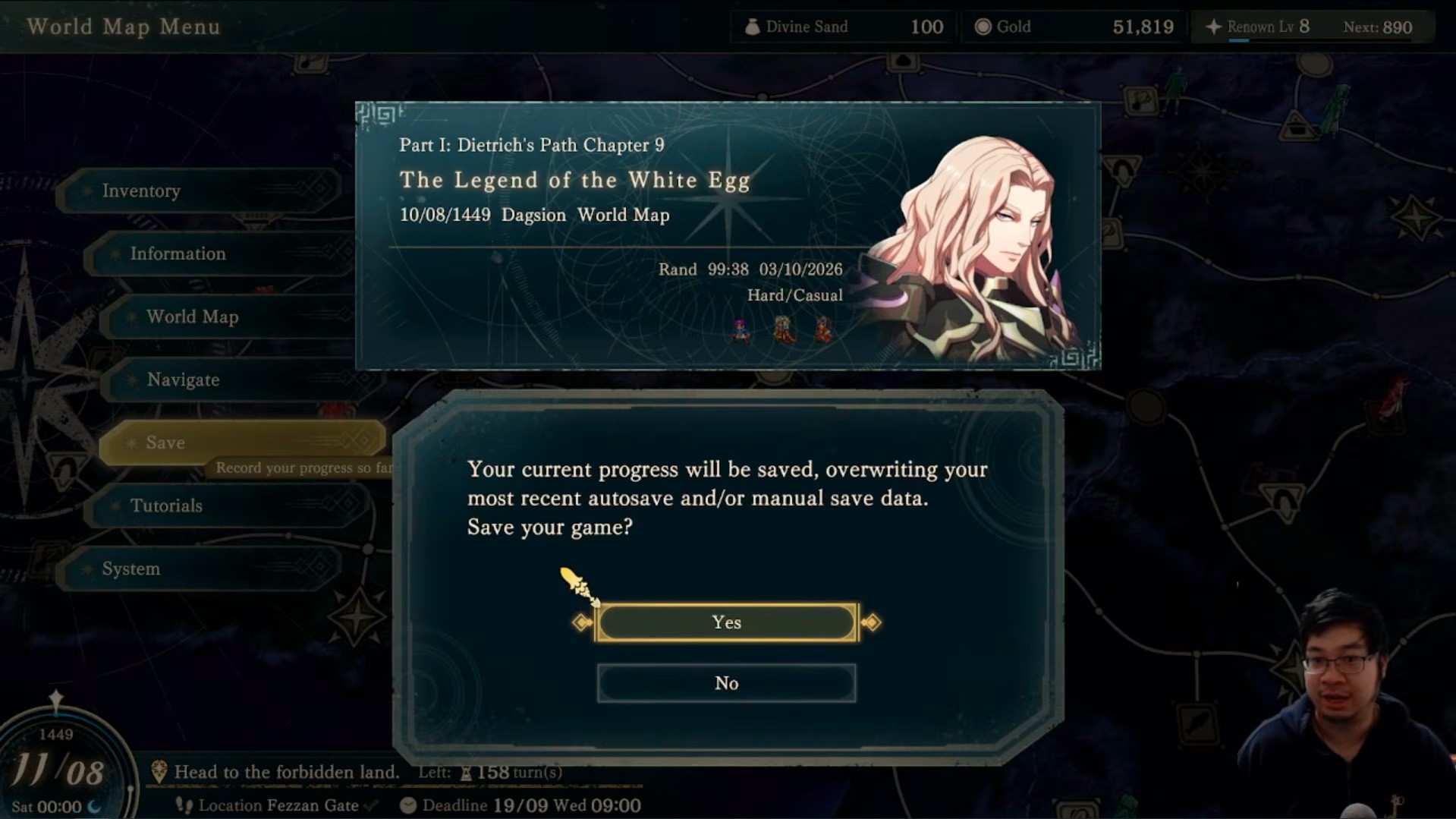
The save-and-load method is the best way to force any monster to spawn. You need to be using Dietrich to make use of their Answerer’s Cry. Head to an area where the particular monster is guaranteed to spawn. Go to the city and save your game.

Save Game

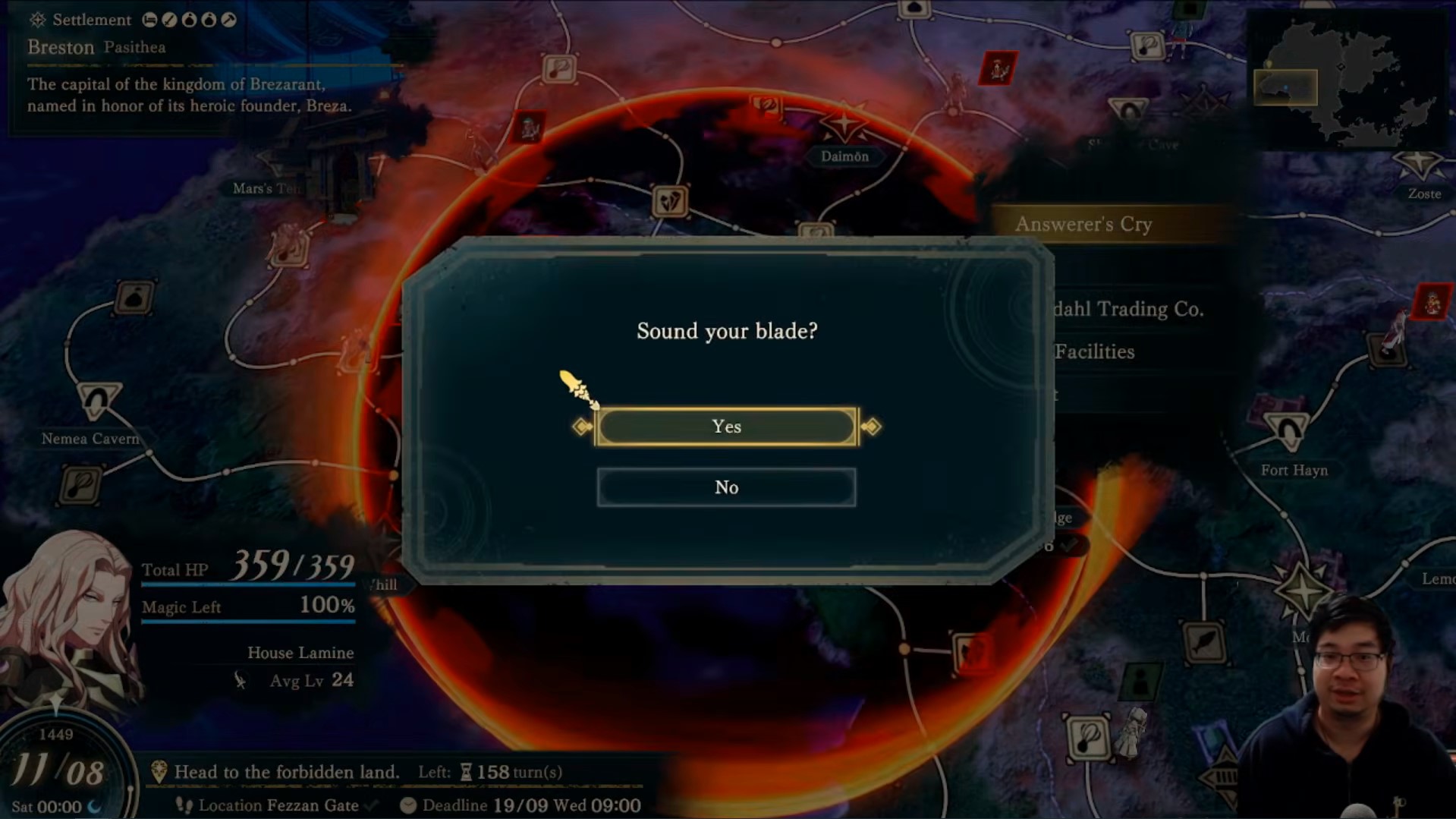
After that, use your Answerer’s Cry to reveal foes lurking within range. You will then potentially see some Giants or other enemies around you. Note that you can only force-spawn characters required at that level. In this case, Giants are level 35, so you can't spawn them in areas below that level.

But what if you don’t find a Giant after using Answerer’s Cry?

You will need to close the game and restart your save. As you’ve just saved the game after you got to the city, you will just need to move 1 spot away to summon the monsters. Activate Answerer’s Cry again, and you'll be able to summon different types of monsters, such as a level 35 thief skin or another type of monster. The more spaces you move, the different monsters you can force-spawn.

If you don't find the monster you want, you can repeat this method over and over, reloading your original save file until you get the monster you are looking for!

Sound Your Blade

Chapter Reset Method

The first method is only applicable when playing Dietrich, so what if you don’t want to do that? The alternative method is to do chapter resets right at the beginning of the chapter. You can do this with any pathway, but it takes much longer than the Dietrich method. You can also do this method in Act 1, Act 2 and Act 3.

Reset the chapter, then head to the world map. Look for target areas where you want your preferred monster to spawn. If they’re not there, you can force another reset and repeat the method until you get the monster you want right at the start.

Force Respawns

Check Out This Video!

Table of Contents

See More Content

How to Force Spawn Monsters in Fire Emblem: Fortune's Weave
Updated on Oct 7, 2026
Best Archer Characters Tier List - Fire Emblem: Fortune's Weave
Updated on Oct 7, 2026
Best Mage Characters Tier List - Fire Emblem: Fortune's Weave
Updated on Oct 7, 2026
Best Characters Tier List and Guide - Fire Emblem: Fortune's Weave
Updated on Oct 7, 2026
Best Melee Fighter Characters Tier List - Fire Emblem: Fortune's Weave
Updated on Oct 7, 2026

Like our guides?

Add Mobalytics as a preferred source on Google!