Fatekeeper is an action-RPG developed by Paraglacial and published by THQ Nordic.
For fans of the old Dark Messiah of Might and Magic Xbox 360 era, Fatekeeper is a nostalgic rip that enhances a simple combat formula with fun and equally devastating environmental interactions.
The game is not easy though, and there's a lot that doesn't get mentioned in the tutorial. For those just starting out and looking for an upper hand, here are some tips to set you on your path.
For an in-depth guide on how to succeed in combat: click here!
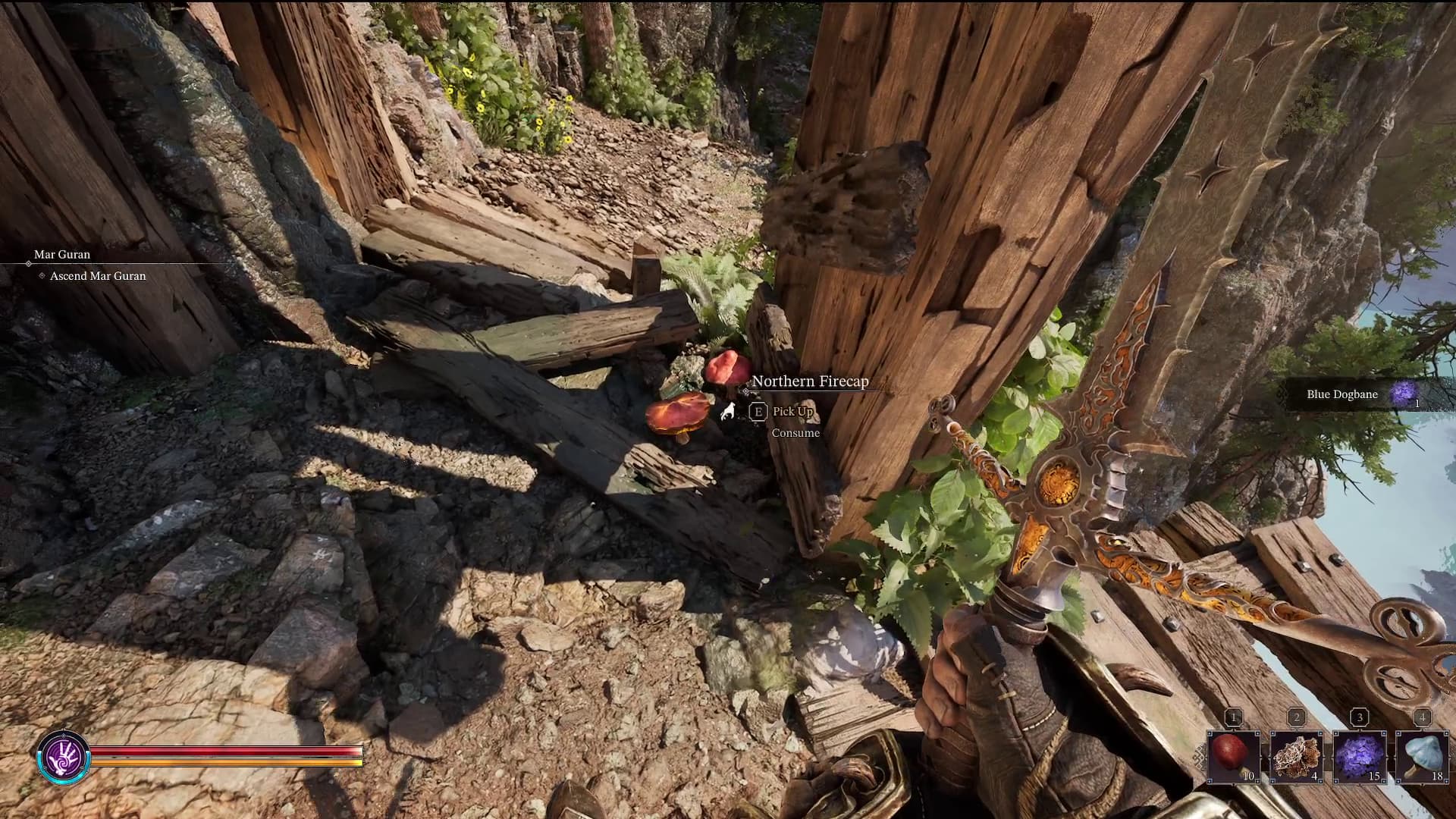
Throughout the various maps and levels in Fatekeeper, you will find a selection of flora that you can pluck and take with you on your journeys.
It's not explicitly explained, but these plants aren't just crafting reagents - they're your main source of healing and mana regeneration.
Without these, your only source of healing comes from leveling up which restores you back to full health and mana. Not exactly reliable or ideal. So make sure you're checking the pathways for interesting looking flowers and mushrooms while traversing each level
Look Up
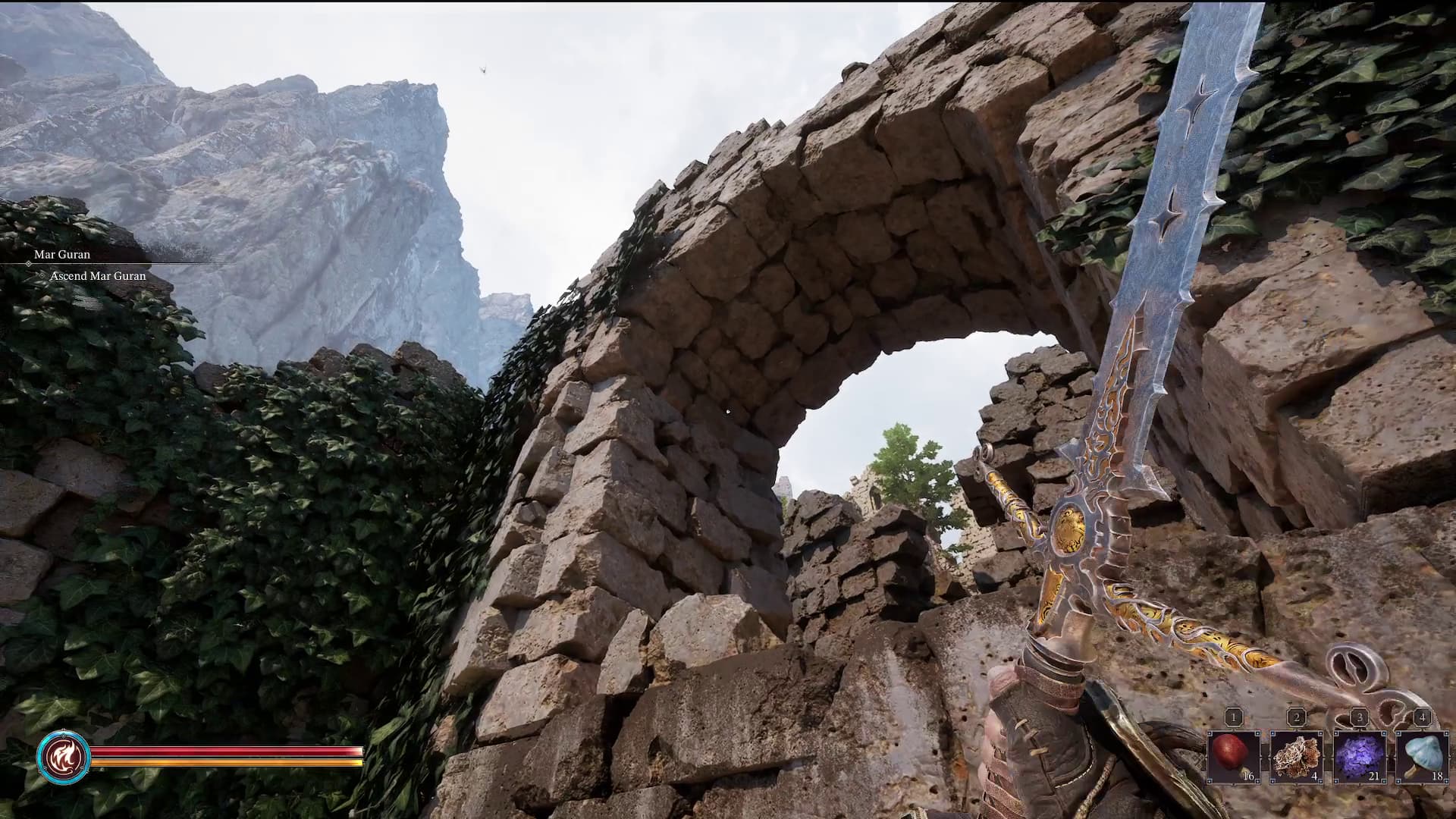
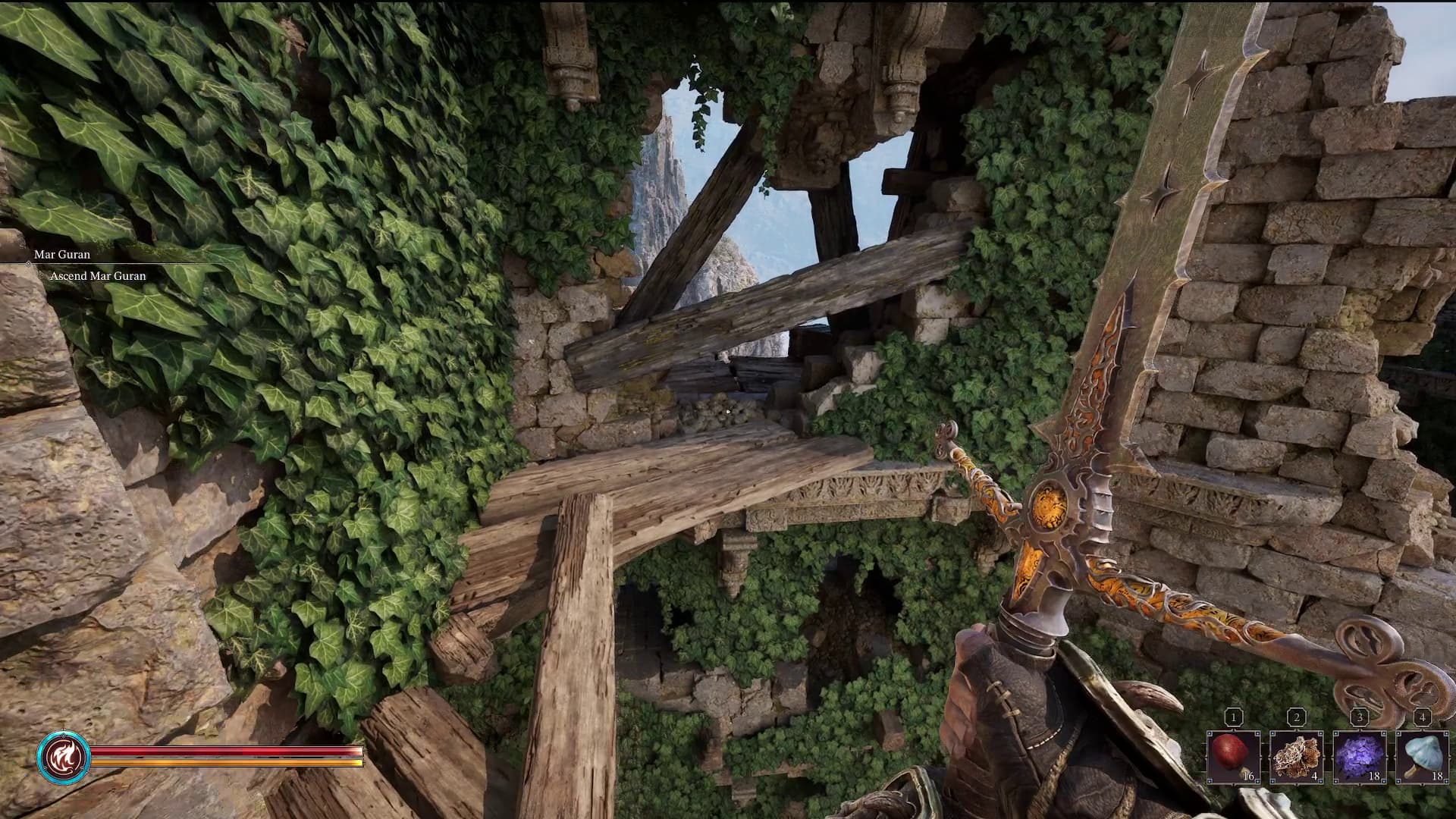
There are a lot of secrets to find in Fatekeeper - whether that's extra loot, a hidden area, or even progression through the level. They can be easy to miss, but a general rule of thumb to make sure you're not missing out is to check to see if there's anything you can climb up to.
Any rocky outcrop or stacked up boxes could lead the way to a new weapon. In some cases, it could also be the answer you're looking for if stuck in an area!
The Environment is Key for Combat
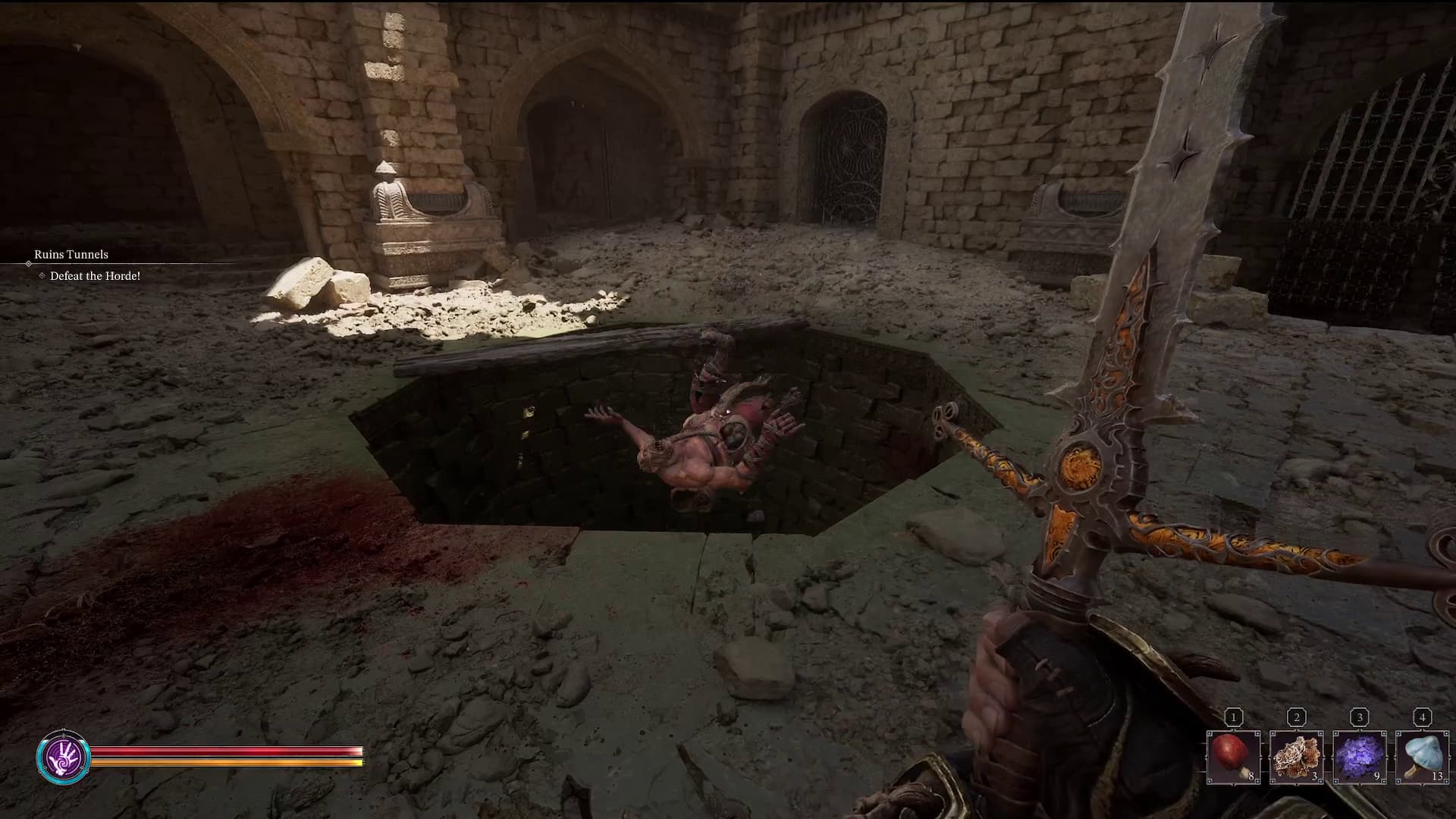
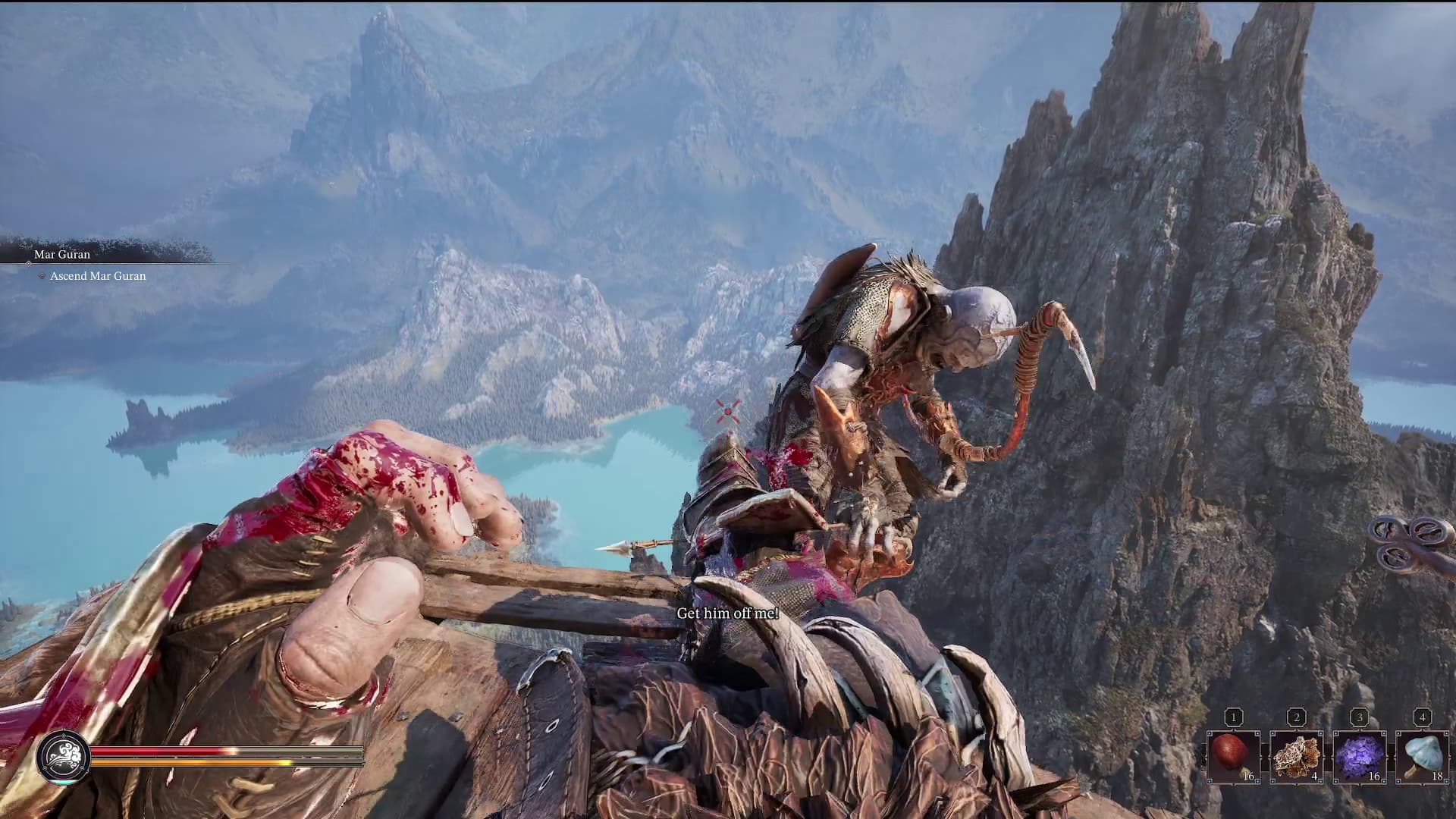
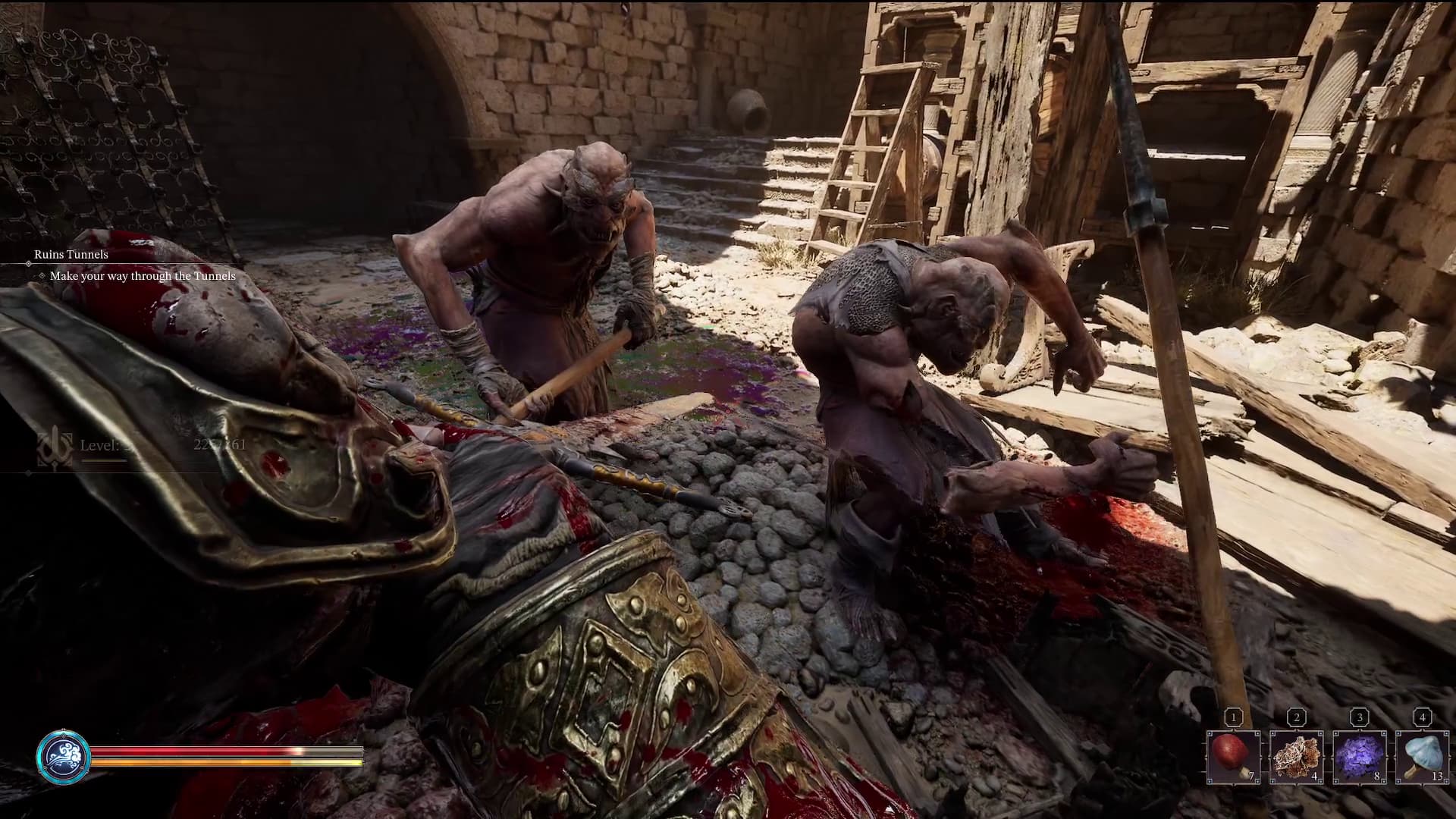
Fatekeeper is stacked with interactable and destructible environment features that you really should be taking advantage of in combat. Holes in the ground, cliff edges, spiked plates, collapsible platforms, just to name a few.
Swinging your sword is great, but these features are what separate tough encounters from simple ones.
Whenever entering a room with a bunch of enemies, always check the room itself out first!
Use Telekinesis to Interact With the Environment
There are two layers to this one: exploration, and combat.
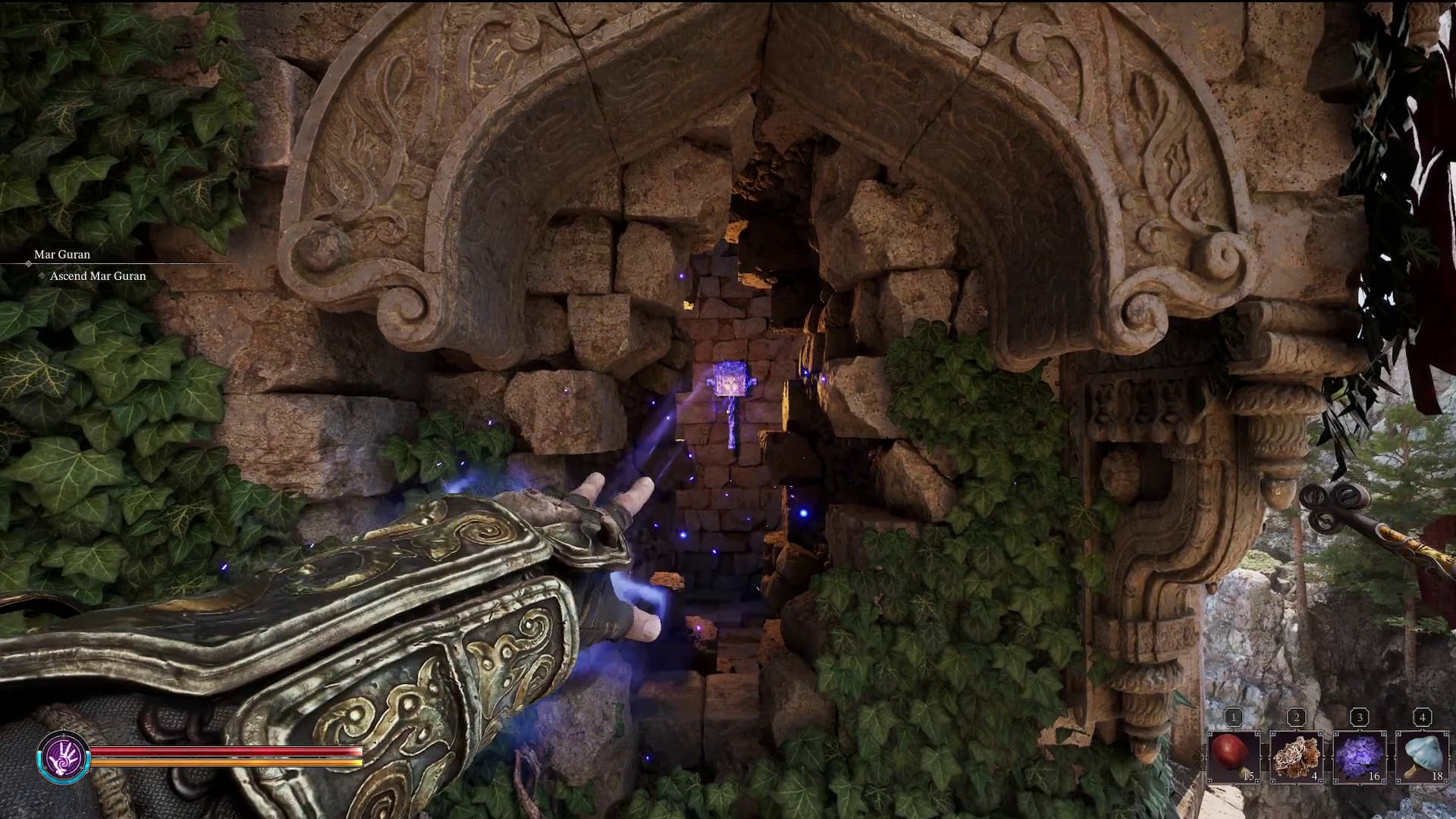
For exploration, the telekinesis spell is essentially your 'ranged interact' option. If you see a locked door with no obvious way to open it (specifically if it says it opens "elsewhere"), check around for a lever or pulley tucked away in a hidden spot.
Often this is up high or somewhere the player wouldn't be able to get to - don't worry, though, as the telekinesis spell will allow you to interact with it and open the door.
In combat, spells are what drive your interaction with the environment. Yes, you can knock down a platform with your sword, but then you're stuck under it. Instead, use telekinesis to topple it for you! Better yet, instead of waiting for an enemy to walk up to the hazard, yank them into it.
Kick, Kick Some More, and Then Kick Again
Fans of Dark Messiah will be very familiar with this one. As mentioned above, there is a whole host of environmental hazards to play with in combat. All you need to do is arrange a date between them and the bad guys.
The most efficient tool for this is a good old fashioned booting. The tutorial introduces Kicking as a way to break an enemy's guard - which it can do - but it doesn't tell you just how invaluable it is at putting them in their place.
A great way to position so that you can kick an enemy into a hazard is to stand next to the hazard and wait for the incoming attack. Dodge to the opposite side, and voila, the enemy is now in prime booting position.
Dodging is Way More Efficient Than Blocking
All combat actions are limited by your stamina pool. Before you get some levels to put in the stamina stat, you'll find your stamina bar is quite limited.
To that extent, you'll want to ration your stamina wherever possible. One of the best ways to do this is to replace blocking with dodging. It takes significantly less stamina to dash out the way of an attack as it does to block it. It's a little trickier as you'll need to practice timing, but it's well worth it to ensure you have the energy left to swing, kick, or even run away.
Learn Useful Hotkeys
The tutorial in Fatekeeper only goes over the combat basics, leaving you to figure out the rest.
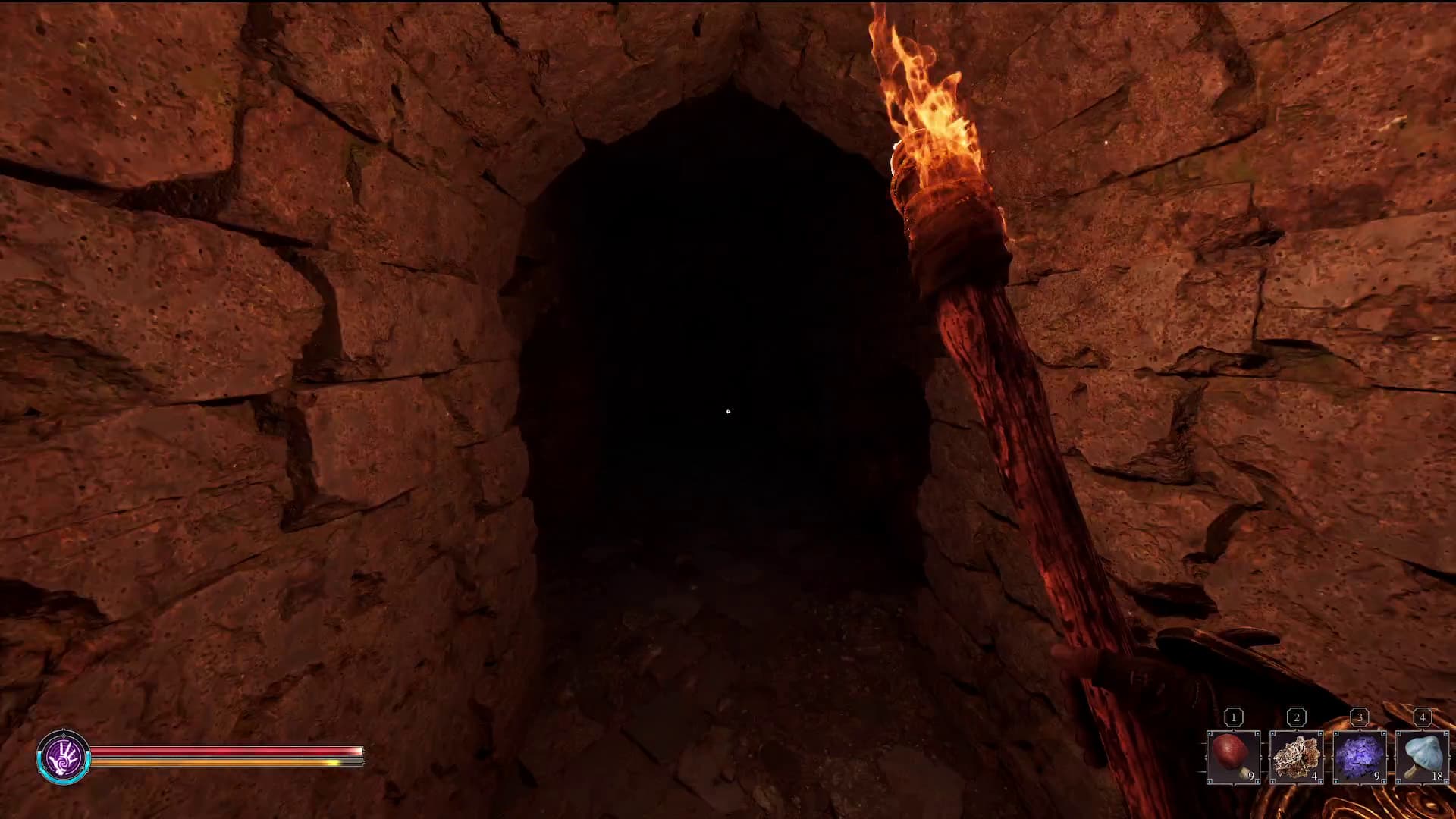
Two crucial features in the game you'll want to know are accessing your Torch and swapping your weapons mid combat.
The Torch is especially useful for exploring the dark and dingy dungeons for hidden loot.
On PC, these hotkeys are T for Torch, and C for Cswap.
Just be careful - if you plan on Blocking by pressing R, make sure you don't fat finger to T - that does not end well. Don't ask us how we know.
Look for Planks to Access Hidden Areas
We've already discussed in depth how you can interact with the environment in a combat setting, but it extends to exploration too.
As you traverse the different levels you may come across planks boarding up a doorway, hole in the wall, or other non-descript entrance. Knock them down with your sword or boot to reveal a new pathway or area that often leads to hidden goodies.
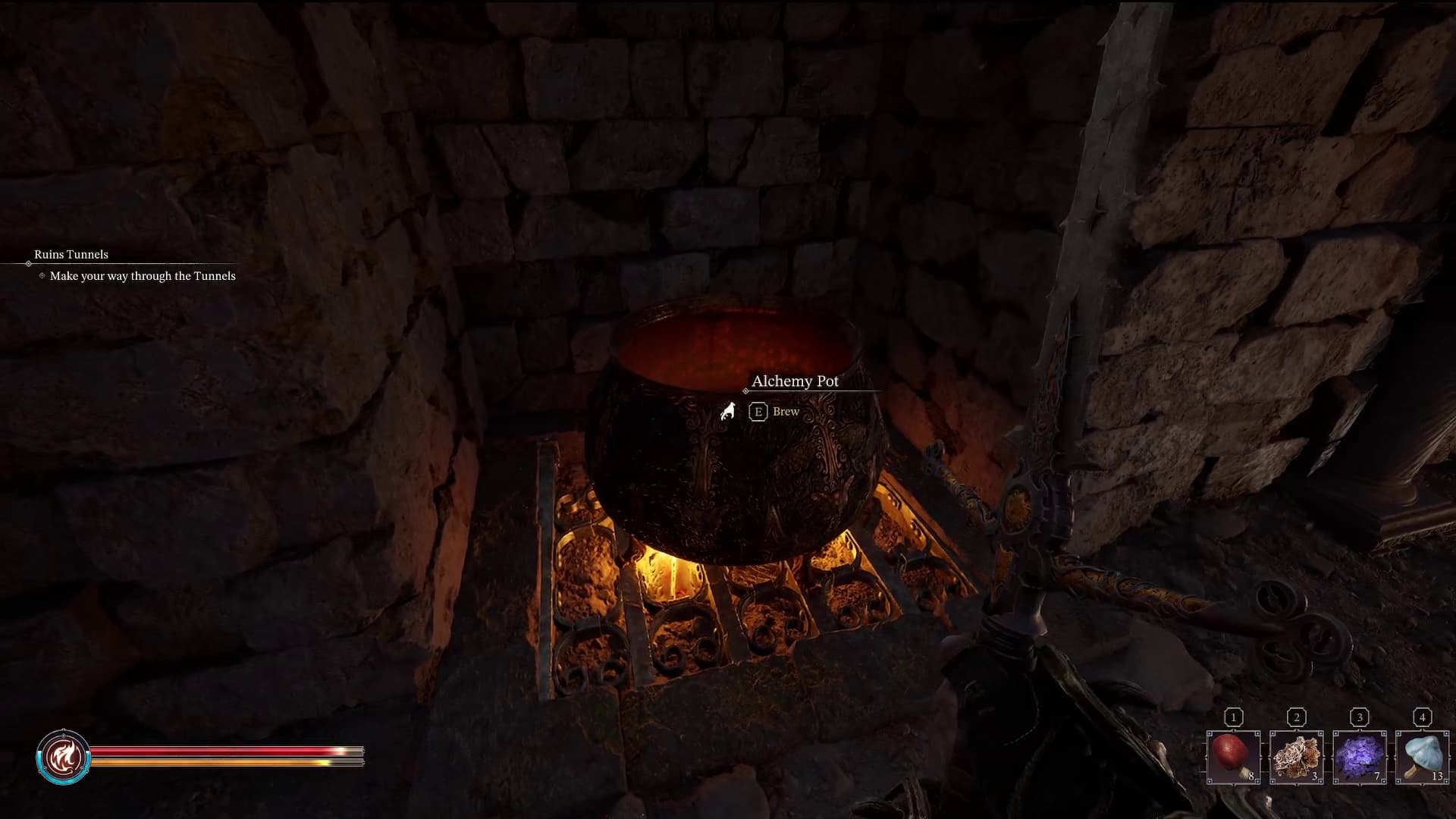
Alchemy Doesn't Need Recipes
In many other RPGs or games with potion-crafting elements, materials are used to create a brew greater than the sum of its parts or sometimes something completely different altogether.
In Fatekeeper, Alchemy is essentially just a way to compound your raw materials. For example, if a red mushroom heals you for 5 hitpoints, then you can create a potion comprised of 3 of these mushrooms to heal for 15 hitpoints.
You can mix and match reagents for potions that yield multiple effects. Add in a healing material, one that restores mana, and one that restores stamina, and you'll get a potion that does all three.
Side note - and this may just be an EA oversight - if you can't find a raw material to craft with, check your equipment. If you have it in your shortcut consumables (1, 2, 3 ,4) then it won't show in the crafting screen. Unequipping it fixes this.
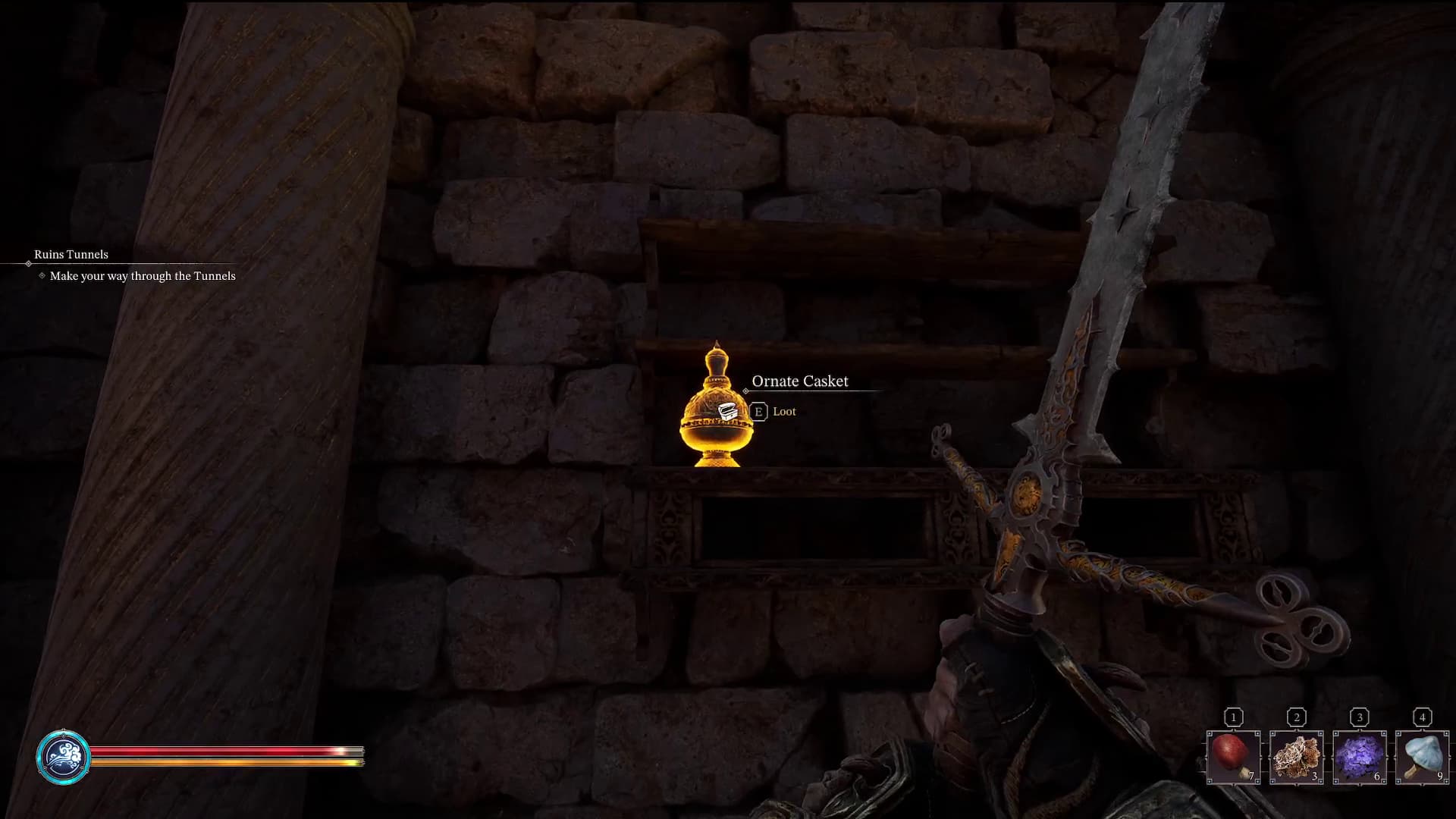
Check Shelves for Materials
Alongside the plants you pick on the ground for alchemy, shelves in the game provide rarer materials for more complex items.
For example, you may find metal shards to make a bomb, or a toxic coating to create a weapon vial that poisons enemies.
These ones are easy to miss as they look just like environment clutter, but make sure to check the bookshelves and walls for useful crafting ingredients!
Set Fire to the Floor
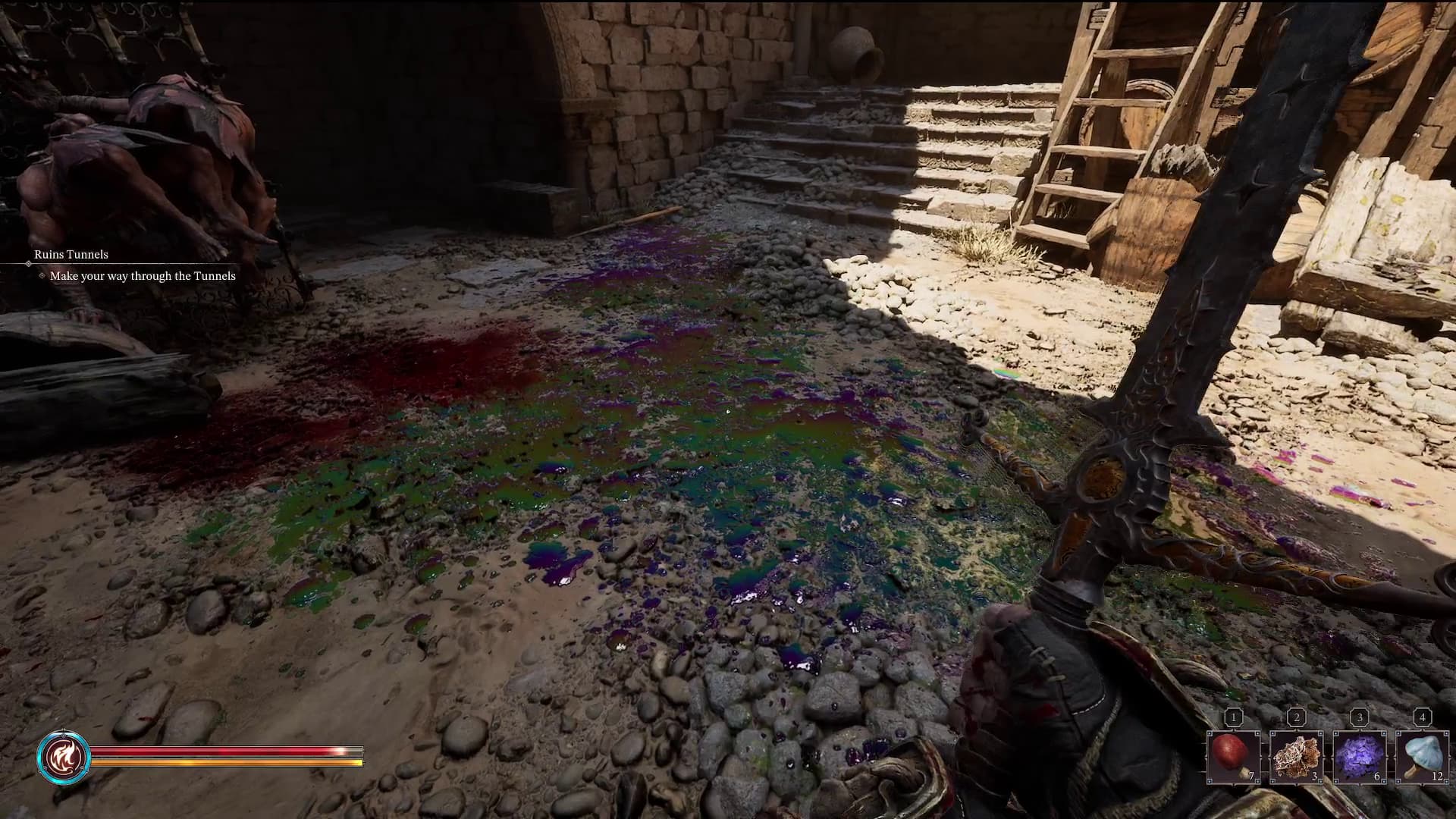
One of the less noticeable environmental details in combat are the oil stains you can ignite to set fire to any enemy that walks through it.
These are recognisable by the shimmering wet puddles on the ground. Simply equip your fire spell, aim at the puddle, and burn anything that stands within!