ROB RUN is exploding in popularity right now, but many players want to change their names. Despite this not being a thing for the most part, a recent update now lets players change their names extremely easily. In this guide we'll quickly walk through how to do it.
 Use your favourite features in-game with our Desktop App
Overview
Head Back To Prison
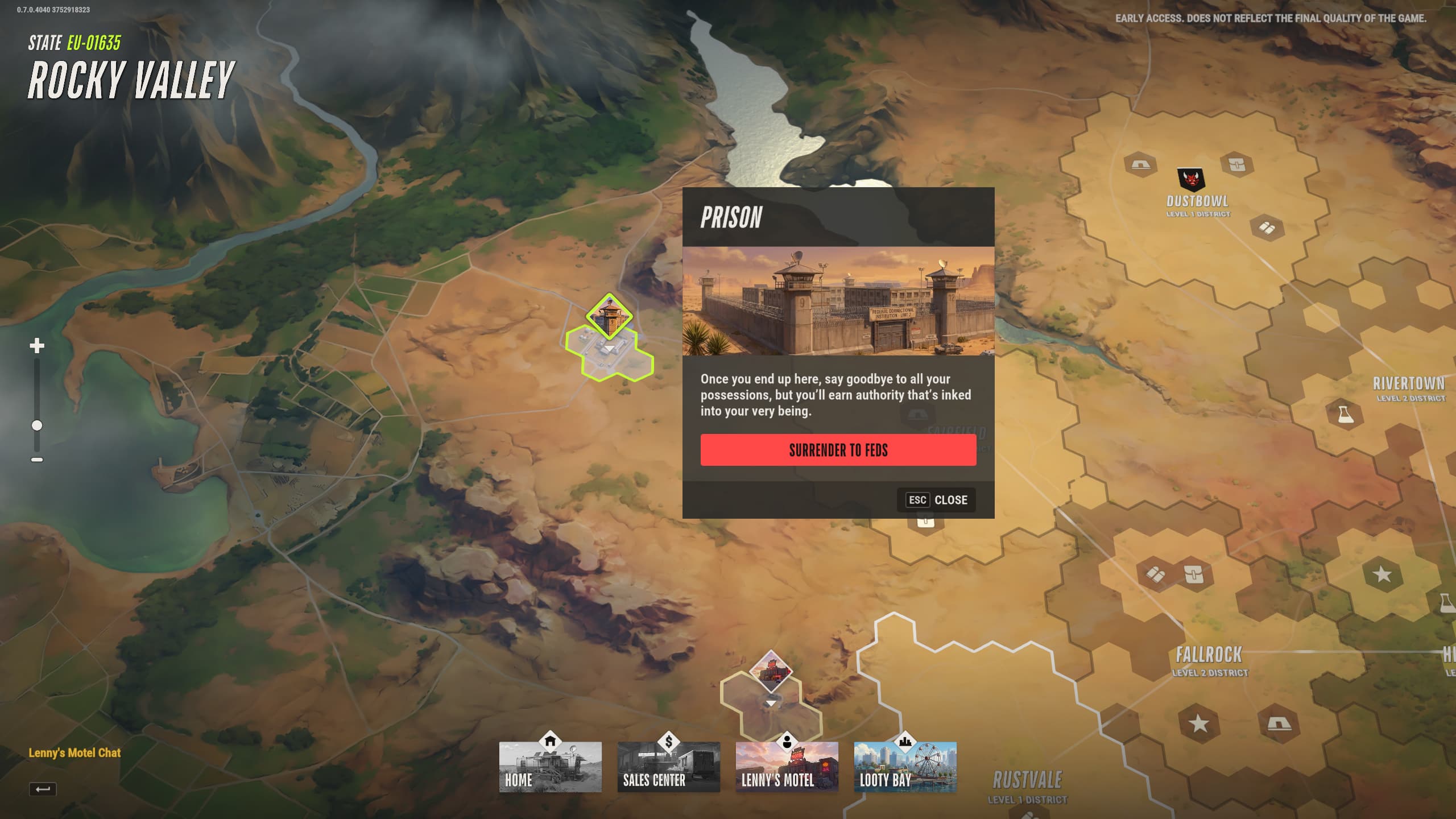
In order to change your name, you'll first want to access the world map. You can do this easily by using a car and travelling to the edge of the map in Lenny's Motel. Once you access the map, navigate to the top left portion of it and select the prison. Be aware however that going back to prison will result in you losing progress, so only do this if you're certain you want to swap servers.
This is crucial information to know, as going back to Prison is currently the only way to do a name change.
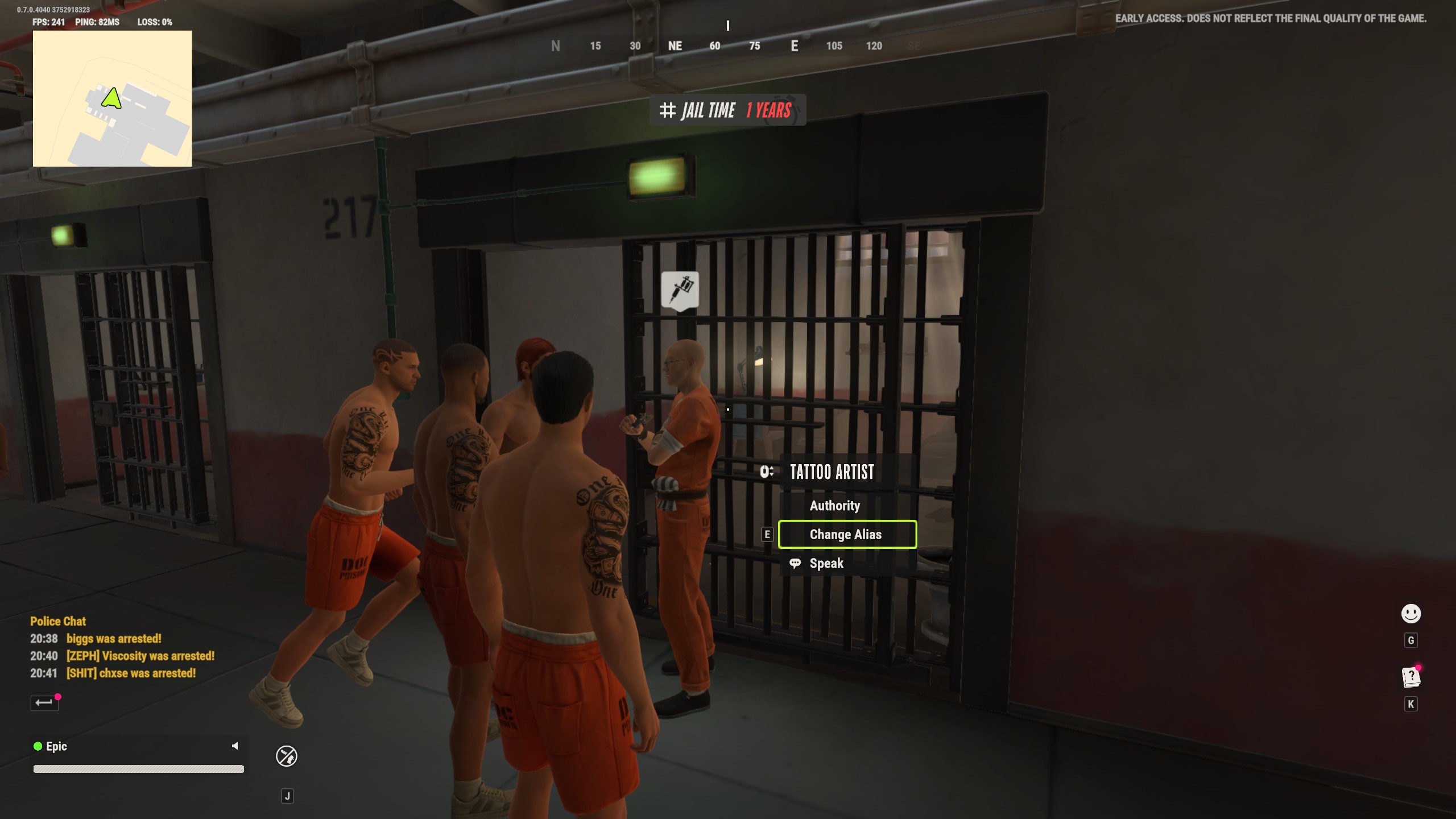
When you get back to the prison, navigate to the tattoo artist, and select the 'Change Alias' option. This will let you choose a new nickname to go by, which you can then save when you're ready.
After you've changed your name, simply escape prison as usual to return to the server of your choice. Congratulations, you now have a brand new identity!