menu
MobalyticsUse your favourite features in-game with our Desktop App
News Guide

Palworld: How to Manage Your Chest Storage Settings

Guides
Palworld
Updated on Jul 17, 2026
Jul 17, 2026

Overview

If you're just getting started with Palworld, it won't take long to realize the insane volume of items that get produced. And without a proper system in place, things will get disorganized very quickly.

Thankfully, there are many useful settings that can help keep your Pals in check. We'll give you a brief rundown of how they work, so that way you can automate the tedious parts and focus on the fun.

This guide was written with the help of ItalianSpartacus. Be sure to check our their channel out for more Palworld content.
Understand Pal Logic

Before we dive into the Chest Settings, it's important to understand how Pals prioritize Chests.

While we don't have 100% confirmation, it appears as though Pals predetermine their designated Chest based on its proximity from the item's pickup location.

In other words, once they pick up an item, they'll select whichever Chest is physically the closest, regardless of the height or pathing.

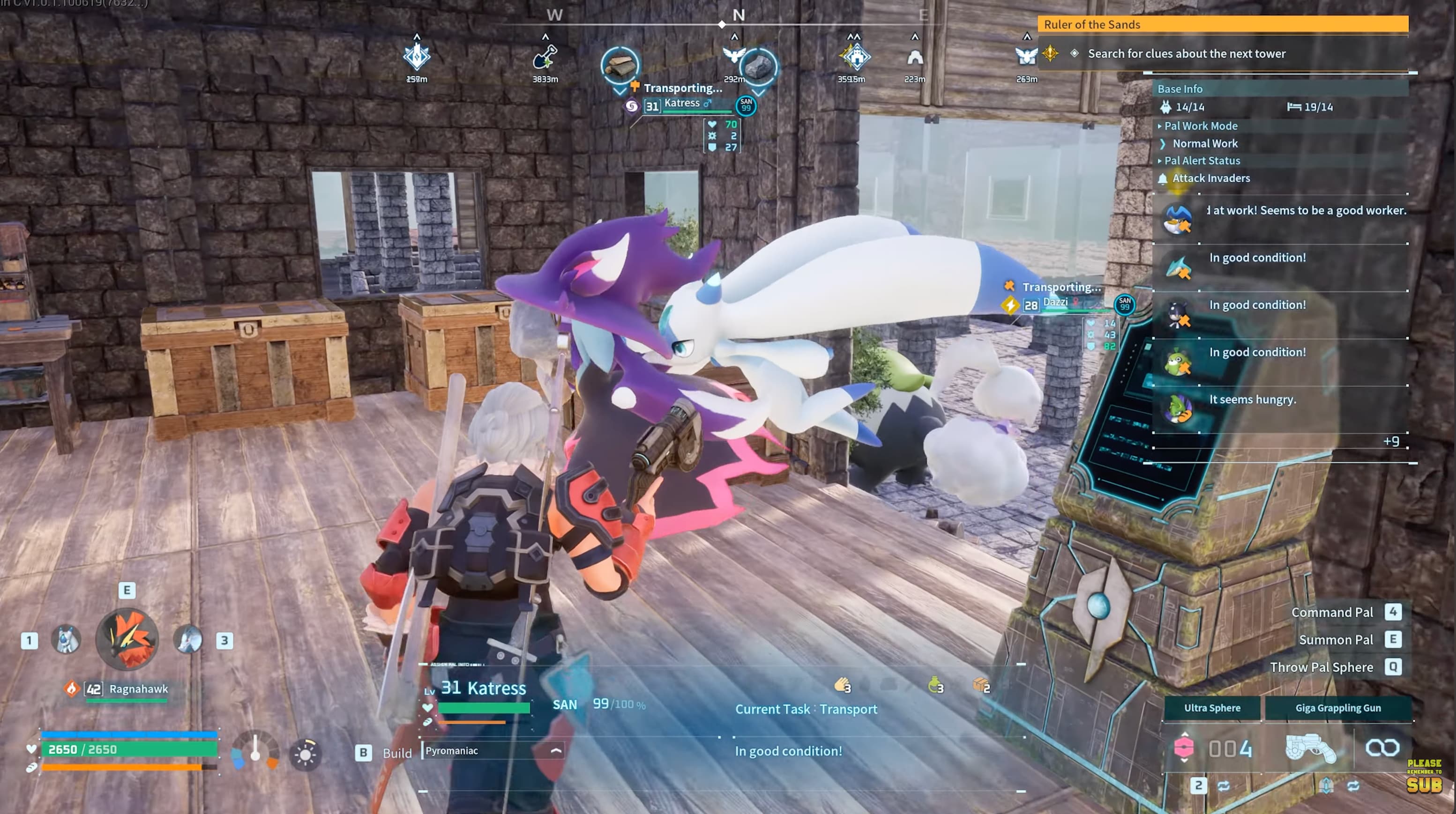
palworld chest settings pal logic

In the image above, we can see two Pals running past the Chest near the entrance, heading towards the one on the left. Both Chests share the same Chest Settings, but the leftmost one is closer proximity to their working area (outside and around the corner to the left side).

Knowing this, we can make a better judgment when deciding where to place Chests. This helps ensure we avoid suboptimal pathing, allowing our Pals to work as efficiently as possible.

Use Chest Filters

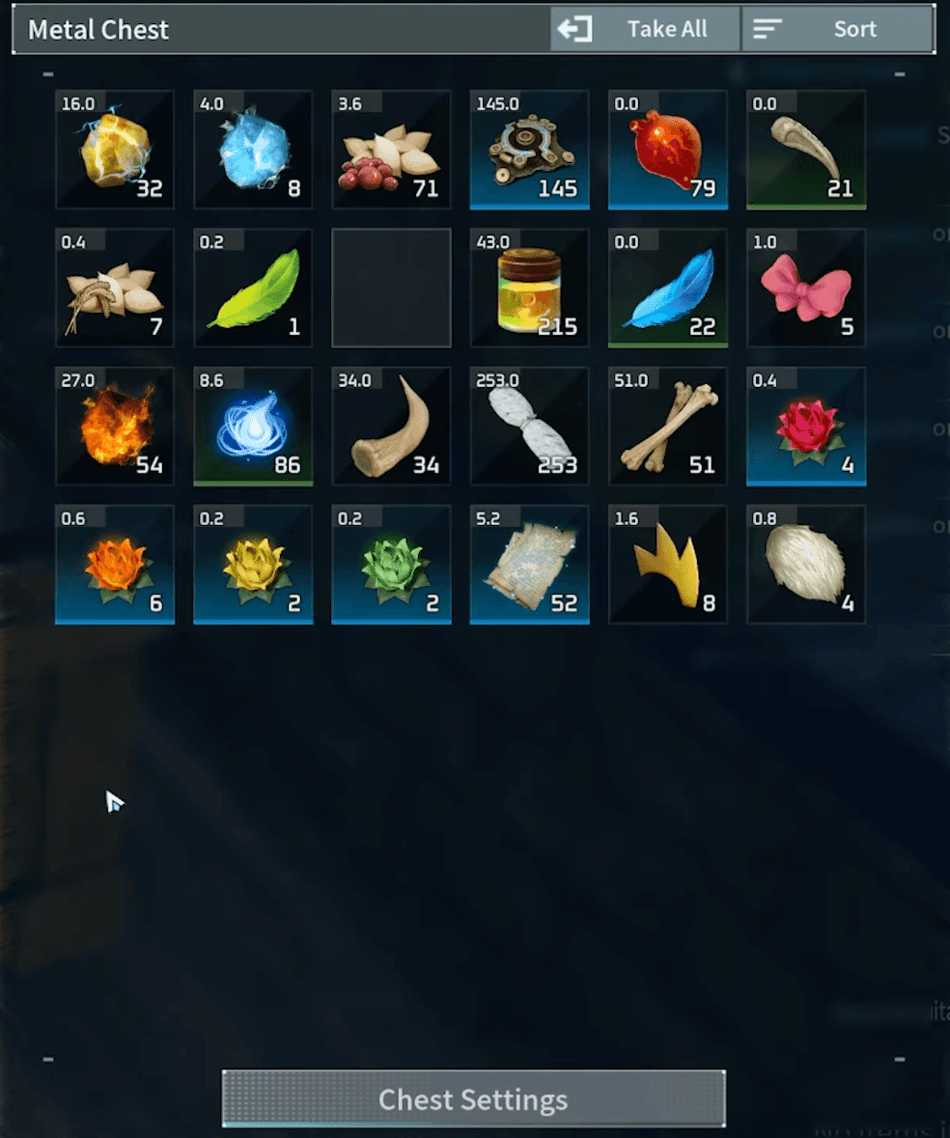
Palworld gives the player a lot of control when it comes to automation, but when it comes to your Pals, they aren't exactly the best employees. Without proper direction, AKA Chest Settings, they will freely stockpile a bunch of random items where you don't want them.

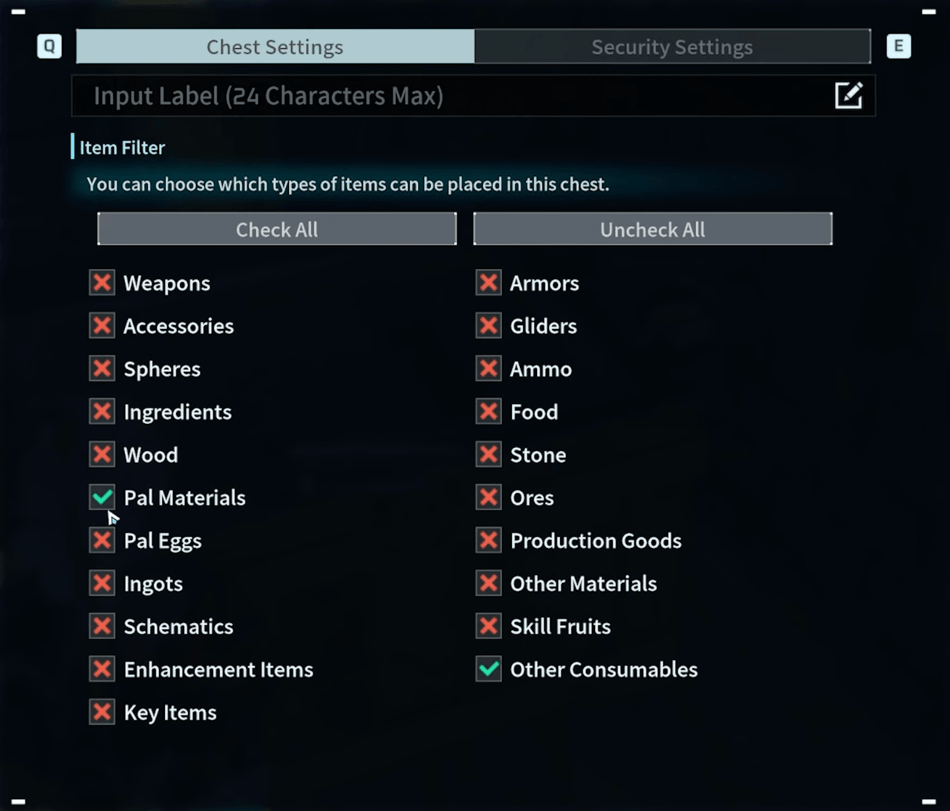
palworld chest settings filter

The easiest way to regain control is to limit what items can be placed in each Chest. You can select the categories you'd like to focus on, then omit everything else.

Note: These limits also apply to you, which can be handy as it helps avoid misclicks and errors.

palworld chest settings filtered items

Block Decorative Furniture

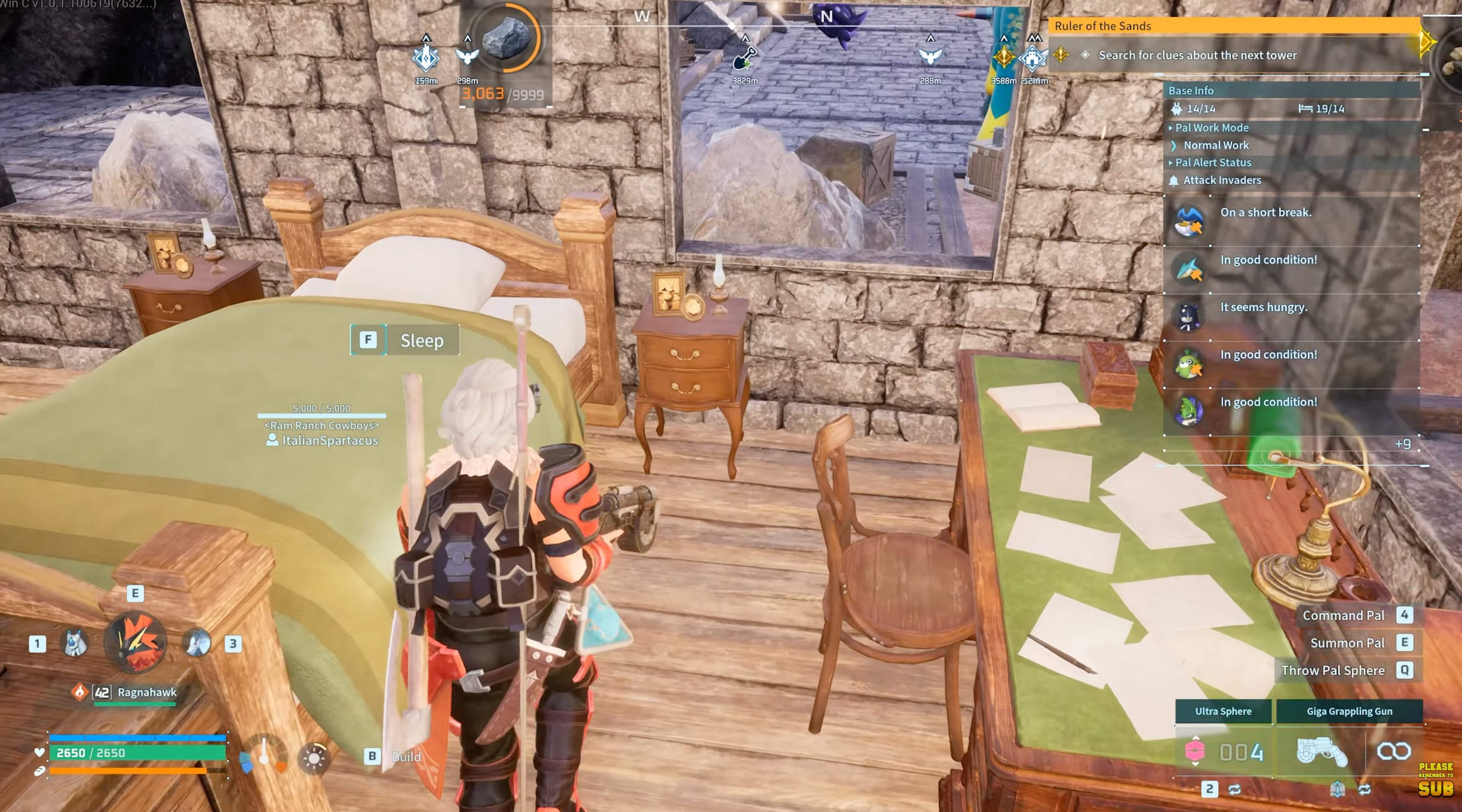
While you certainly have the option to store items inside of your decorative furniture, given their limited storage space, you probably won't want to.

After all, these count as Chests, meaning your Pals can fill them to their heart's content. So if there's one thing we recommend doing, it's blocking them entirely. Let decorations be decorations.

palworld decorative furniture

Feed Box Control

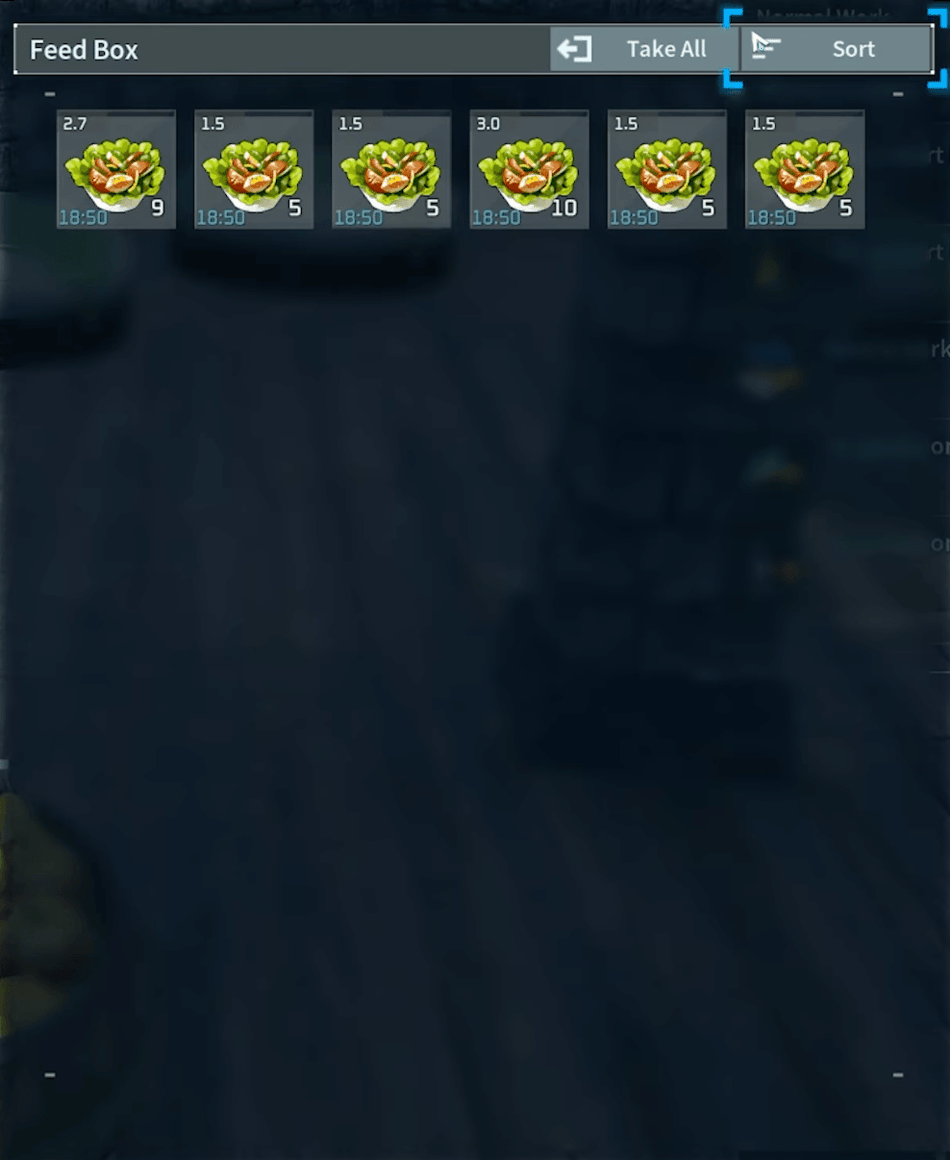
Feed Boxes can often get cluttered with unwanted food. However, there's an easy fix if you want full control over their diet. Assuming you have one or two specific foods you'd like to feed them, simply spread out the supply so that it occupies each space.

palworld feed box filler

All Palworld Guides

Check out all our Palworld content

Table of Contents

See More Content

Palworld 1.0 Wild Pal Level Map
Updated on Jul 17, 2026
Best Steam Games on Sale for July 2026
Updated on Jul 17, 2026
Palworld: How to Manage Your Food Production
Updated on Jul 17, 2026
Best Playstation Store Game Deals for July 2026
Updated on Jul 17, 2026
Palworld: How to Assign Specific Tasks to Your Pals
Updated on Jul 17, 2026

Like our guides?

Add Mobalytics as a preferred source on Google!