If you've made it past the opening hours of Taskbar Hero and have a rough feel for the systems, this is where the real optimisation starts. The game doesn't spell most of this out. Some of it you'd figure out eventually. Some of it you'd never stumble onto without specifically looking.
Here are the tips that actually move the needle.
If you want to learn how to earn money in your Steam Wallet with this game, check out our guide!
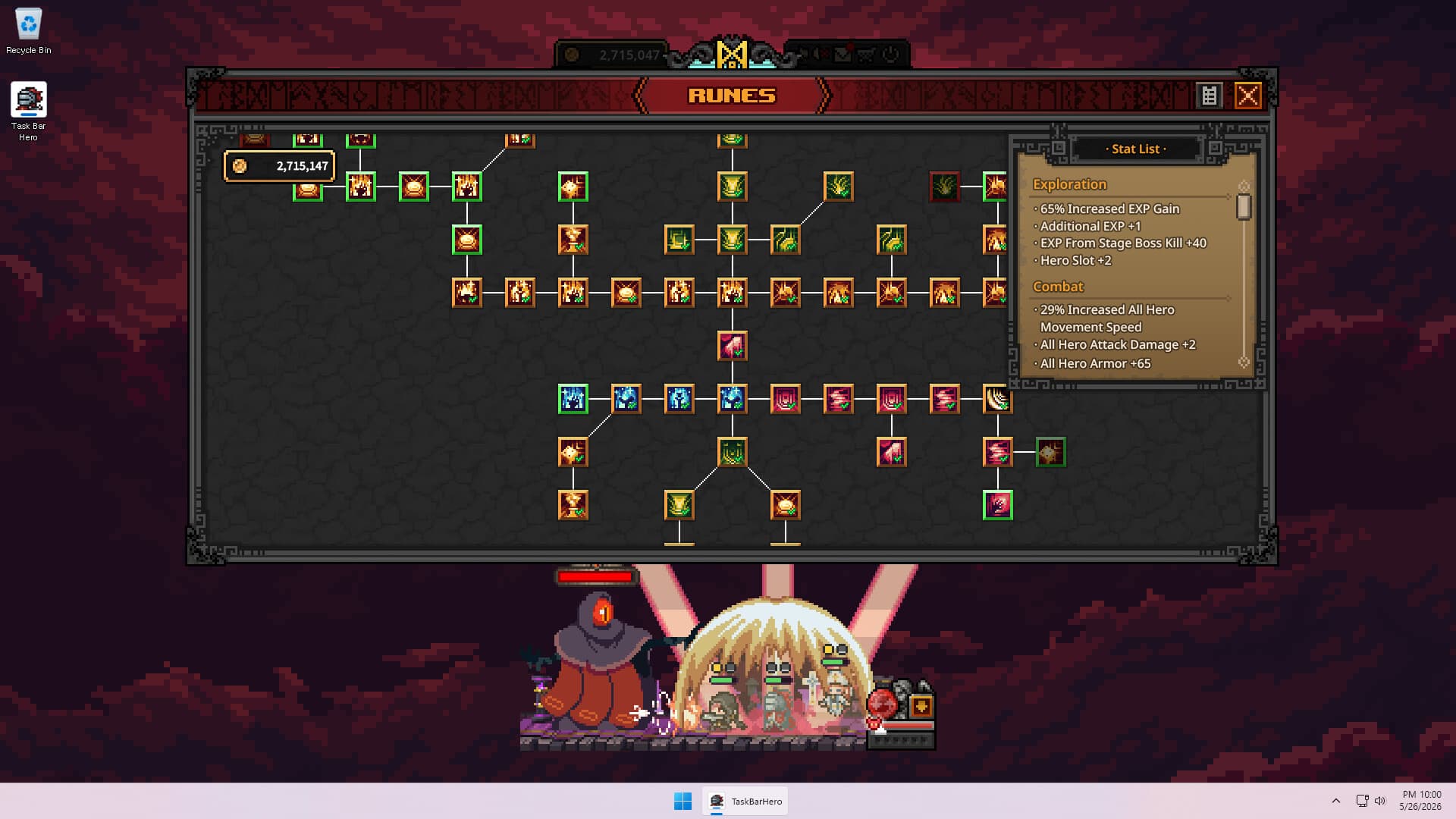
This one isn't glamorous, but it's the single most impactful thing you can do early on. The third formation slot costs 150,000 gold through the Rune tree, which feels like a lot when you're just getting started, but save for it aggressively and unlock it before almost anything else.
Running three heroes simultaneously doesn't just add one hero's worth of damage. It multiplies how quickly you farm XP, gold, and gear across the board. Everything that comes after, builds, gear optimisation, pushing into harder content, becomes faster and more efficient with a full party. Until you have three heroes, you're playing the game in low gear!
The Best Party Composition
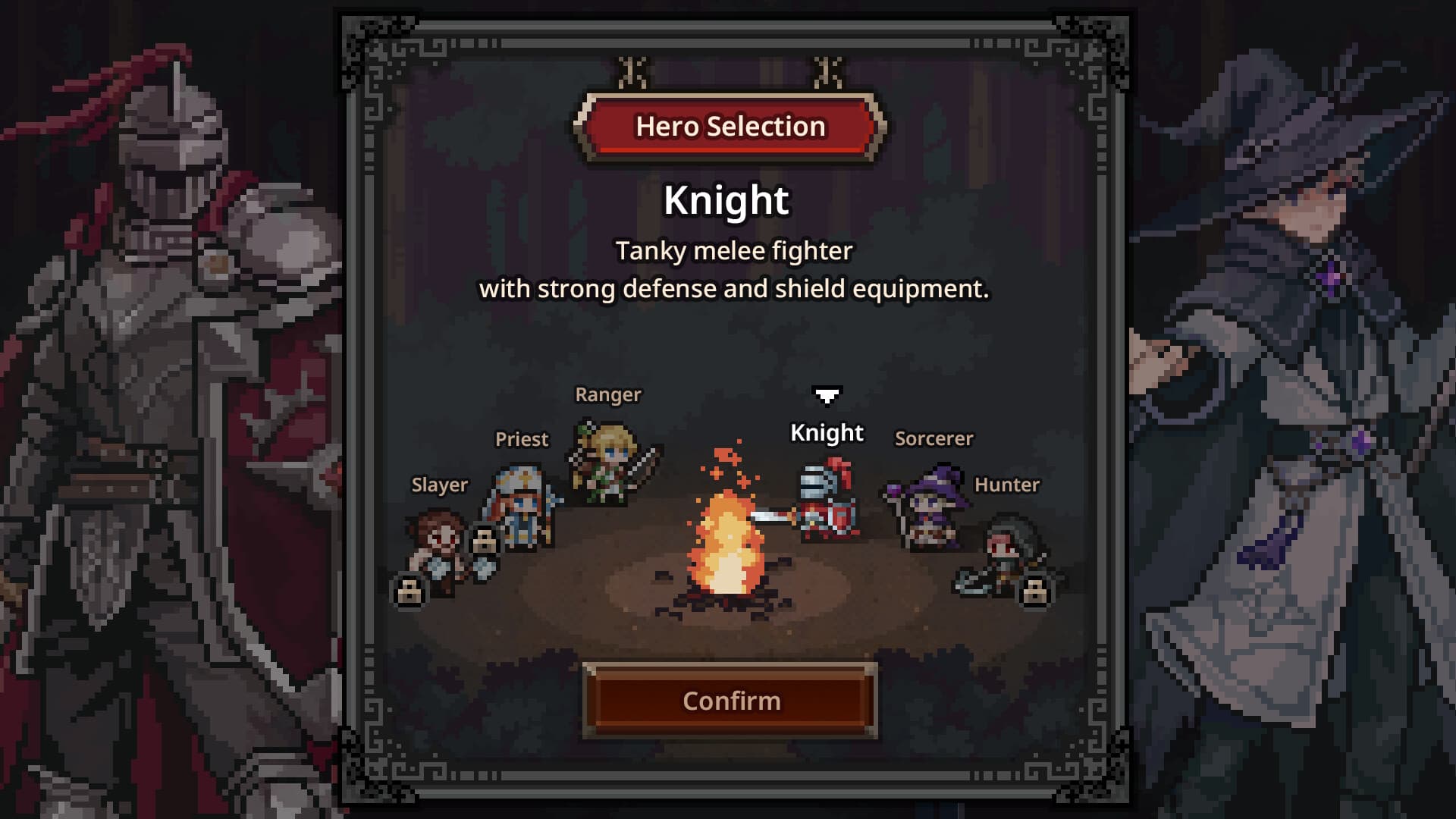
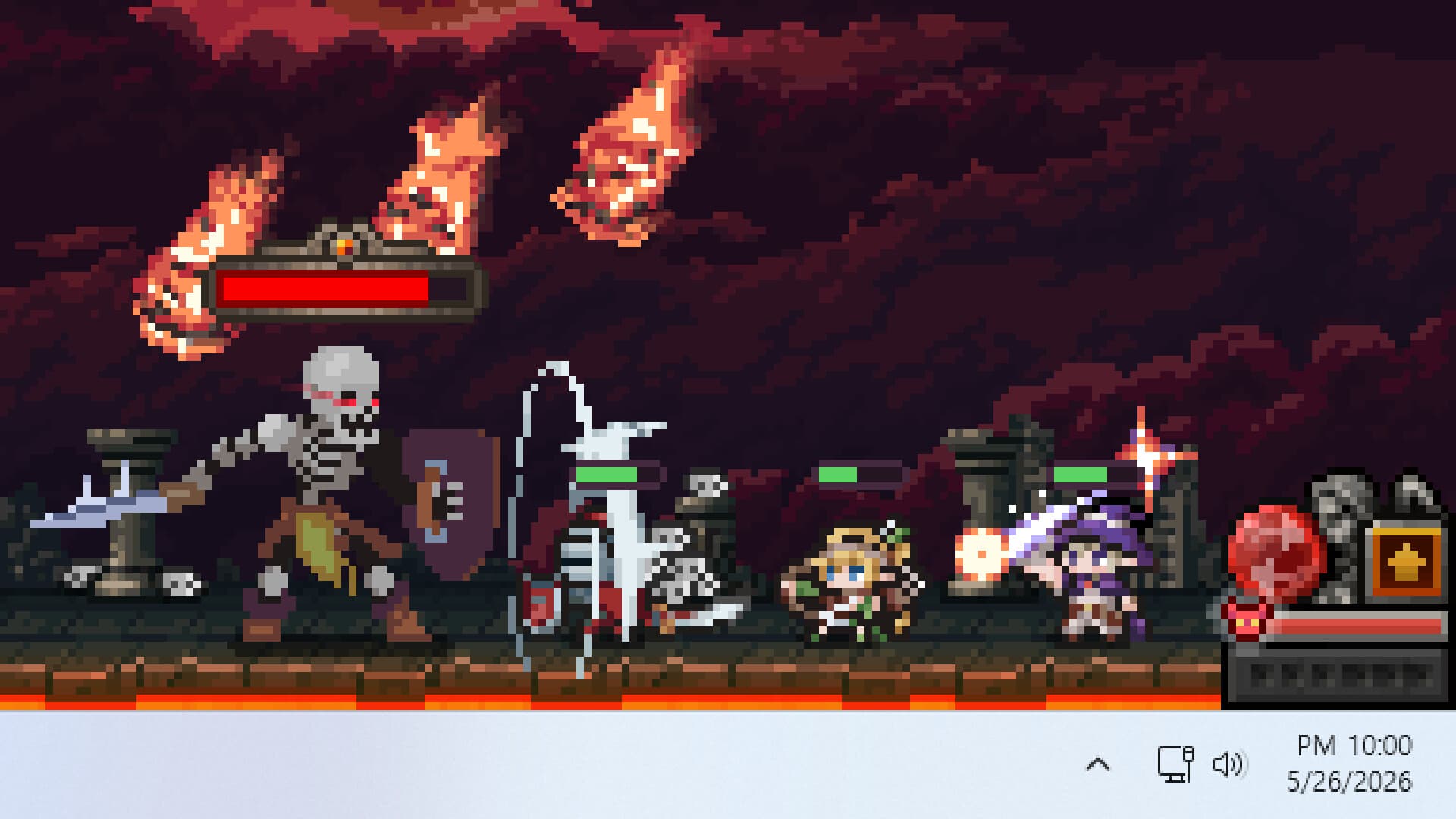
Once you have three slots, the formation that holds up best through the early and mid-game is Knight + Priest + Ranger.
Knight tanks at the front, absorbing hits and keeping enemies occupied. Priest heals the Knight and buffs the whole party's damage output. Ranger sits in the rear doing what she does best: fast, sustained DPS that clears waves without needing protection.
What makes this trio work is that it covers two things beginner compositions usually struggle with: sustain and multi-target damage. The Knight buys time, the Priest keeps that time going, and the Ranger uses it. You can swap the third slot out for a Sorcerer for better AoE clear if you're farming dense stages, but Knight + Priest + Ranger is a reliable foundation to build from.
Spend Skill Points With a Plan
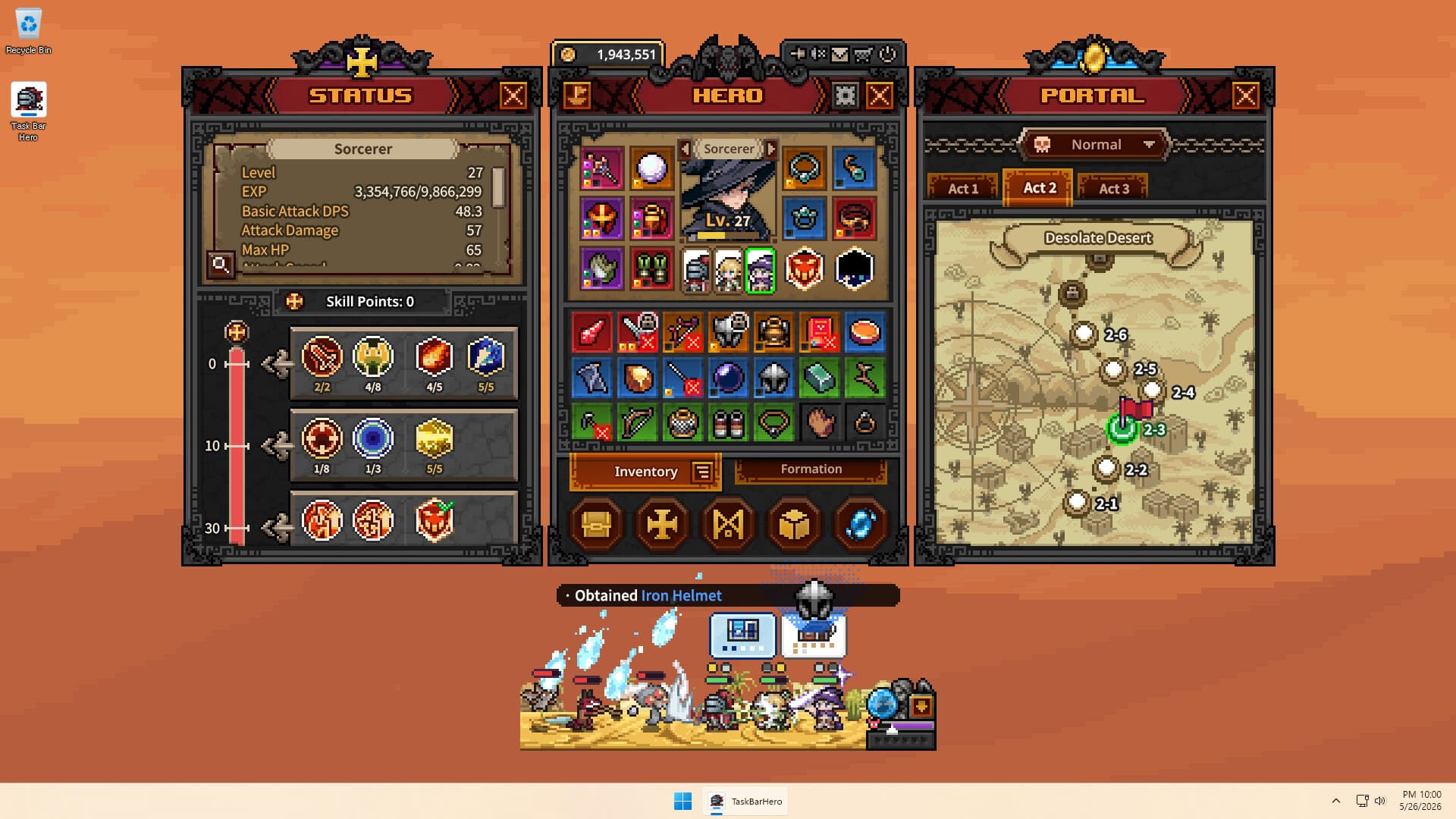
Don't just throw your skill points around willy nilly! Skill points can be refunded, so nothing here is permanent, but having a plan from the start just means you're not playing catch-up from a suboptimal spread when content gets harder. Here's what actually works for each hero:
Ranger
Start with flat damage for your first few levels. Attack speed bonuses are percentage-based and don't amount to much when your base damage is low. After that, invest in the skill that fires multiple quick shots at a single target (not the version that splits shots across multiple enemies, as that spreads your damage too thin). Once you unlock a second skill slot, reset and pivot into Rain of Arrows, then stack crit chance.
Knight
Eight points into Health Boost first, then one into his active skill, one into Attack Damage. From level 10 onwards, prioritise Armor Boost. The more armor the Knight has, the longer your whole party survives, and that's more time for the Ranger to do her work!
Priest
Get one point into Heal immediately. Then invest in HP, because for whatever reason the Priest fights in melee and takes hits directly. Once the second skill slot is open, put points straight into Blessing of Strength. A 90% damage boost for your entire party is not something you want to sit on.
Offline Mode Doesn't Drop Chests
This trips up almost everyone coming from other idle RPGs. When you're offline, the game keeps running and you accumulate gold and XP, but you get zero chests. No normal chests, no boss chests.
Since chests are your main source of gear and materials, leaning on offline farming leaves a serious gap in your progression. The game rewards active sessions. Even 20 to 30 minutes of active play with auto-open for chests enabled will produce more meaningful resources than hours of offline accumulation.
Enable auto-open for common and boss chests through the Rune tree as soon as you can, and keep coming back for short sessions. The game builds much faster that way!
Specialise Your Gear at Higher Difficulties
In Normal and early stages, a balanced loadout works fine. Once you hit Brutal difficulty and above, that changes. The game scales enemy stats hard enough that being decent at everything just means you're not good enough at anything.
Pick your class's primary role and build entirely around it. Playing DPS? Maximise damage, attack speed, and crit chance. Running a tank? Go deep on armor, HP, and damage reduction. Mixed stats might feel like a safety net, but in harder content they'll get you stuck.
It's a different mindset to balanced builds in other RPGs, but in Taskbar Hero's higher difficulties, specialisation is what pushes you through walls.
Don't Synthesise Your White Items Early
The urge to dump everything into Synthesis the moment you unlock it is completely understandable. Resist it!
White (Common) items are important crafting and Synthesis ingredients later in the game, particularly when working up toward higher rarity gear. If you burn through them in the first few hours for marginal early gains, you'll feel their absence when you actually need them.
Sell Common gear through Alchemy if you need the gold. But hold onto white materials specifically until you have a clearer picture of what your build needs.
Use the Steam Market to Fill Gear Gaps
Grinding the same boss for a specific legendary that never drops is one of the more frustrating things Taskbar Hero can do to you. There's a smarter approach: the Steam Community Market.
The game integrates with Steam's marketplace properly. That legendary item sitting in your inventory for a class you don't play? List it, price it fairly, and sell it. Take the proceeds and buy the specific piece your character is actually missing. It's a much better use of the time you've already put in than hoping RNG eventually cooperates.
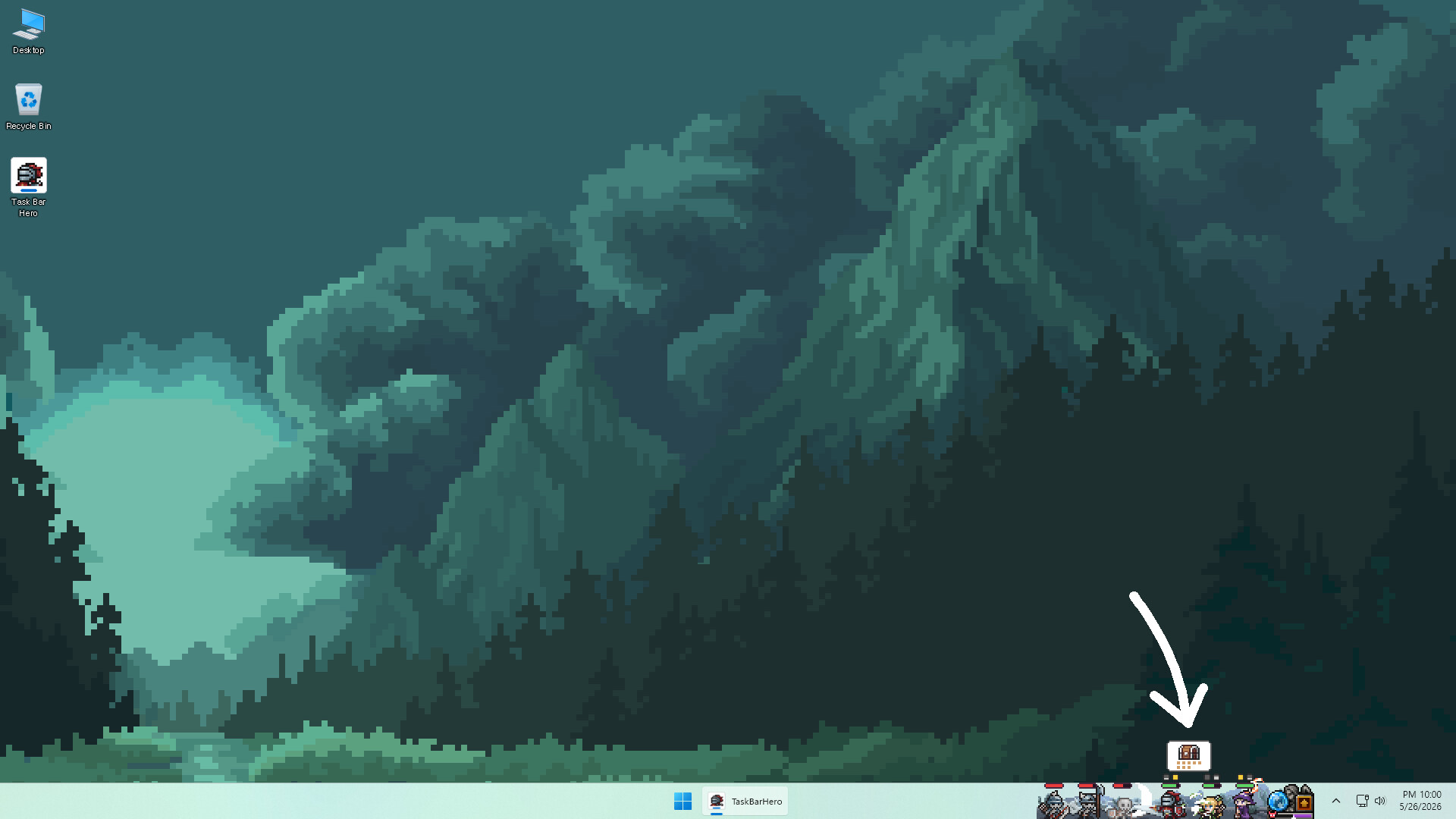
To list an item, click the ship icon (the "SteamTradeShip") in the top right of the TBH window and drag items onto it to move them to your Steam inventory. From there you can list them on the market as usual. Just make sure any socketed decorations or engravings are removed first, as the Cube's Removal feature handles this.
Check Your Mailbox After Market Purchases
The first time you buy something from the Steam Market and can't find it anywhere in-game, don't panic! It hasn't disappeared. It's just in your mailbox.
Items bought through Steam don't drop directly into your inventory. They arrive in the in-game mailbox, which you can access via the mail icon in the top-right corner of the TBH window. Open it, wait out the 10-second refresh cooldown, hit refresh, and your items will be there to claim.
It becomes second nature after a couple of purchases, but it's easy to miss the first time around.
Don't Rush Into Higher Difficulties
It's tempting to push up to harder content as soon as the option appears, but Taskbar Hero scales enemy HP and affixes aggressively, and an under-geared party hits a wall fast.
The smarter play is to clear each act fully on Normal before moving up. You'll come away with a more solid gear foundation, a better read on your build's strengths, and a much easier time when you do take the step up. Stalling on Normal when you could technically push feels slow, but arriving at Brutal with a proper loadout is far less painful than grinding the same stage for days because you jumped ahead too early.
Two Shortcuts Worth Memorising
If you use multiple monitors or like to switch between windowed and fullscreen modes, the Taskbar Hero window can end up somewhere you can't reach. Before you go digging through settings or restarting the game entirely, try these first:
Shift + F11 resets the window scale. Useful if the window ends up tiny after a DPI or resolution change.
Shift + F12 resets the window position. This is the one to reach for when the game has drifted off the visible part of your screen entirely.
Two quick shortcuts that solve 90% of "where did the game go?" moments. Worth keeping somewhere handy!