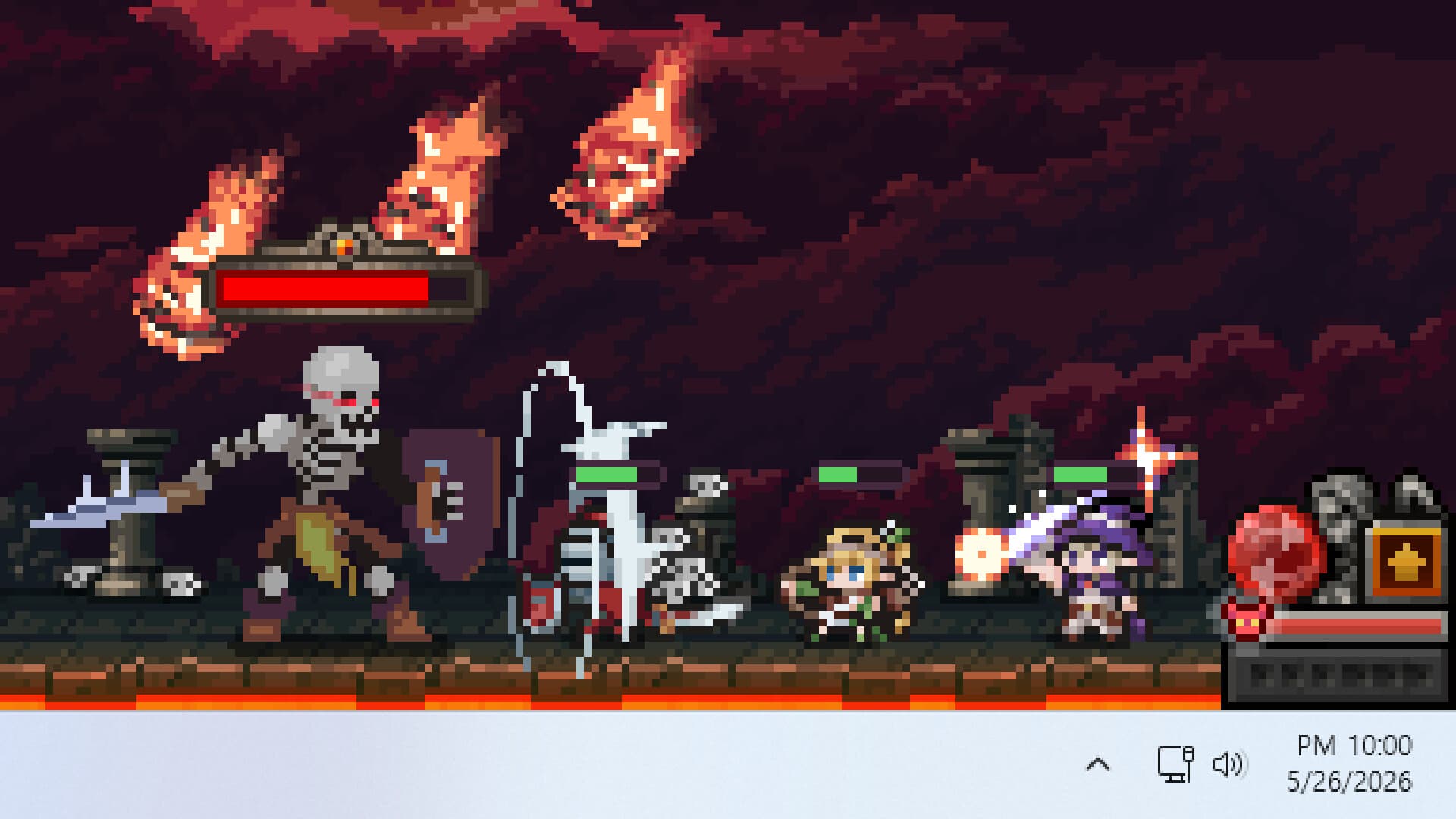
TBH: Taskbar Hero is easy to underestimate. It runs in a small window at the bottom of your screen, your little heroes shuffling around fighting things while you get on with your day. But spend a few hours with it and it becomes clear there's a proper idle RPG hiding in there, with deep progression systems, a meaningful economy, and plenty of ways to build badly if you're not paying attention.
If you've just started and aren't sure what to focus on, this guide covers everything you need to get off on the right foot.
If you want to learn how to earn money in your Steam Wallet with this game, check out our guide!
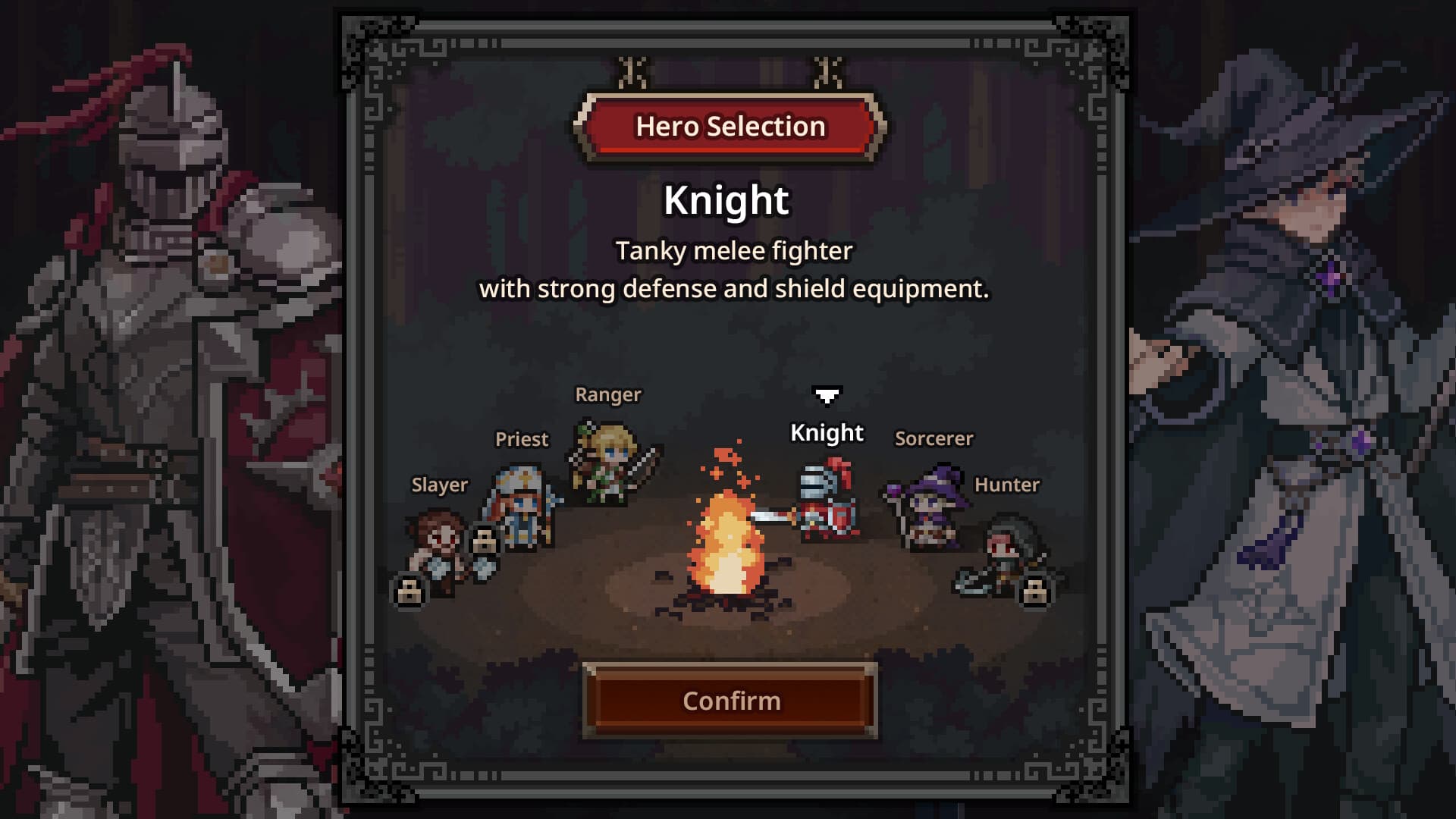
You start by picking one hero from three free classes:
Knight – a frontline tank with high HP and solid damage absorption
Ranger – a fast, high attack speed DPS who clears waves efficiently
Sorcerer – a magic damage dealer, stronger in AoE situations
The Priest is also available as a free DLC — claim it immediately from the store page. It's arguably the most valuable class in the game and you'll want it in your party as soon as possible.
Two further classes, Hunter and Slayer, are available as paid DLC.
For raw beginners, Knight or Ranger are both strong starting picks. Knight is forgiving because it absorbs a lot of damage and keeps your party alive longer. Ranger clears stages faster. Either works as you'll be adding more heroes to the party soon enough.
Your First Few Hours
Once you're in, your hero starts moving through stages automatically, fighting enemies, and generating chests as they go. Your main job early on is to collect and equip whatever drops. Here's a few immediate things to sort out:
Turn on Auto-retry.
If your hero fails a stage, you want the game to keep trying without you having to babysit it. Find this in the settings and enable it straight away.
Don't ignore chests.
Early on you'll need to open them manually. They're your primary source of gear and materials in the first few hours, so don't let them pile up. Automation for this comes later through the Rune system.
If you hit a wall, go back.
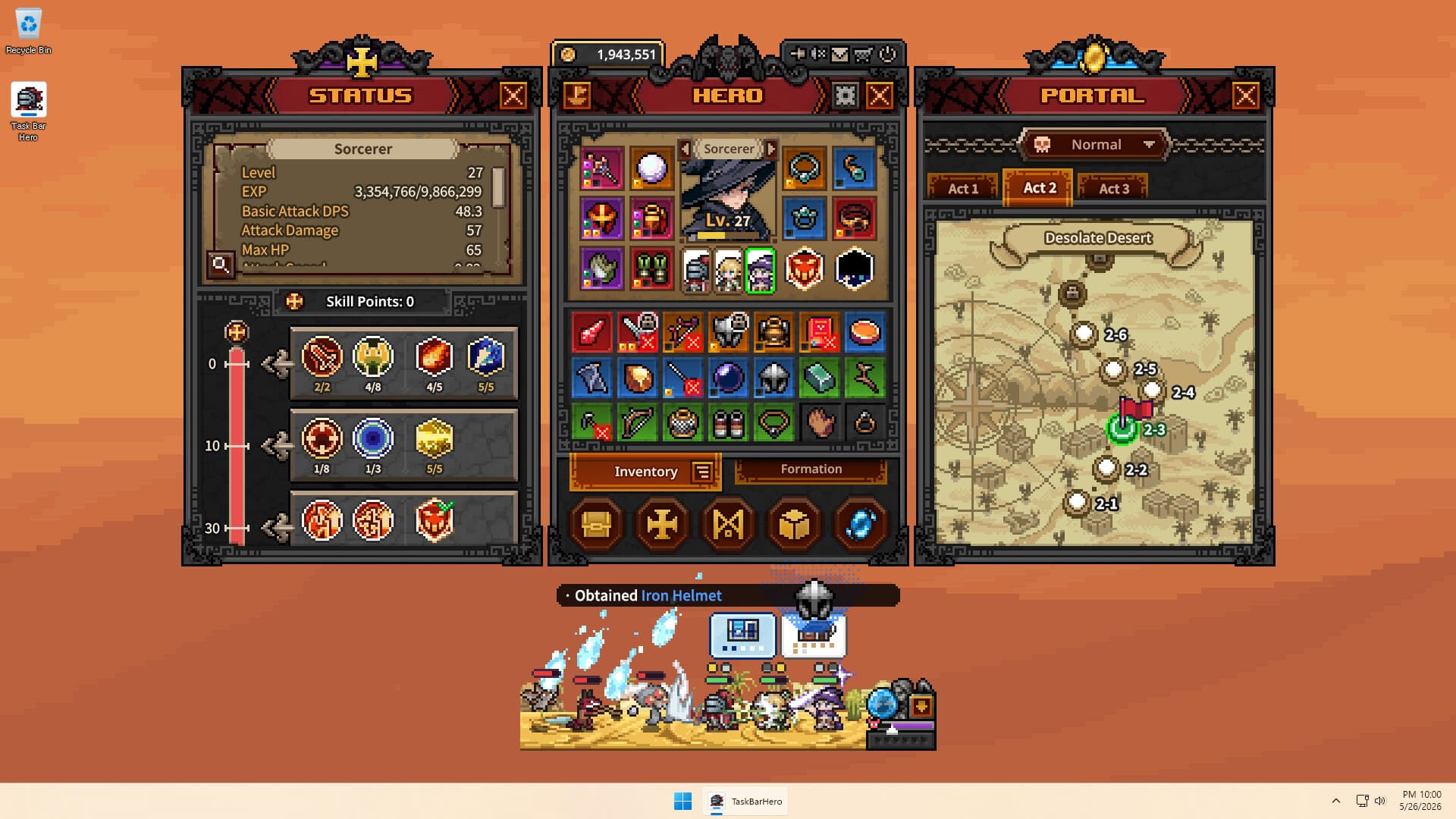
Stuck on a stage you can't clear? Don't keep bashing your head against it. Use the Portal (the blue portal icon in the bottom right) to travel back to an earlier stage, farm some gear and levels, and come back when you're stronger. There's no shame in it! The game is literally designed around this loop.
Building Your Party
Your starting formation has one hero slot. Expanding this is your very first priority. More heroes means more damage, more loot, and more XP gained simultaneously. It makes an enormous difference.
You manage your party through the Formation screen. From here you can swap heroes in and out of your active lineup, reorder their positions using the arrow buttons (there's no cooldown for reordering, only deploying a new hero has a 60-second cooldown), equip pets, and carry under-levelled heroes in your party to power-level them faster.
Red dots on a hero portrait mean they have unspent skill points. Don't leave those sitting there.
On pets: their passive effects apply whether they're deployed or not. Equip them for the bonuses regardless.
The Best Early Team Composition
Once you've unlocked a second and third hero slot, the composition that works best for most players is Knight + Priest + Ranger.
The Knight tanks at the front and absorbs damage. The Priest keeps the Knight alive with heals and buffs the whole party's damage output significantly. The Ranger sits behind them dealing fast, consistent DPS. Each covers a weakness the others have, and the formation holds up well through the early and mid-game without needing constant adjustment.
Priest's Blessing of Strength skill is particularly worth noting. It gives the entire party a huge damage boost when you unlock it, so make sure you have a second skill slot open to use it.
The Rune System
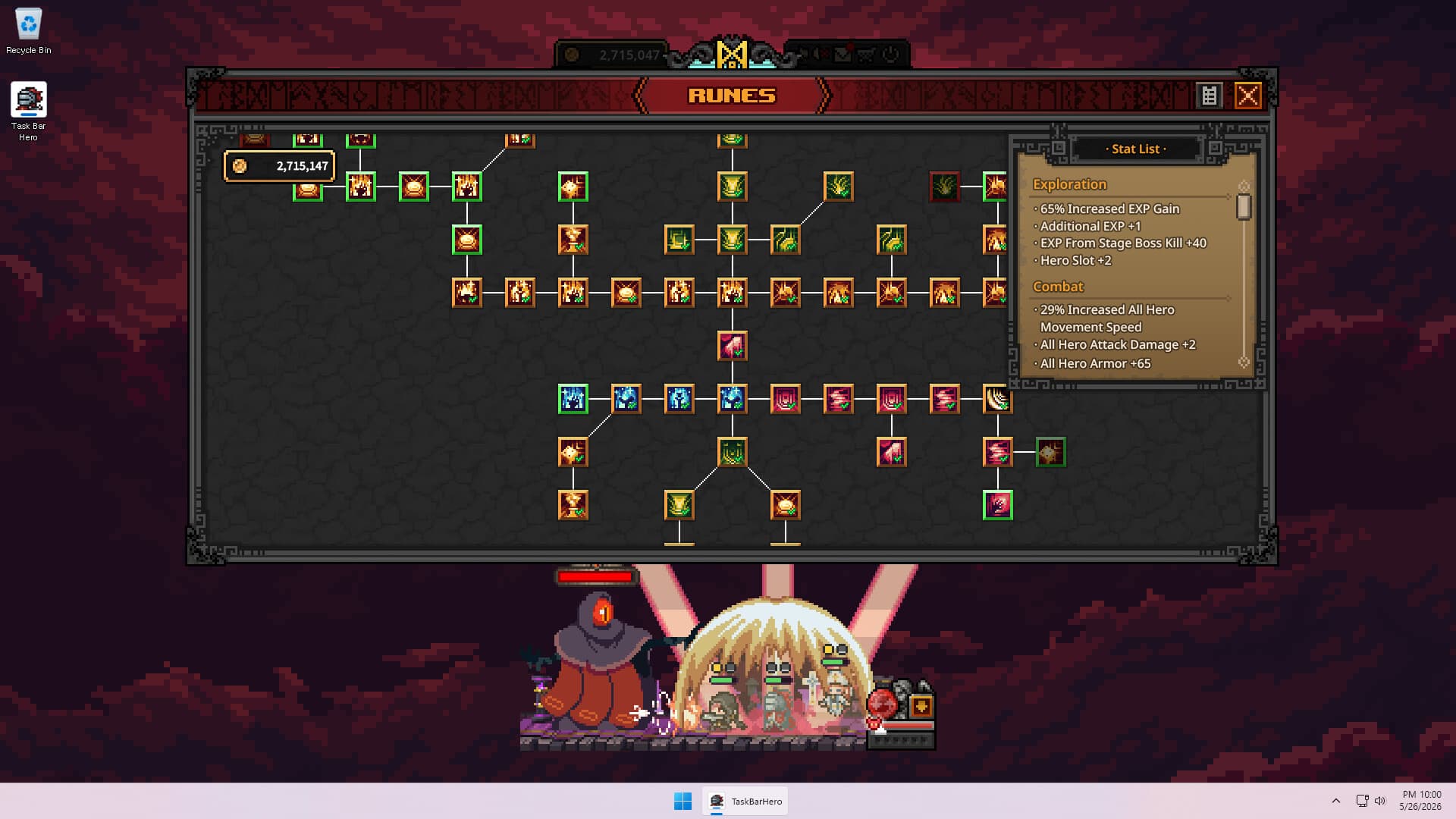
Runes are the game's permanent upgrade tree. You buy them with gold and they improve almost every aspect of your account: party size, combat stats, chest drop rates, inventory space, gold income, experience gain, and much more.
The immediate priority is the south path of the tree where your second and third formation slots live. The second slot costs a manageable sum. The third costs 150,000 gold, which feels steep early on, but it's worth every coin.
Once you have a full three-hero party, here's a sensible broader priority order:
Second active skill slot (unlocks a second ability per hero — big power spike)
Auto-open for common chests and boss chests (essential for idle efficiency)
Gold and XP bonuses from Cube Alchemy
Chest drop chance (north-east branch)
Gold from enemy kills
Hero XP gain
Combat stats (south-east branch)
Inventory and stash upgrades
If you want the game to run as efficiently as possible while you're away from it, invest more in the automation runes higher up the list!
The Cube
The Cube is where most of your item progression happens. It looks complicated at first but don't worry, we're here to help. Let's break it down:
Synthesis – Combine 9 items of the same rarity to create one item of a higher rarity. This is your main path to better gear once drops start flowing. You can sometimes skip rarity tiers if you're lucky. Don't rush this in the very early game as you need gold first. Once you're comfortable though, don't just sell everything. Saving gear for synthesis pays off.
Alchemy – Converts unwanted items into gold. This becomes one of your biggest income sources. Use Alt + Left Click to lock items you want to keep before using auto-fill, otherwise it'll grab things you didn't mean to sell.
Crafting – Craft gear using materials collected during play. Useful for filling gaps in your loadout. Note that main and secondary weapons give random results, so you may need to craft more than once to get what you want.
Decoration / Engraving / Inscription – These three slots (unlocked at Rare, Immortal, and Arcana rarity respectively) let you socket materials into gear for stat bonuses. Check what a material actually adds before slotting it, you don't want fire damage bonuses on a hero who doesn't deal fire damage for example.
Removal – Lets you extract socketed materials from gear. The gear needs to be unequipped first. Crucially, removal destroys the material so save your best gems for gear you're actually going to stick with for a while.
Managing Your Inventory and Stash
Each class can only equip certain item types, so check before assuming something is an upgrade. Hover over any item to see its stats, class requirements, level requirement, and sell value.
The Stash is your long-term storage. Good candidates for keeping there: decoration, engraving, and crafting materials, Soul Stones, and high-level gear you can't equip yet.
Feel free to sell items for classes you don't play. Use Alchemy in the Cube to convert them to gold rather than selling them individually.
Progressing Through Acts
To reach the boss at the end of each act, you'll need a Soul Stone for that act. Don't panic about wasting them! A Soul Stone is only consumed when you actually defeat the boss and clear the act. Failed attempts cost nothing. Throw yourself at the boss as many times as needed.
If the boss is stopping you cold, go back through the Portal and spend more time farming gear on earlier stages. Progress will come.
A Note on Offline Play
The game does accumulate gold and XP while you're offline, but there's a catch: offline mode drops zero chests. Since chests are your main source of gear and materials, relying heavily on offline farming leaves a massive gap in your progression.
Short active sessions, even 20 or 30 minutes, are far more valuable than long offline periods for account growth. Use offline farming for the passive income, but don't count on it to replace active play.