menu
MobalyticsUse your favourite features in-game with our Desktop App
Gamebase

How to Move Furniture and Objects in Windrose

Guides
Windrose
By Mobalytics
Updated on Apr 20, 2026
Apr 20, 2026

Intro

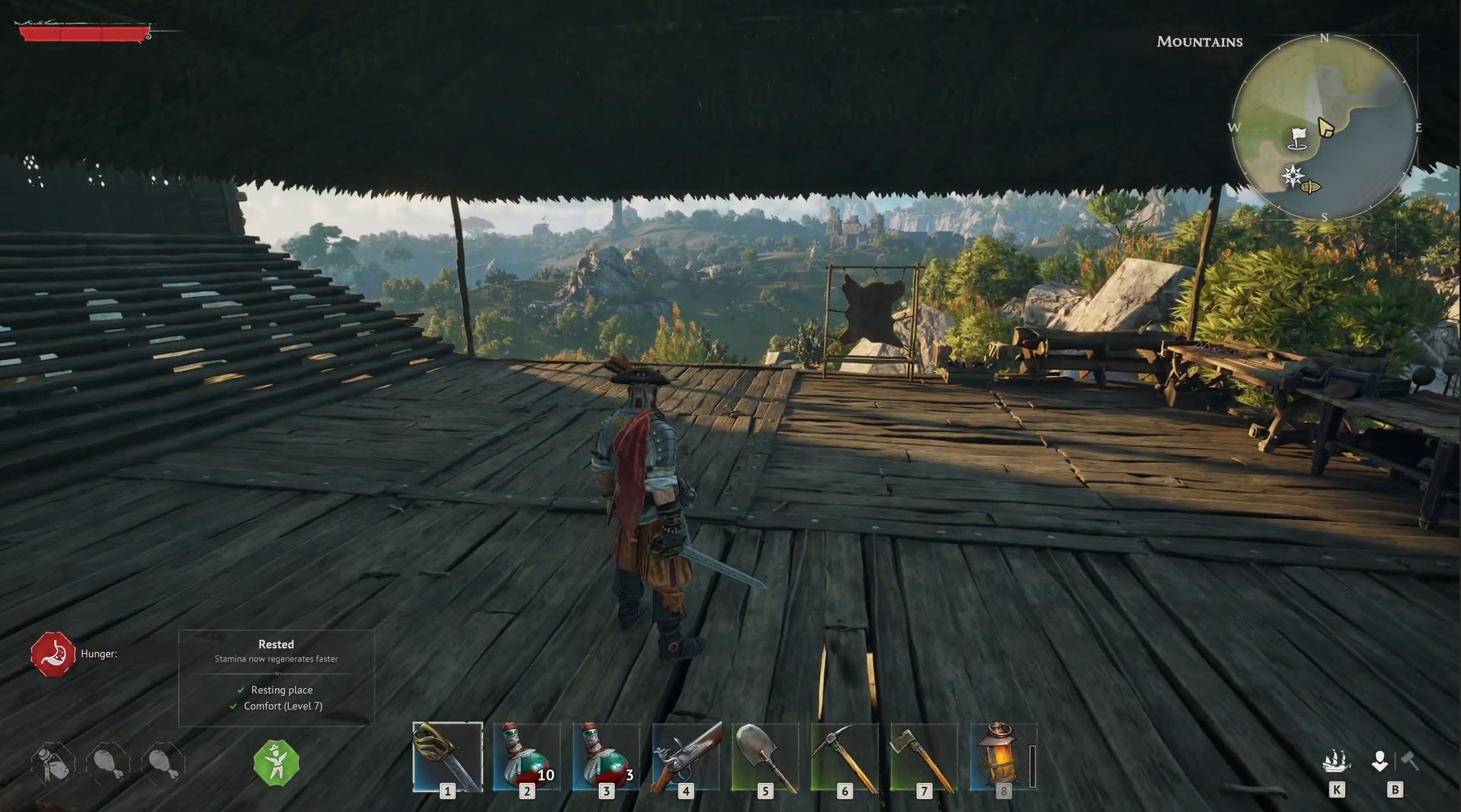
You're building your base. You've got everything planned to a T. It's all coming together and - wait, is that Workbench slightly off center??

It happens, and in a game where building your base is not just for show but actually has practical uses, having it set up appropriately is important.

At this point in the Early Access however, there is currently no way to move your furniture or buildings in Windrose. However, the next best thing is available to the player.
Remove and Replace

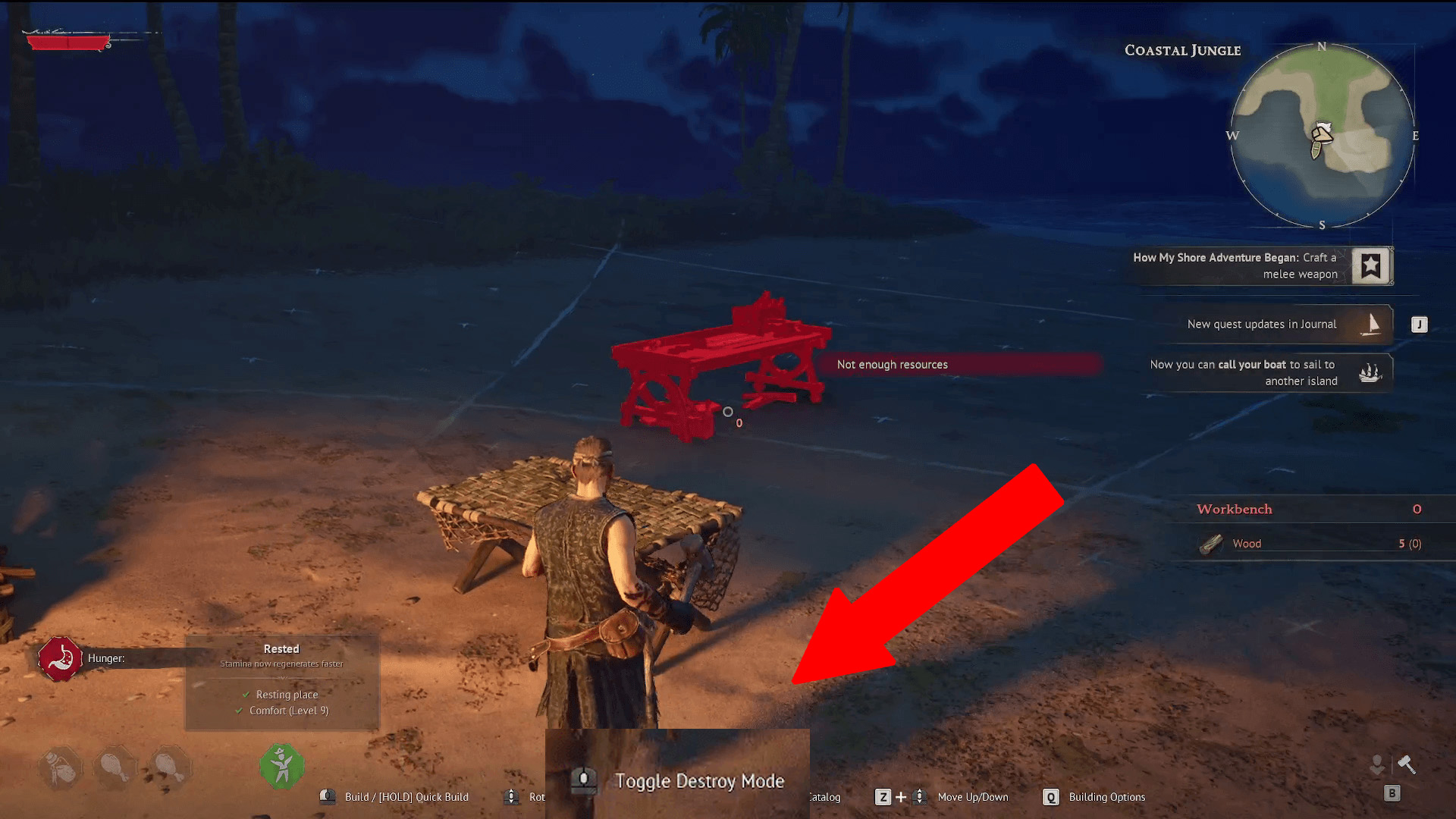
You may not be able to pick things up and put them elsewhere, but you are able to destroy your objects for a full refund of resources used to craft it.

To access this option, open the Build tool by pressing B. Once there, hit the Middle Mouse Button to turn your reticle into an instrument of destruction (or salvage, depending on your perspective).

You'll get all your resource back and be able to re-build what you need to move. This isn't ideal for containers and workbenches that have jobs in progress, but it's fine for decorations and simple placement.

We do expect this to be changed in future updates, but for now you'll have to make do with inanimate reincarnation.

All Windrose Guides

Check out all our Windrose coverage

Comments

0