menu
MobalyticsUse your favourite features in-game with our Desktop App
Gamebase

How to Remove the Vignette Effect in GTA 6

Guides
GTA 6
By Epic
Updated on Nov 29, 2026
Nov 29, 2026

Overview

One of the most controversial features of Grand Theft Auto 6 is without a doubt the Vignette. It's the constricting black fade around the center of your screen, and if you've played for even a couple of hours, you've surely seen it. The thing is, this effect cannot be manually turned off, and there's a pretty good reason for it. In this guide we'll explain why that is, and how to get rid of it when it shows up.

Looking for more GTA 6 Content? You can find everything you need here.
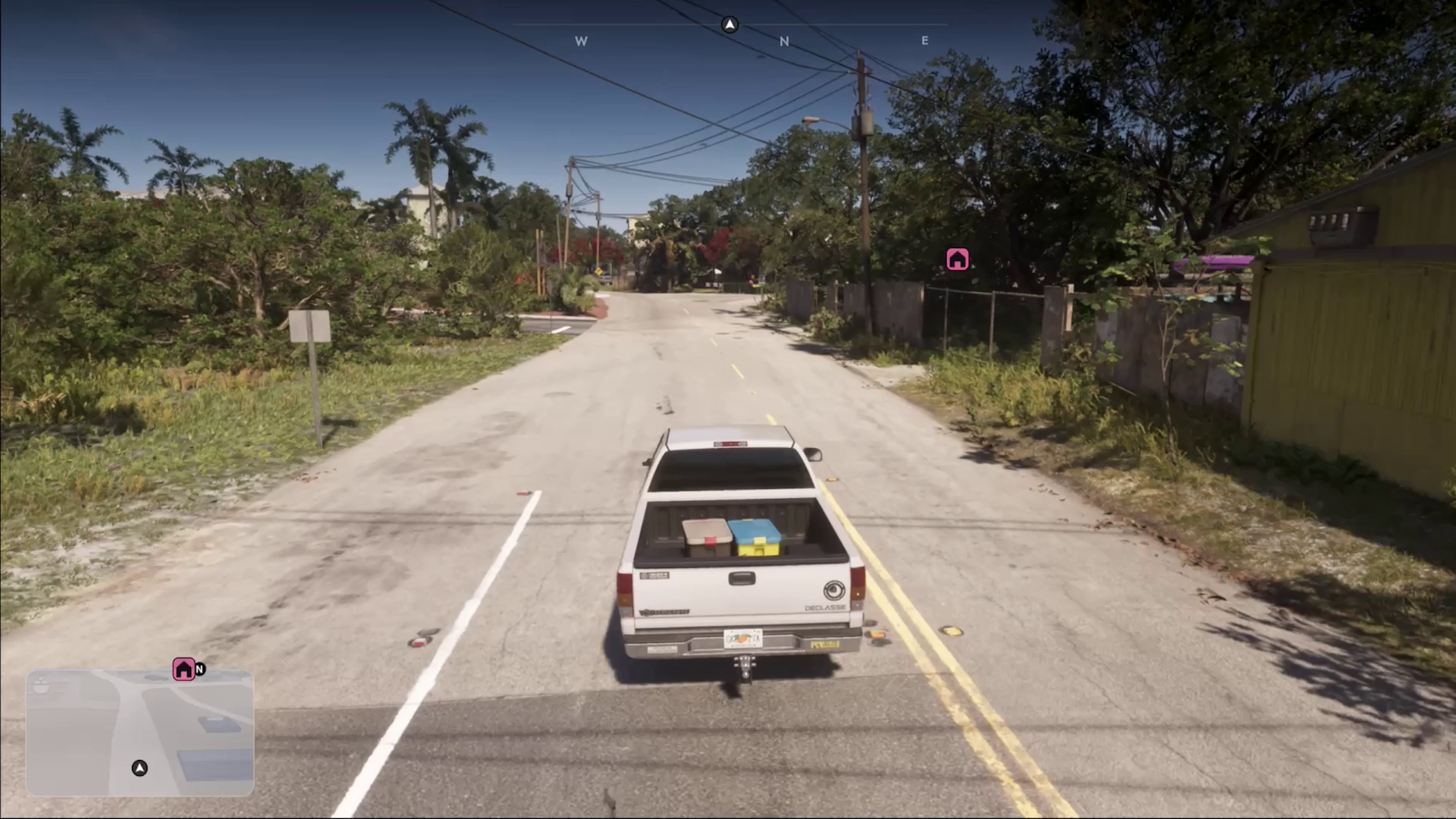
How to Get Rid of the Vignette

This might come as a surprise to those not in the know, but the vignette screen effect is actually intentional, serving as a visual indicator of fatigue in the game. This is partly why those who have noticed the effect, may also have realized that the intensity of it varies massively.

So while you may not be able to completely disable the effect to prevent it showing up, there is one easy method to get it to go away: get some sleep

This seems to be the go-to trick when getting this effect to disappear, but it is important to note that some users have also reported that eating food can have the same benefit. But despite rumors, the sleep remedy seems to be the most reliable solve for this painful problem. It is bizarre that this mechanic seemingly isn't explained in the game, being that it's such an invasive (and divisive) feature. Regardless, hopefully this short guide helps you out next time you see the effect appear on your screen!

Comments

0