


Welcome to The Hideout! The Hideout is the new and improved personal area that you can run around, try new things and experience Deadlock heroes like never before. The Hideout is a massive mansion with lots of interactive areas.
You can do this alone, or invite your friends to spend some time in your Hideout for a bit. The possibilities are endless, and Valve has noted that there will be extra personalisation, achievements, and events in the future.
In this article, we will break down the new Hideout, which replaced the existing Dashboard UI and give you a little tour of the building. If you want to know about other major changes to Deadlock, including the 6 new heroes coming very soon, then click here.
Play
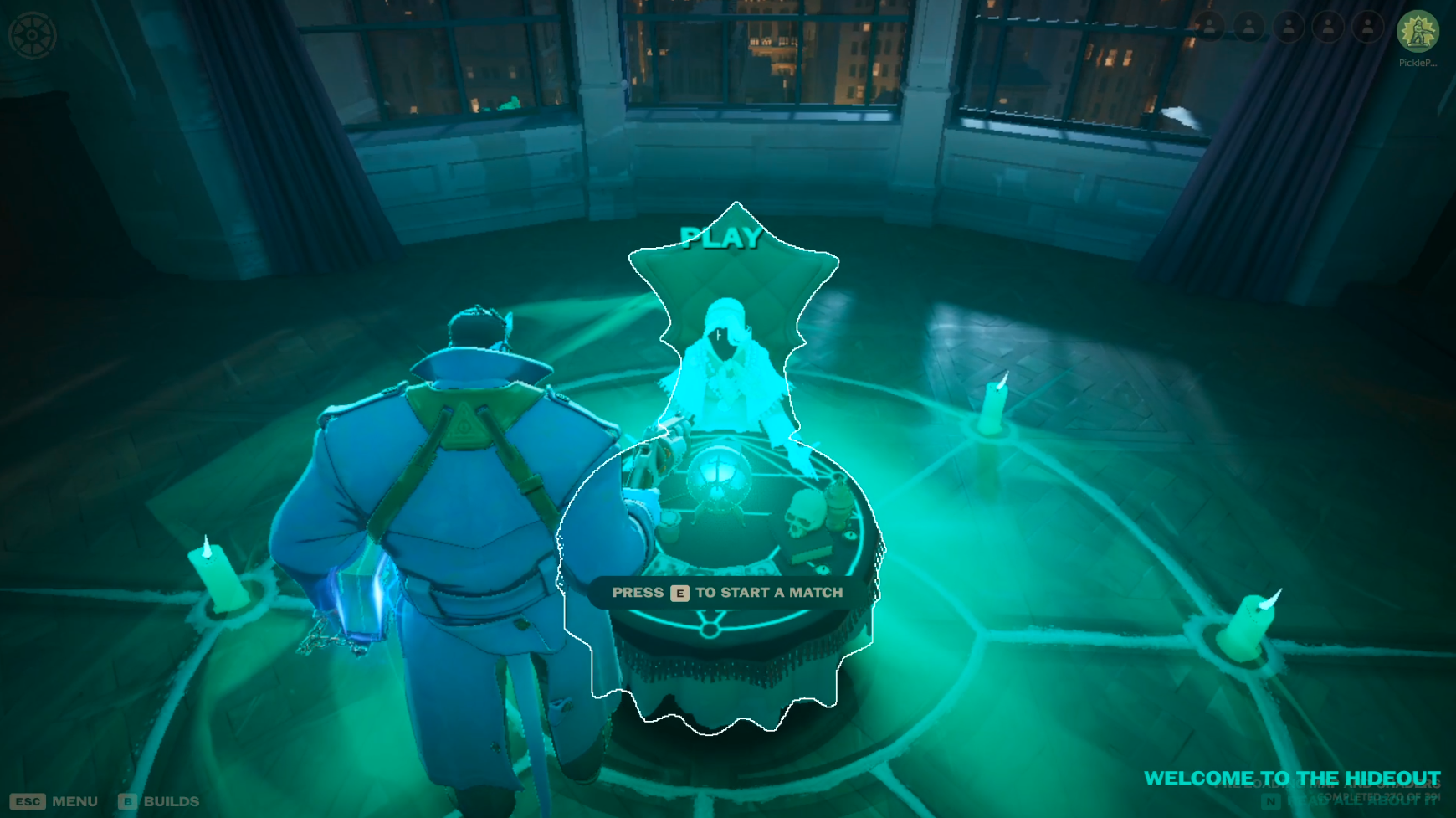
When you spawn in, you’re greeted with a green creature in a circle. If you head towards it, you will have the option to start a match. By pressing E, you can then go to another screen and start selecting your game mode and heroes and play like normal.
Cast Your Vote
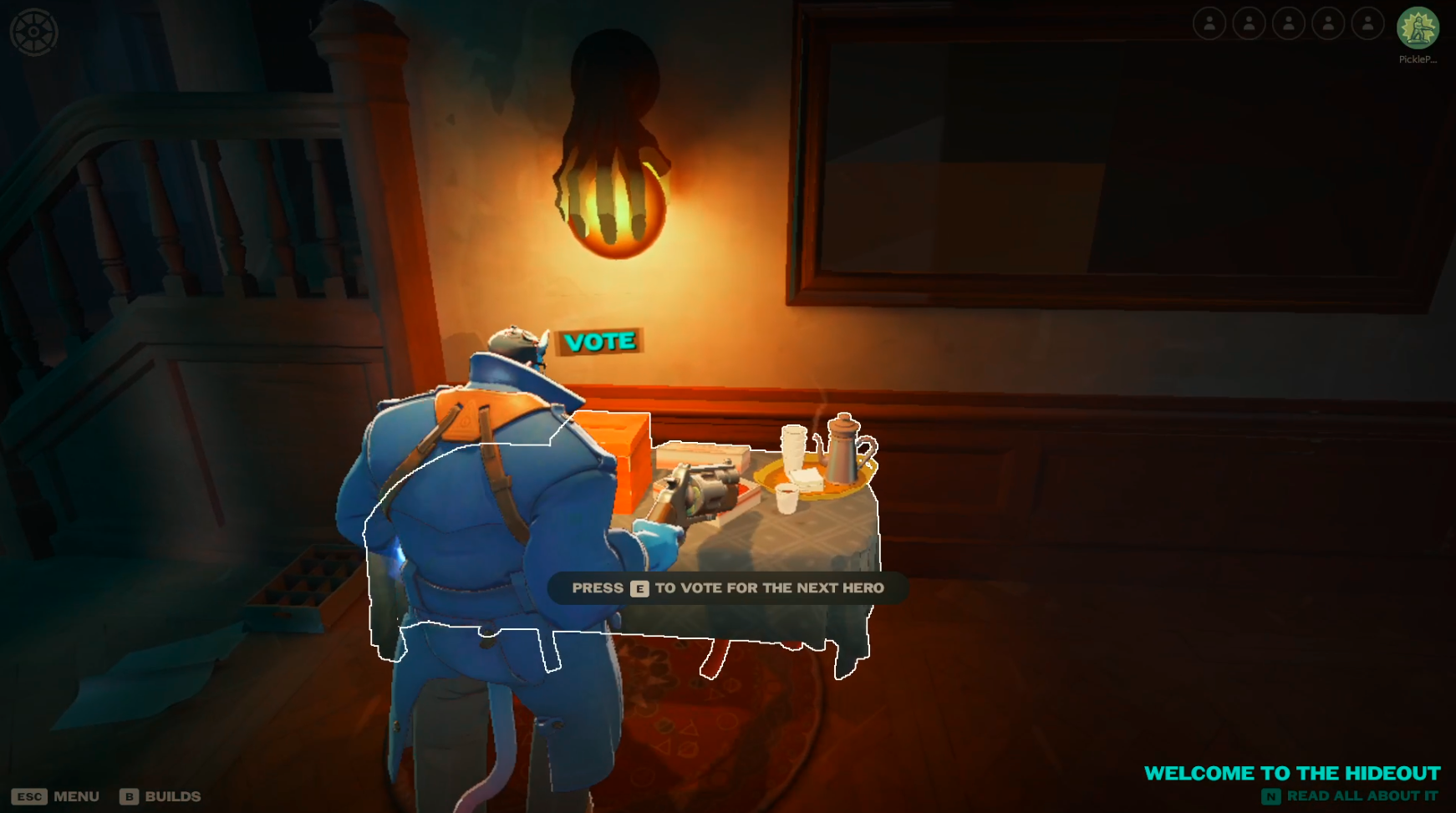
Right now, Valve is letting the community vote on who they want the next hero to be. You can vote by playing games. If you head to the left of the main play area, you will see a table with the word “Vote” on it. Look within and you’ll be able to cast your vote.
Shop and Practice Space
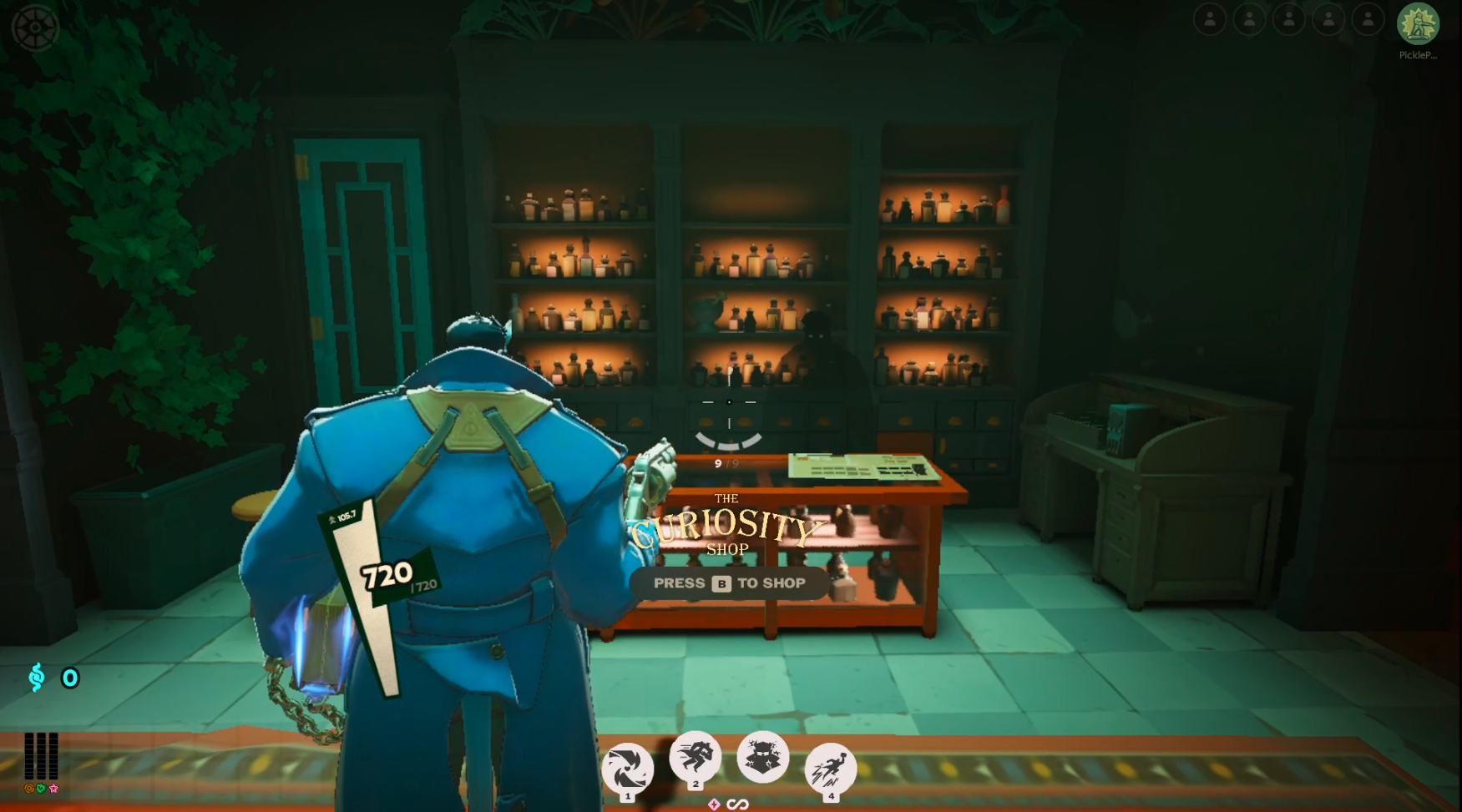
Keep going towards the left, and you’ll see the Shop and Practice Space. Going through to the shop area, you can basically browse the Curiosity Shop and see what each item does and all the information you might need for your favourite heroes. This is really convenient and, in my opinion, a nice change as it felt a bit difficult to get to before.
The shop is the same as before. You can import builds, browse items and do everything you can in-game.
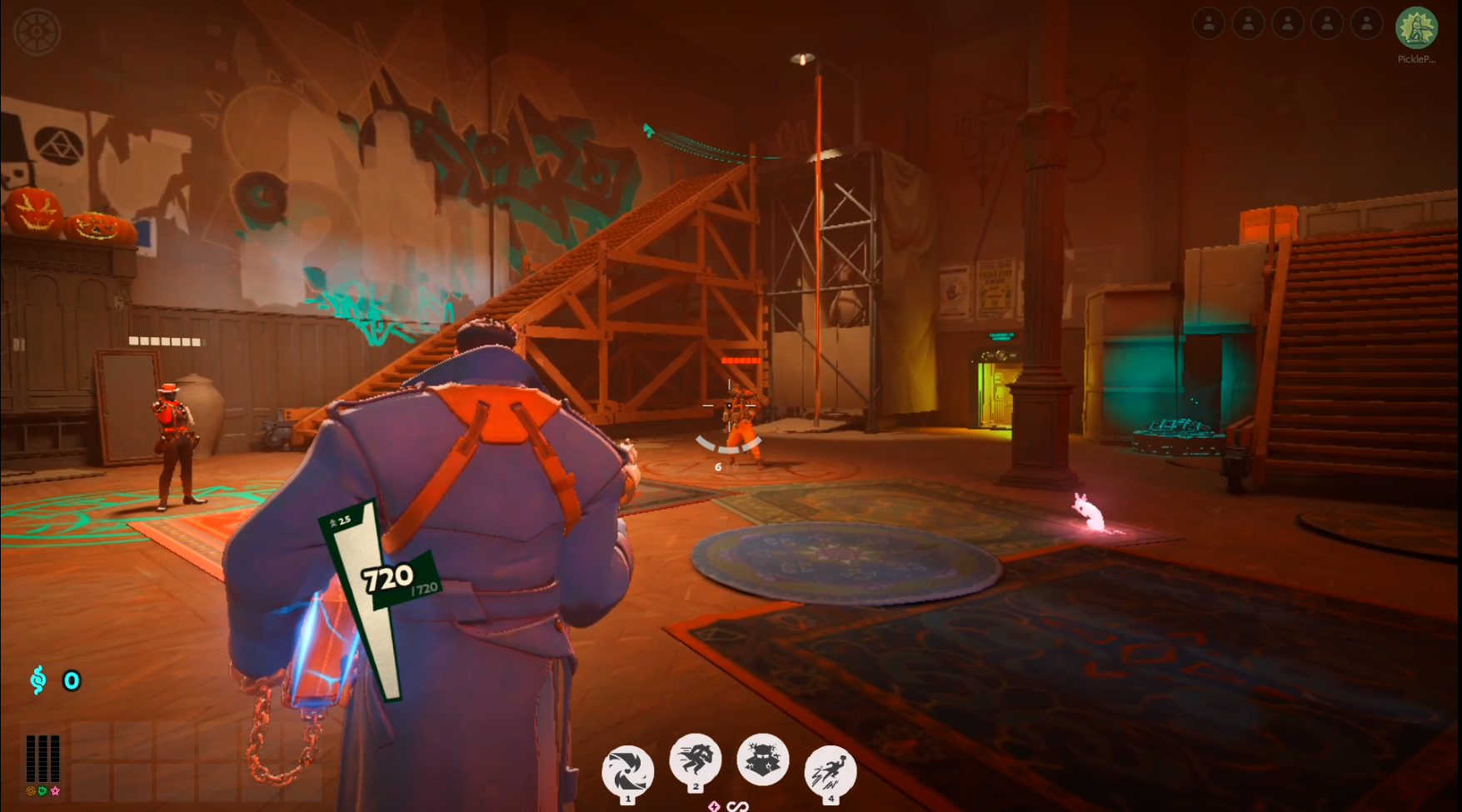
Keep going forward, and you’ll see the practice area. If you look left, you can see a terminal that helps with cooldowns and regenerating stamina. It can be helpful to use it if you want to try out new combos, etc.
In the middle of the room, there is an ally and an enemy. You can practice your shooting on them. You’ll also notice around the room that there are different boxes you can destroy, climb, and use. It is basically a different version of a practice arena.
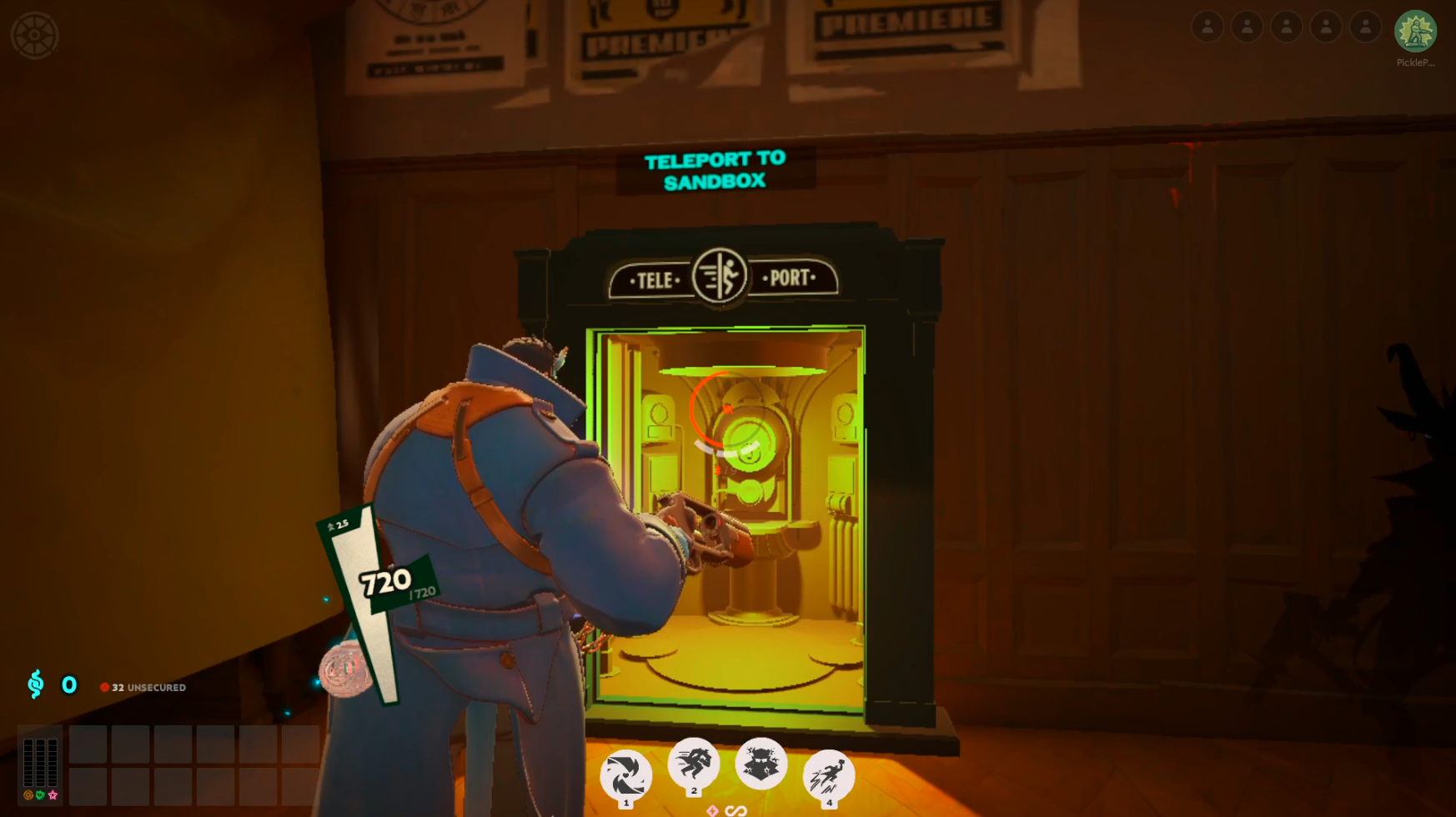
Teleport to Sandbox
Go to the end of the Practice Space and you’ll see an elevator. Riding the elevator will take you to another level, aka the sandbox area. Here you’ll be back in the old practice area that we had before. Heading back into the elevator will teleport you back to The Hideout.
Learn To Play
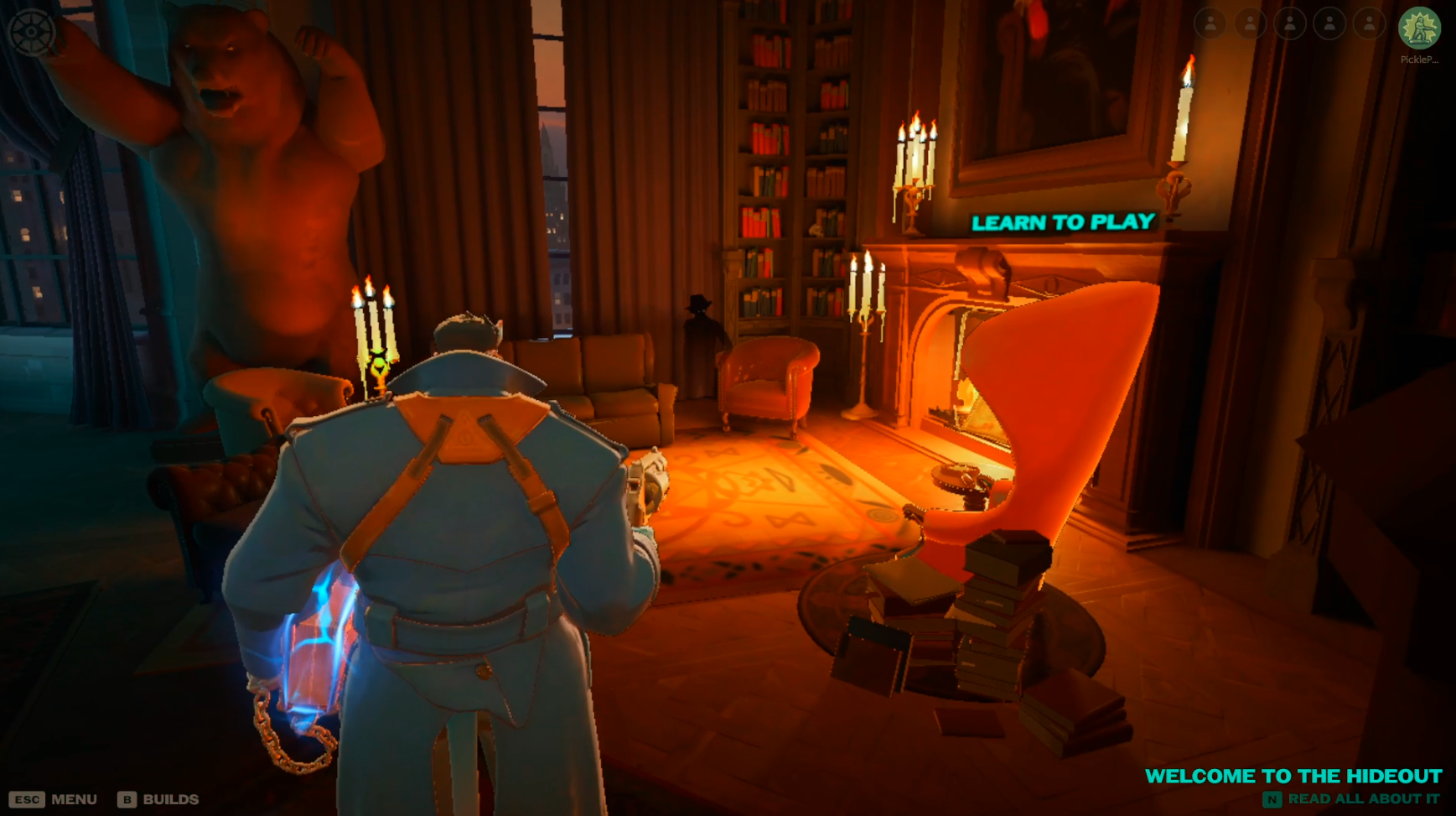
If you look to the left of the Play area, you will see a lovely fireplace with a figure moving around. You’ll notice a grand chair, but it’s not for sitting. Instead, clicking on it will show you different tutorials you can complete to learn how to play the game.
In this section, you can learn the basic controls, hero training, and how to play the lane(s). It is basically the same as before, but in a different location. If you’ve already completed these before, then there is no need to redo them, unless you want to.
Watch
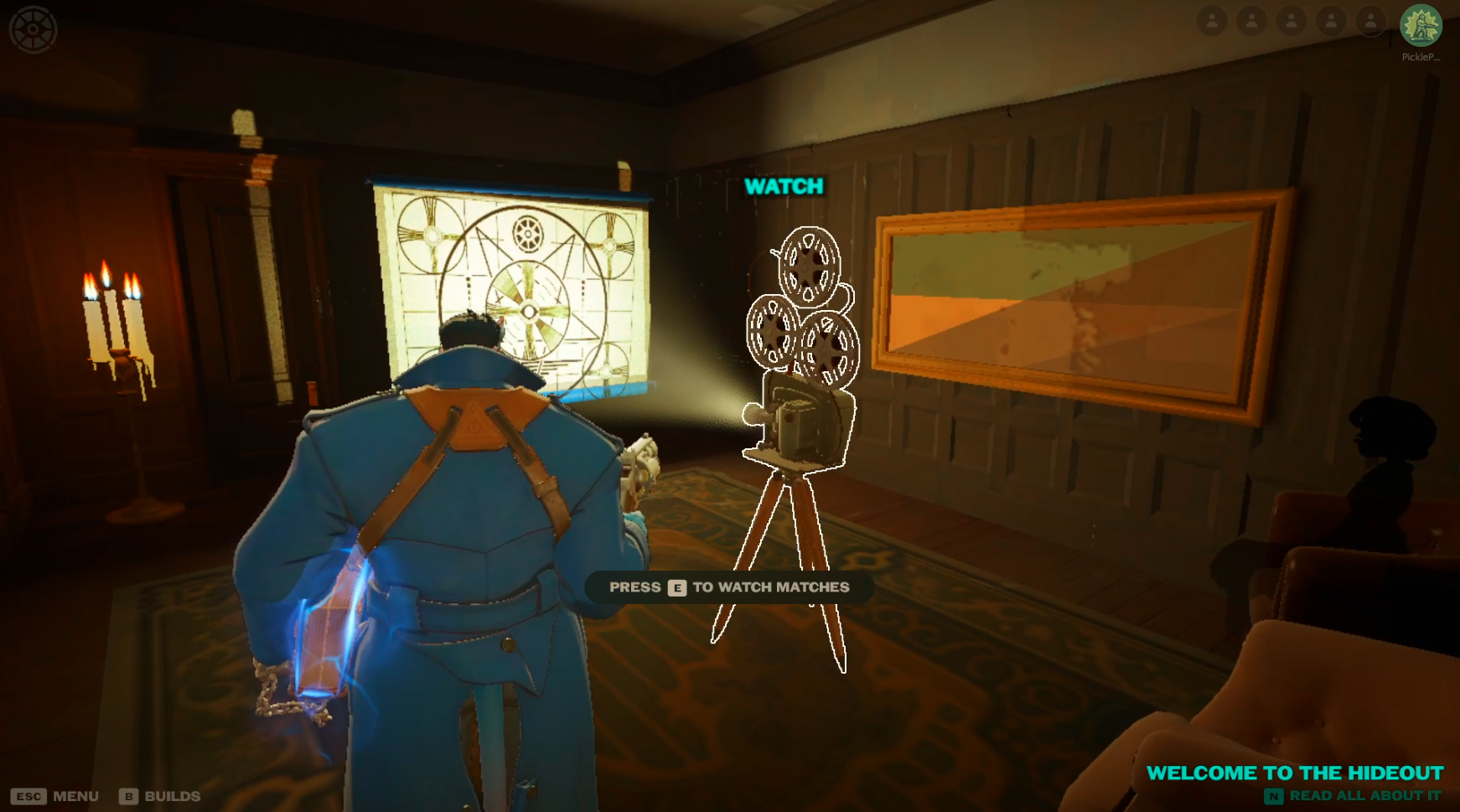
Head from the main room and under one set of stairs, walking past the guy playing a piano, you will see an old-fashioned movie theatre with a film about to start. Heading into this room and clicking on the watch terminal will take you to the threatre mode/spectate mode of Deadlock, and you’ll be able to watch other players' games.
Previously, you would find this somewhere completely different, so it’s a nice touch if you want to watch gameplay.
More Areas Coming Soon
Some places of The Hideout are not finished yet, or at least there aren’t any terminals to interact with. This includes:
- The piano area under the stairs, which we talked about earlier.
- Directly behind you when load in.
- Upstairs.
We assume Valve will add some additional things to The Hideout in the future, and that is why they’re empty for now.