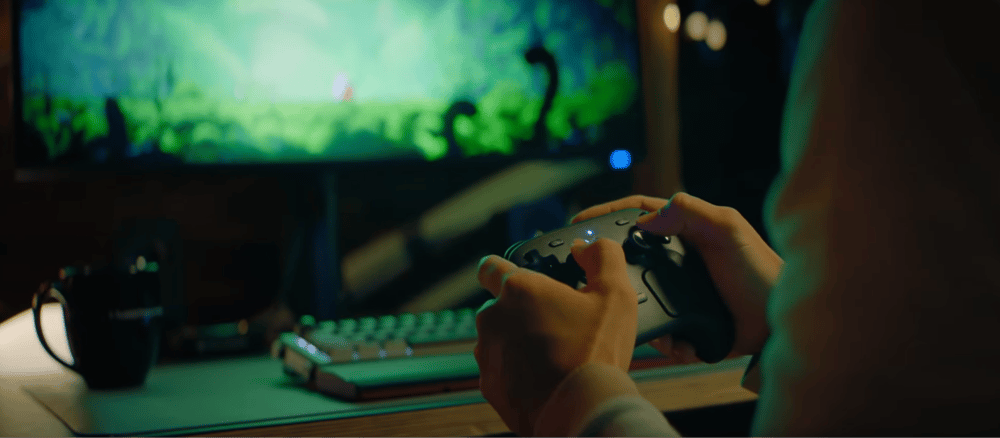
The new Valve Steam Controller feels like a confident return to an idea that was ahead of its time, the one that Valve first explored with the original 2015 model. After officially revealing the redesigned controller back in November 2025, and launching it worldwide in May 2026 for $99 USD, Valve framed the device as a natural evolution of the Steam Deck’s input philosophy. The company emphasized that the controller was built to function as both a traditional gamepad and a precise, mouse-like input device, drawing heavily on lessons learned from the Deck’s trackpad, haptics, back buttons, and gyro aiming.
Valve highlighted several key improvements during the reveal, including next‑generation TMR magnetic thumbsticks designed for greater durability and responsiveness, upgraded dual-trackpads intended as a practical mouse replacement, and Grip Sense gyro-activation for more intuitive motion aiming. As Valve put it, trackpads remain “one of the Steam Controller’s biggest differentiators,” offering high precision for genres traditionally tied to keyboard‑and‑mouse play.
The company also stressed its goal of making the controller a universal input device across the current and upcoming Steam ecosystem, targeting PCs, laptops, Steam Machine, and the upcoming Steam Frame, with deep customization through Steam Input and thousands of pre-made community configurations available on Day One.
Main Highlights
Dual Haptic Trackpads
The trackpads are the heart of the controller, and what sets it apart from other console controllers in the industry. Valve has refined responsiveness since its first implementation on the Steam Deck, resulting in sharper haptics and smoother motion. They can be used both as a joystick and like a laptop’s trackpad for mouse cursor movement. Unlike the Steam Deck, these trackpads are also slightly rotated and on a downward angle, which naturally mimics and follows the rotation and placement of your thumbs.
With the use of Steam Input, you can also bind keybinds to these trackpads. You can use swipes, taps, and holds as shortcuts for keyboard inputs, much like the touchpad of the Dualshock 4 or Dualsense Controller. These trackpads are great for playing Strategy games in the comfort of a controller, or even to navigate menus with a cursor rather than the D-Pad.
TMR Thumbsticks
Tunneling Magneto-Resistance (TMR) Thumbsticks are similar to Hall-effect sticks, which use magnets to create smoother, more responsive inputs, but they also drastically reduce the chance of stick drift in your controller. One benefit of using TMR over Hall-effect is the lower power consumption, which allows your controller to last longer on a single charge. These sticks can also detect finger placement, which can activate the controller's motion controls or gyro inputs, similar to the Steam Deck.
Improved Gyro Aiming
The Gyro on the Steam Controller is extremely stable and accurate, and can be used for a variety of inputs. The main use, however, is to make small adjustments in aiming. You can activate this by holding the thumbsticks or by using the new grip sense, which lets you grip the controller's handgrips to enable it. While it takes some getting used to, gently and subtly tilting the controller toward a moving enemy is more reliable than adjusting the angle of your thumbstick and was one of my most-used features on my Steam Deck when playing single-player shooters like Wolfenstein or Doom.
HD Haptics
The haptics in the Steam Controller are stronger and more expressive. While they don't match the complexity and accuracy of the DualSense, they’re still much more detailed than the original Steam Controller. Feedback feels crisp and gives the trackpads a sense of texture through minor vibrations, much like the Steam Deck. You can feel the vibrations of firing a gun in Returnal, and the texture of roads in racing games.
Connectivity
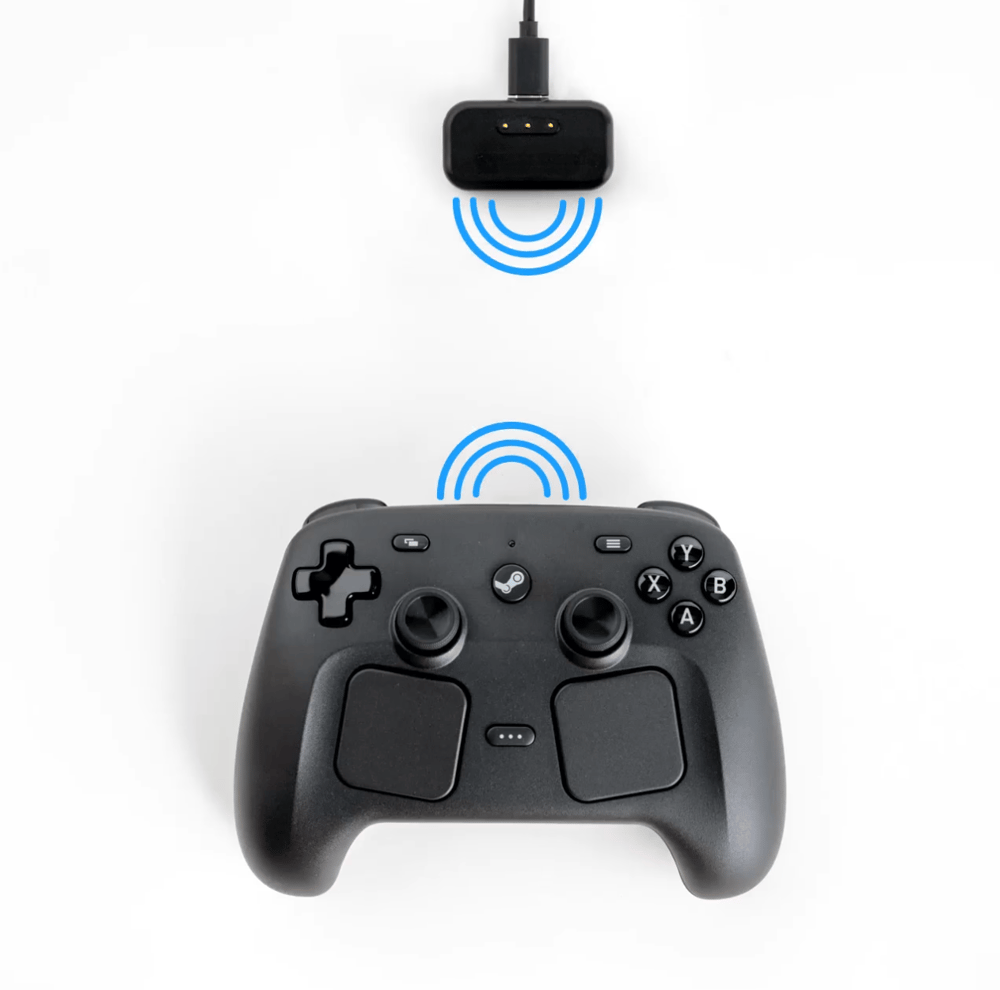
The Steam Controller can connect to your devices through traditional Bluetooth or USB-C. However, Valve has also introduced a handy new accessory called the Steam Controller Puck. This small wired add-on connects to your devices and acts as a wireless transmitter for your controller. The puck can also magnetically attach to the controller to charge it when not in use, keeping your controller within reach and delivering a full battery life of almost 40-50 hours. Even better, the puck can connect with up to four Steam Controllers at once, simplifying couch co-op play.
While these devices haven’t been released yet, the Steam Controller will also be compatible with the Steam Machine and Steam Frame, making very comfortable couch play possible for anyone who doesn't want to bring a keyboard and mouse to the TV.
Bonus Features and Buttons
While the controller comes with all the usual buttons, Valve has added some nifty add-ons and changes to make it more modular and comfortable to use.
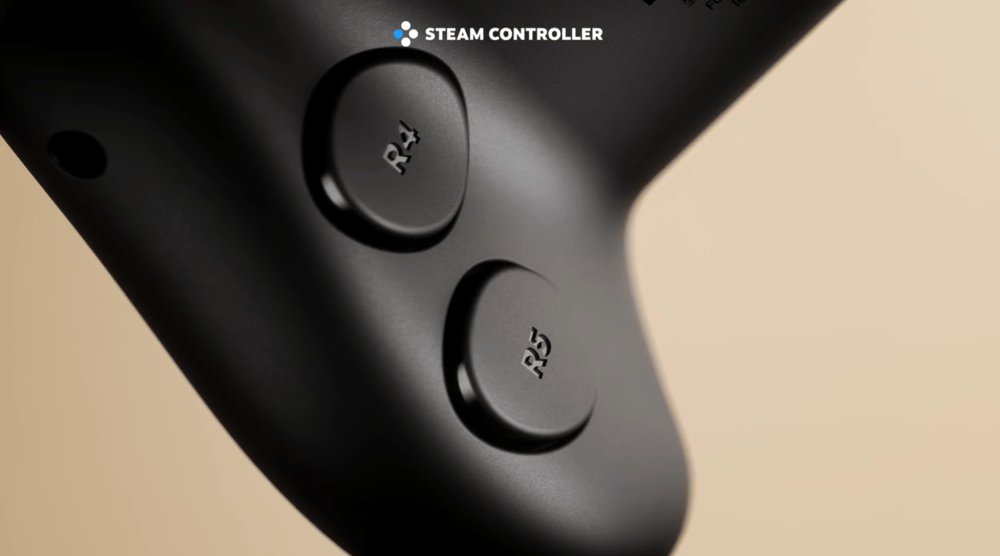
First off, the controller now features 4 Back Buttons, similar to the Steam Deck. However, while I always found the Steam Deck’s back buttons very uncomfortable to reach and crunchy to press, they have been moved to a more convenient location, where your fingers naturally rest.
Similar to the Steam Deck, there is also the Quick Access Menu button, which allows you to instantly bring up your Notifications, Friends List, or even Game Invites that were sent to you.
In addition, there is the Steam Button, a quick gateway to major Steam menus, such as your Library or the Store.
How it Compares
Compared to other console controllers that can be used on PC, it has its own set of Pros and Cons. The Xbox Wireless Controller is usually the go-to option due to its universal support across games. Still, it lacks the gyro and haptics of the PlayStation DualSense or Steam Controller, and many don’t like its asymmetrical stick placement.
In comparison, while the PlayStation DualSense is the most immersive controller with haptics, trigger feedback, and built-in mic and speakers, it has trouble connecting to some PC games, even with Steam Input enabled.
While the Switch Pro Controller is quite comfortable to use, it also has connection issues similar to the DualSense. And while it is comfortable to use, it's quite small compared to other controllers and lacks many of the features found in the DualSense or Steam Controller.
Finally, in comparison to the Original Steam Controller, this new model fixes almost everything. The ergonomics are better, the haptics are stronger, and having actual sticks eliminates the awkwardness of the original's odd circular trackpad replacement.
Final Verdict
The new Steam Controller is the most flexible and PC-native First-Party controller available on the market right now. It chooses not to mimic other console controllers. Instead, it forges its own path by adding and replacing the mouse in genres where controllers usually struggle, and it succeeds more often than not.
Much like the controllers it compares to, each has its own subjective pros and cons for buyers, and gamers in the market for a controller on PC should compare what they want and need in a controller for their own setups, machines, and games.
If you want precision and customization, it’s unmatched, especially at its reasonable price for the features included. However, if you want simplicity or are also a console gamer, other controllers still have the edge.